Home Apps Productivity Autosync for Google Drive
Autosync for Google Drive

Autosync for Google Drive Rate : 4.9

Download
Application Description

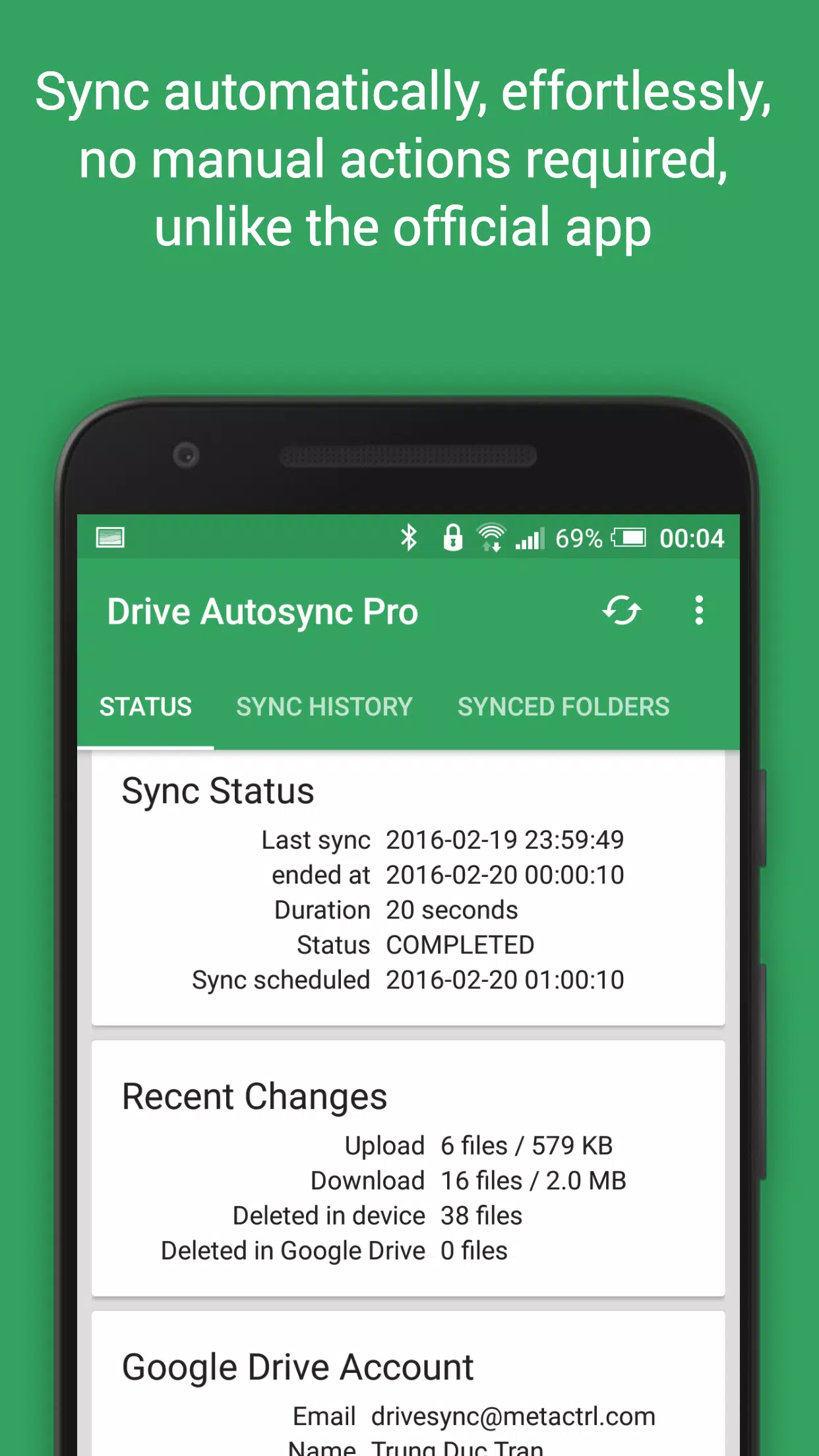
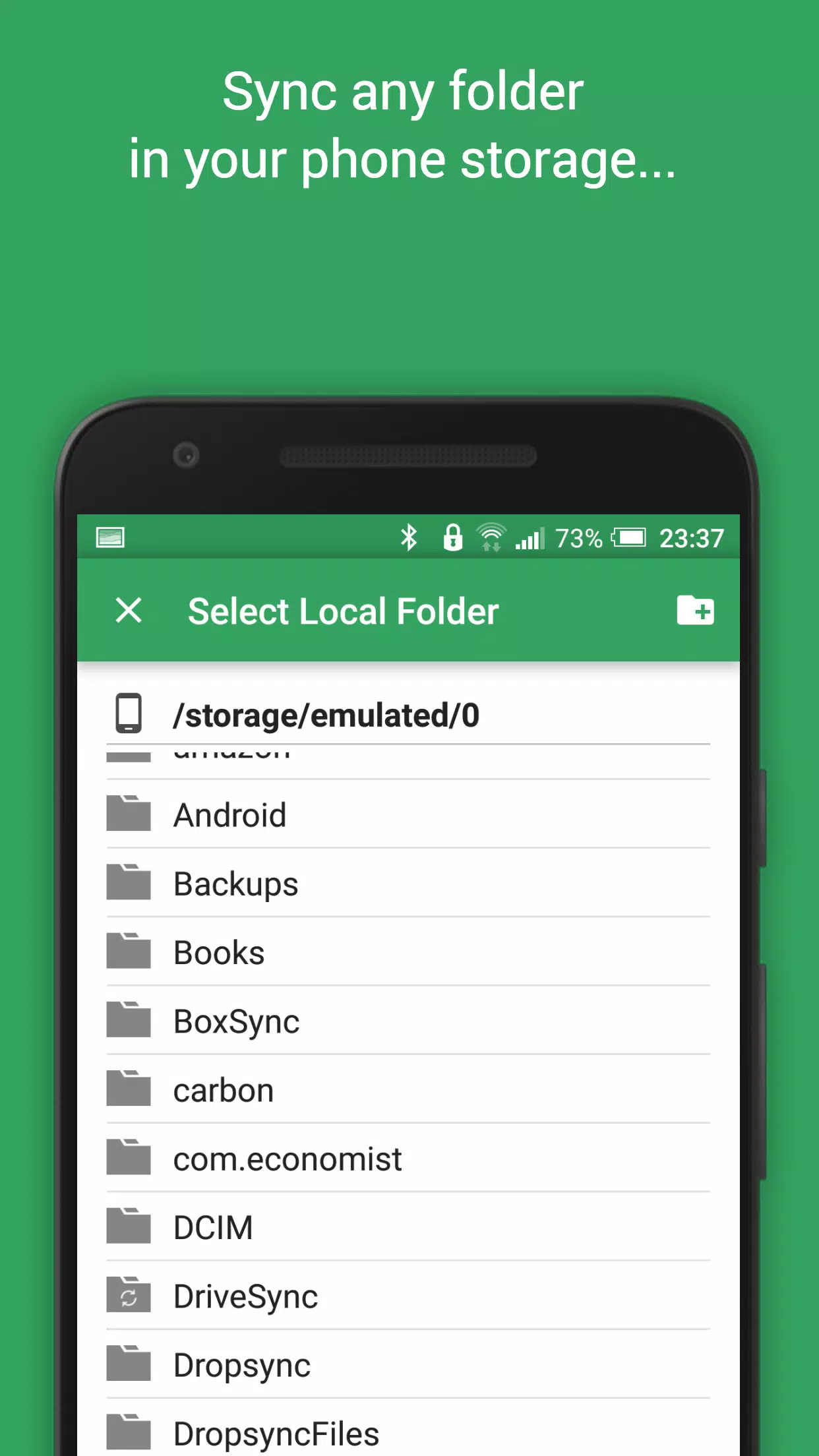
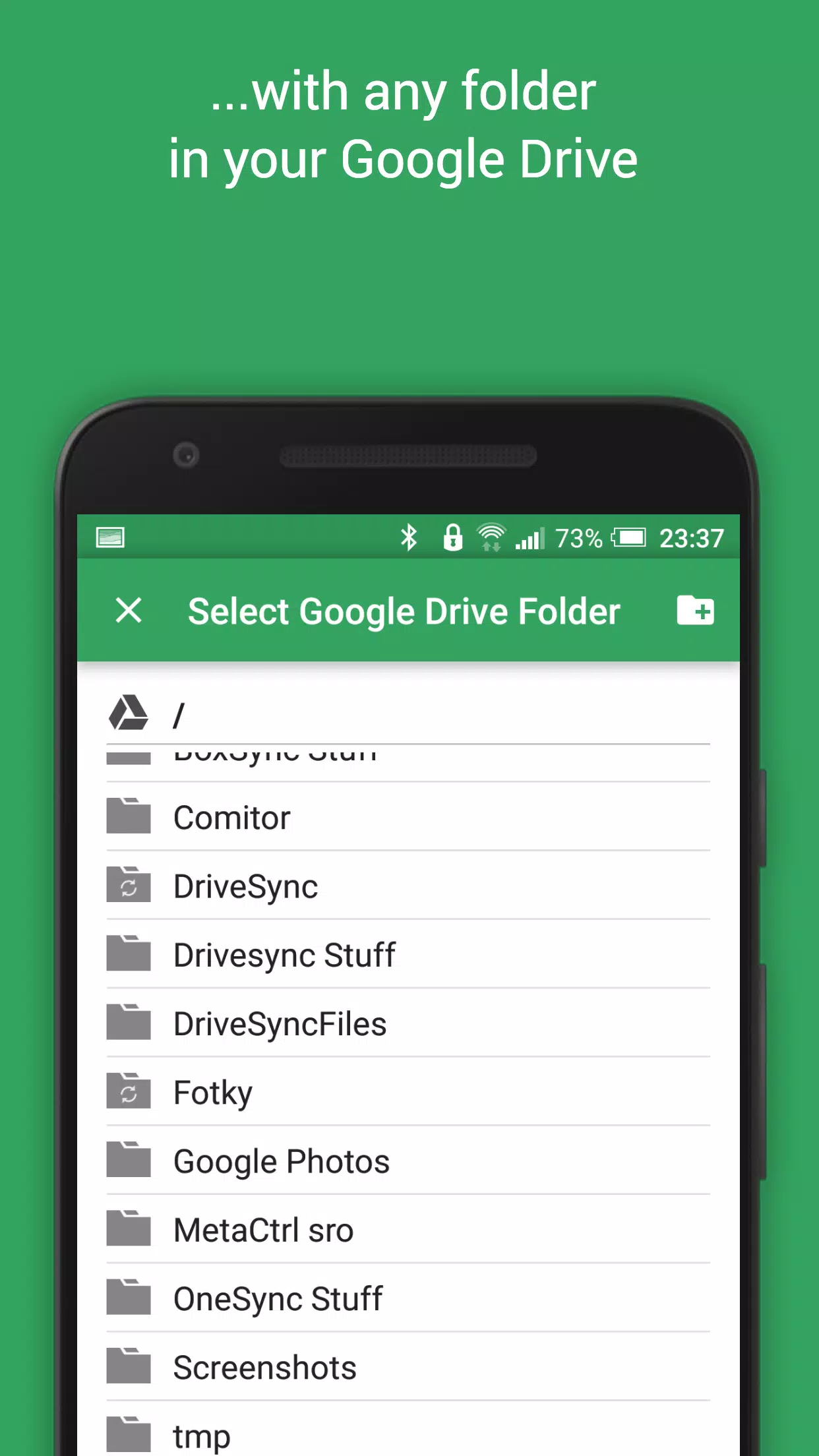
This app provides automatic file syncing and backup to Google Drive, seamlessly integrating your files across devices. It's perfect for photo syncing, document backup, and effortless file sharing.

New files added to your cloud storage or device are automatically mirrored. Deleting a file in one location removes it from the other. This two-way sync works across multiple devices (phones, tablets, etc.) using the same Google Drive account. While this is standard for Google Drive on computers, it's notably absent from the official Android app – this app fills that gap.

Security is paramount. All data transfers are securely encrypted, and no data passes through the app's servers, ensuring your privacy.

Key Features:

  • Full Two-Way Sync: Automatic syncing of files and folders in both directions.
  • Efficient: Minimal battery consumption.
  • Easy Setup: Set it and forget it; files remain synchronized effortlessly.
  • Reliable: Maintains sync even with fluctuating network conditions.
  • Smart: Adapts syncing behavior based on battery level and network connectivity.
  • Customizable Sync Interval: Choose from various intervals (15 minutes, 30 minutes, hourly, etc.).

Consider upgrading to the premium version to support development and unlock advanced features. Upgrade via in-app purchase.

Premium Features:

  • Sync multiple folder pairs.
  • Upload files larger than 10 MB.
  • Sync your entire cloud account to a device folder.
  • Support for multiple accounts and shared drives.
  • App settings passcode protection.
  • Ad-free experience.
  • Direct email support from the developer.

Need Help?

Visit our website (http://metactrl.com/) for more information, including a user guide (http://metactrl.com/userguide/) and FAQ (http://metactrl.com/faq/). For issues or suggestions, email us at [email protected].
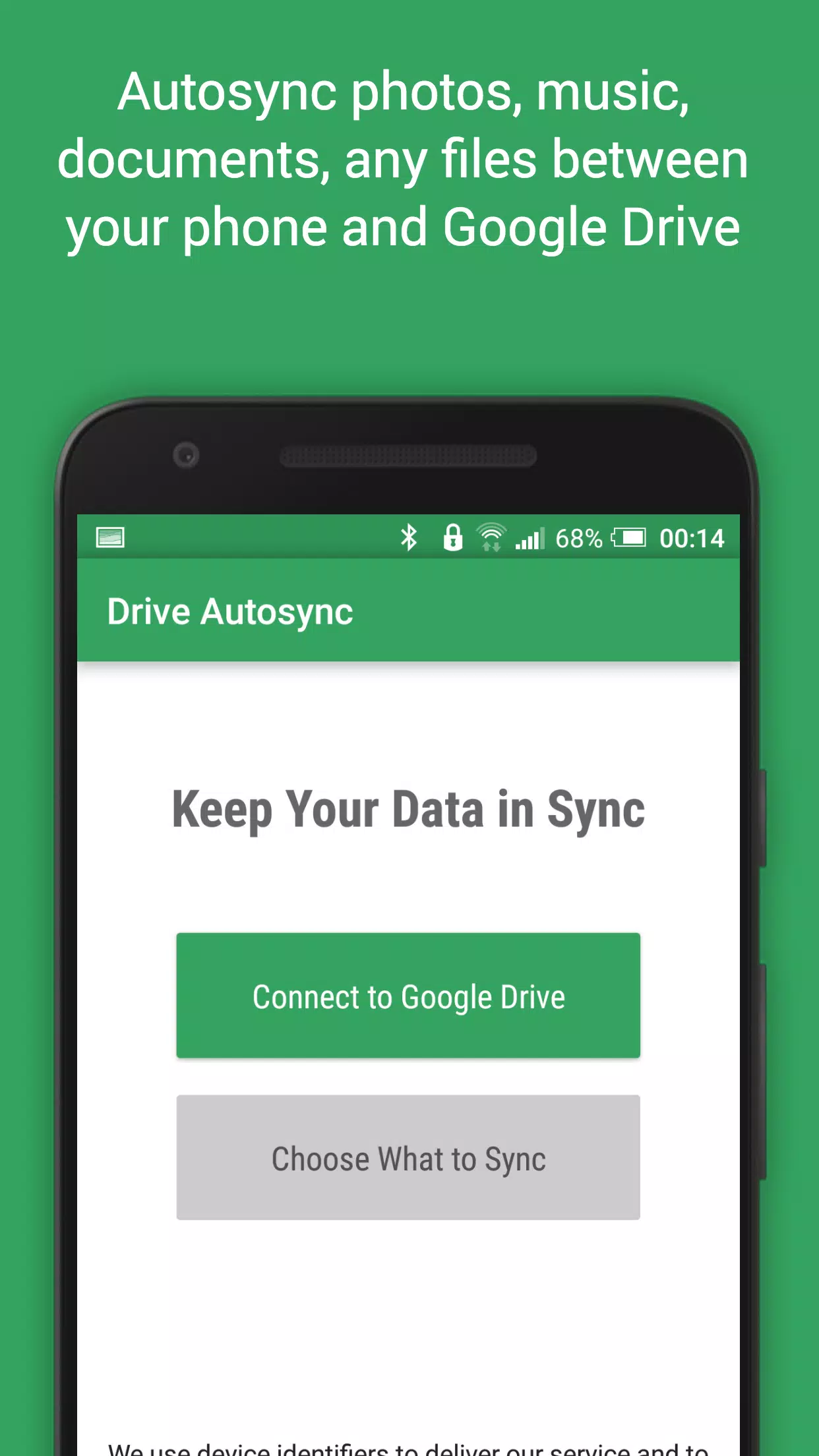
Screenshot
Autosync for Google Drive Screenshot 0
Autosync for Google Drive Screenshot 1
Autosync for Google Drive Screenshot 2
Autosync for Google Drive Screenshot 3
Latest Articles More
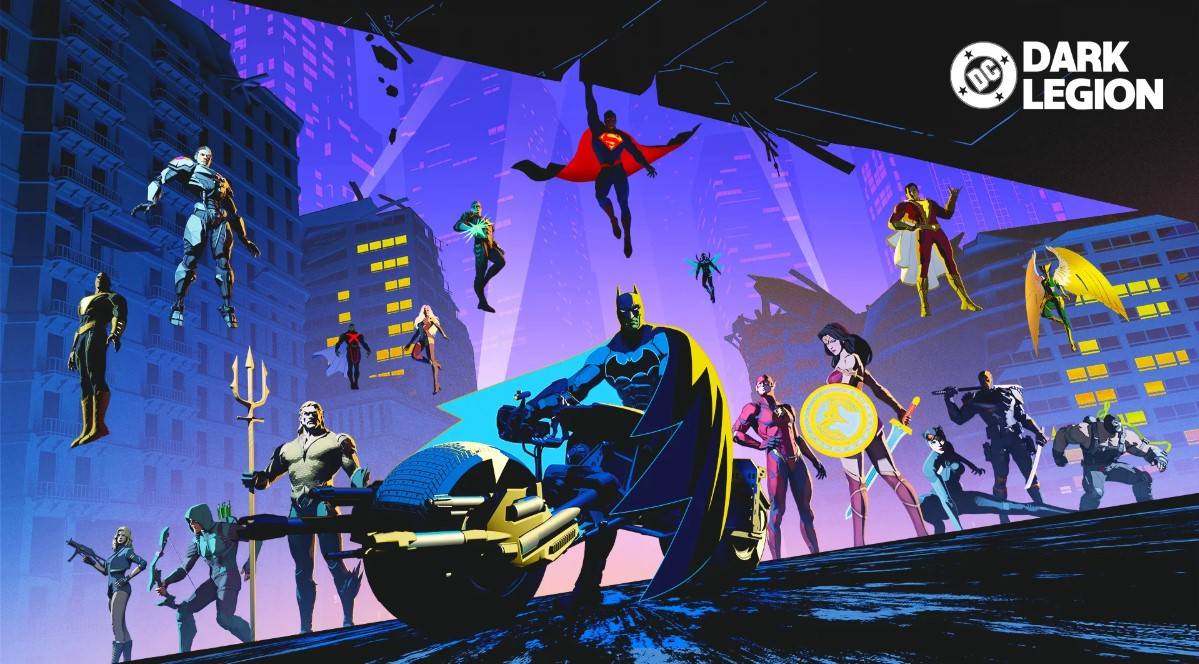
  • DC: Dark Legion Beginner Guide

    DC: Dark Legion is an action-strategy game set in the DC Universe, where players assemble teams of iconic heroes and villains to confront powerful enemies. Developed by KingsGroup, this mobile title merges real-time strategy with role-playing element

    Dec 16,2025
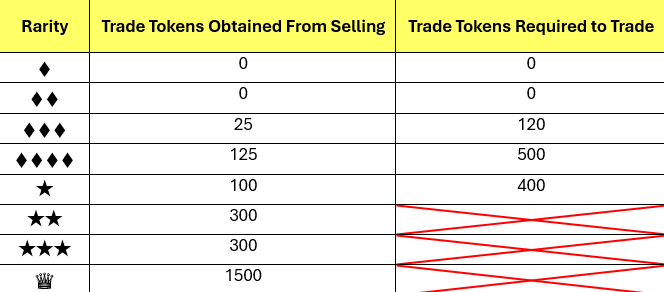
  • Pokémon TCG Pocket Launch Sparks Player Backlash

    The long-awaited trading update for Pokémon Trading Card Game Pocket has arrived, but instead of excitement, it's met with widespread player frustration. Despite concerns raised after Creatures Inc. explained the mechanics last week, the implemented

    Dec 15,2025
  • Tim Burton's Batman Returns in Dolby Theaters

    Tim Burton's Batman films remain beloved among fans' favorite portrayals of the Dark Knight - and now you can revisit them during an exclusive one-night event at Dolby Cinema theaters.A Cinematic Milestone ReturnsOn August 25, audiences nationwide wi

    Dec 14,2025
  • Amazon Prime Day: Audible Premium Plus Free for 3 Months

    Limited-Time Audible Premium Plus Offer ReturnsAudible's seasonal promotion is back - from now through July 31 (including Amazon Prime Day), you can claim three months of Audible Premium Plus at no cost. This premium membership tier normally costs $1

    Dec 13,2025
  • Prime Day Deal: Co-Op Hit Split Fiction Hits Record Low Price

    Some of my fondest childhood memories revolve around playing cooperative games with friends during summer vacations. As an adult, the magic of summer somehow feels different - whether it's the pressures of adult life or the scarcity of quality couch

    Dec 13,2025
  • Fortnite: Unlock the Rail Gun

    Quick LinksHow to Get the Rail Gun in Fortnite Rail Gun Stats in Fortnite Originally introduced in Chapter 2 Season 7, the Rail Gun makes its return in Fortnite Chapter 6 Season 1—though with slightly reduced damage. This high-powered weapon remain

    Dec 12,2025