Troubleshooting the "Igniting the Timestream" Error in Marvel Rivals
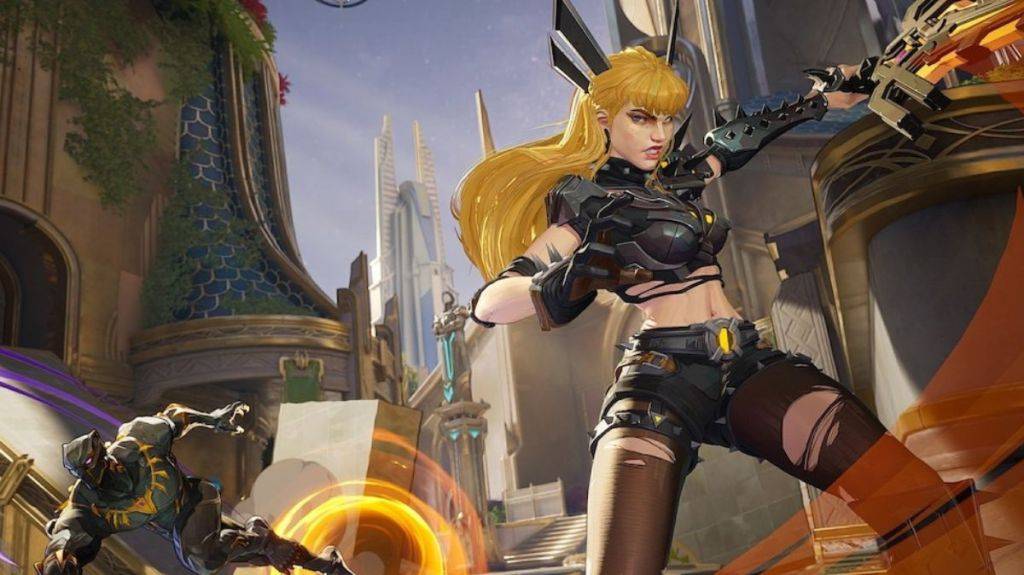
The "Igniting the Timestream" error in Marvel Rivals is a frustrating matchmaking issue that prevents players from joining games. This guide outlines steps to resolve this problem.
Solutions for the "Igniting the Timestream" Error
-
Verify Server Status: Before troubleshooting your game, check the official Marvel Rivals social media channels (like X) or websites like Downdetector for reports of server outages or maintenance. Server issues are a common cause of this error.
-
Restart the Game: A simple restart often resolves temporary glitches. Close Marvel Rivals completely and relaunch it. Attempt matchmaking again.
-
Check Your Internet Connection: Marvel Rivals requires a stable internet connection. A weak or unstable connection can prevent matchmaking. Try restarting your modem and router to refresh your network.
-
Take a Break: If the problem persists despite the above steps, it's advisable to wait. The error may be due to a temporary server-side issue that will be resolved by the developers. Check back later.
Marvel Rivals is currently available on PS5, PC, and Xbox Series X|S.