
Unleash your inner artist with the official Jump manga creation app! Packed with exclusive tips from Jump's very own authors!
■ Create authentic Weekly Shonen Jump-style manga and illustrations completely for free!!
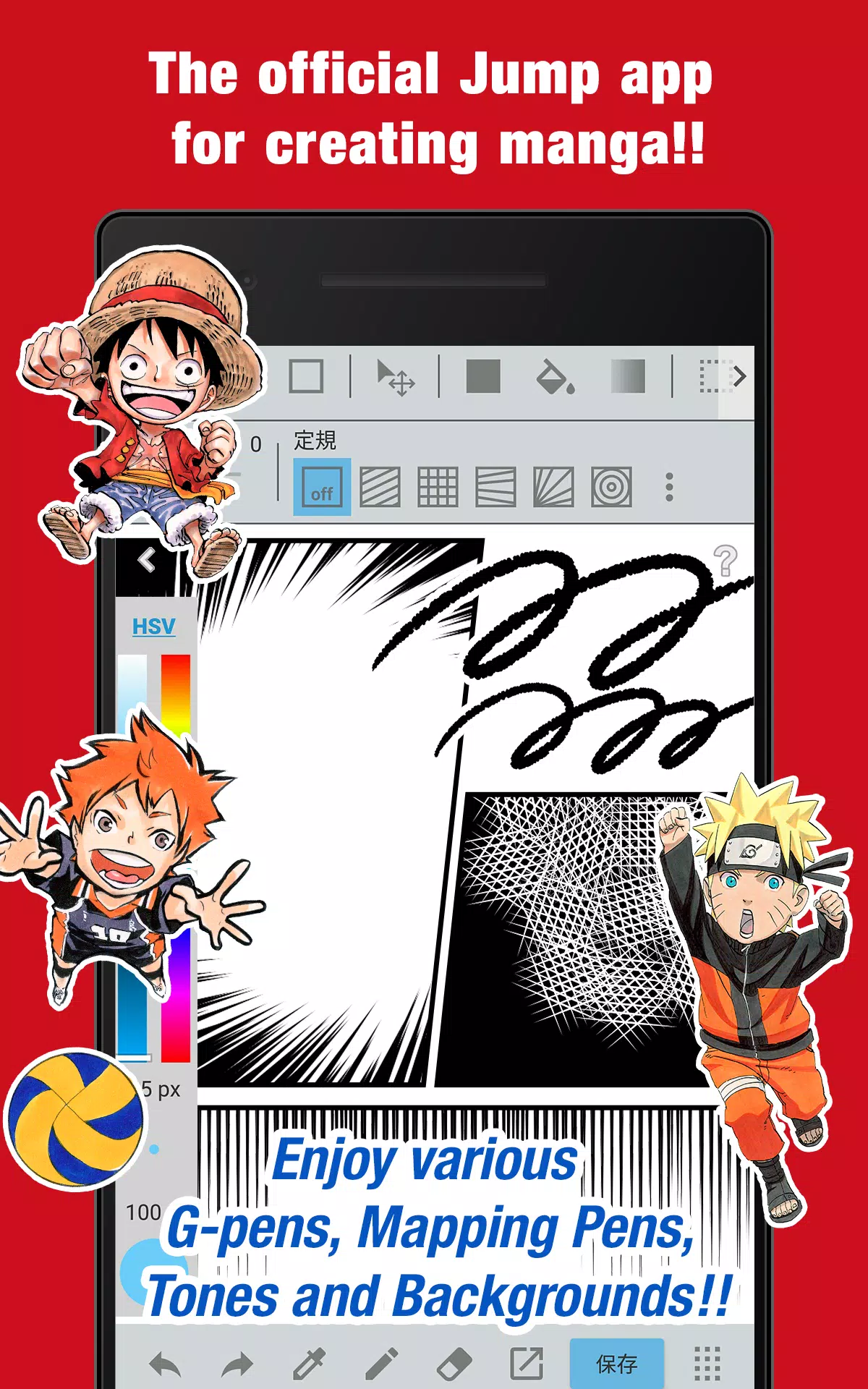
Enjoy unlimited access to G-pens, Mapping Pens, screentones, and backgrounds—all at no cost!!
■ Hone your skills by practicing with legendary Jump series from past and present!!
Discover professional secrets from acclaimed Jump creators like Eiichiro Oda (One Piece) and Kohei Horikoshi (My Hero Academia)!!
■ Master manga creation through expert tutorials directly from Jump's editorial team!!
Comprehensive guides covering storytelling, character development, and compelling dialogue!!
■ Submit your work to official Jump contests through the app!!
Stay updated on competition details and deadlines. Your big break awaits!!
What makes JUMP PAINT special?
This premier manga and illustration app combines MediBang Paint's expertise (12 million downloads) with Weekly Shonen Jump's legendary heritage.
JUMP PAINT was engineered to give artists complete creative freedom, delivering MediBang Paint's powerful features wherever inspiration strikes.
JUMP PAINT offers the ultimate toolkit for illustrators and manga artists, featuring extensive brush collections, professional resources, and authentic manga fonts.
■ Create Wherever Inspiration Finds You
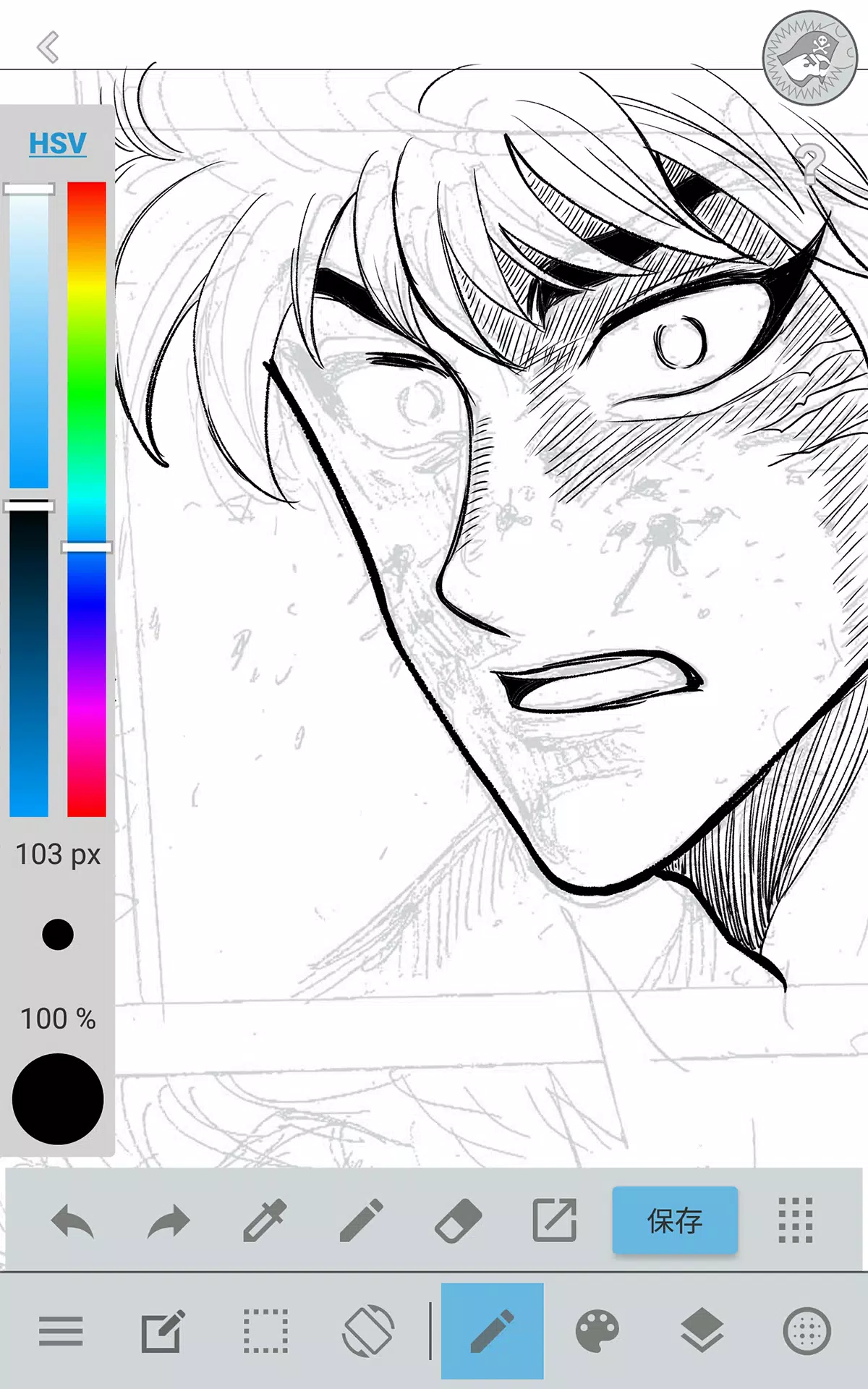
・Carry a full desktop-grade painting studio in your pocket with JUMP PAINT's comprehensive feature set.
・Despite its robust capabilities, JUMP PAINT's interface is meticulously crafted for iPhone users.
・Toggle the UI with a single touch for maximum drawing space.
・Our streamlined design makes adjusting brush sizes and color modes completely intuitive.
■ Professional-Grade Painting Tools
・Access 90 premium brushes at no cost!!
・Beyond standard Pens, Pencils, and Watercolors, choose from specialized tools like G Pens, Mapping Pens, Rotation Symmetry brushes, and Edge Pens—plus 50+ additional options including Flat Brushes, Acrylics, School Pens, and Soft Pastels.
・Force Fade technology ensures crisp, clean lines even when drawing with fingertips.
・Design and save your own signature brushes.
■ Extensive Free Resource Library
・Select from 800+ premium screentones and background patterns.
・Ready-made elements include detailed clouds, architectural structures, and various vehicles.
・Apply tones instantly with one-touch functionality.
■ Advanced Layer System
・Work with fully-featured layers supporting multiple blending modes.
・Organize different artwork elements efficiently while maintaining editing flexibility.
■ Professional Comic Fonts
・Transform your comic's visual tone with authentic typefaces.
・Express character emotions and personality through strategic font selection.
・Choose from 50 industry-standard fonts used by manga professionals.
■ Intuitive Comic Layout Tools
・Create perfectly proportioned comic panels with simple drag gestures.
・Resize and reshape panels with complete creative control.
■ Beginner-Friendly Design
・Customize shortcuts to match your workflow preferences.
・Specifically designed for first-time digital artists.
・Interface optimized to maximize drawing space and minimize distractions.
・Switch to distraction-free full-screen mode instantly.
■ Precision Drawing Aids
・Built-in perspective guides, straightedge tools, and curve assistants.
・Stroke stabilization technology ensures smooth, confident lines.
■ Integrated Reference System
・Capture photos directly within the app and place them on separate reference layers.
・Perfect for studying subjects or learning new drawing techniques.
■ Secure Cloud Storage
・Safely backup and organize your creative projects.
・Seamlessly transfer artwork between devices.
■ Multi-Page Project Management
・Save and organize complete multi-page manga projects.
■ Cross-Platform Synchronization
・Sync your custom settings with the desktop version of JUMP PAINT.
■ Collaborative Features
・Work together with creative partners regardless of location.
■ Automatic Data Protection
・Your work is automatically preserved even if your device experiences issues.
IMPORTANT NOTE
Access to cloud features requires a free MediBang account(https://medibang.com/).