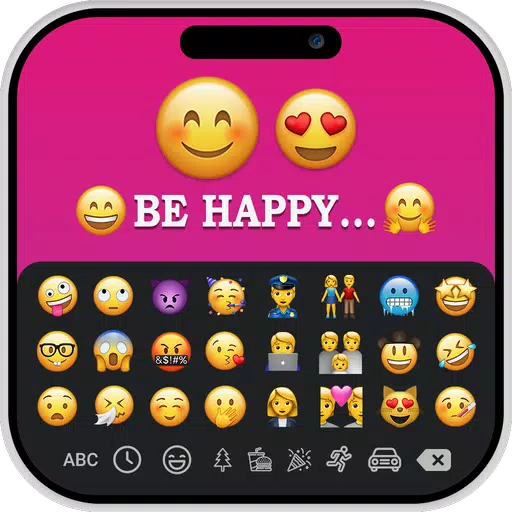
Create personalized images with text and iOS emojis using the iOS Emoji for Story app.
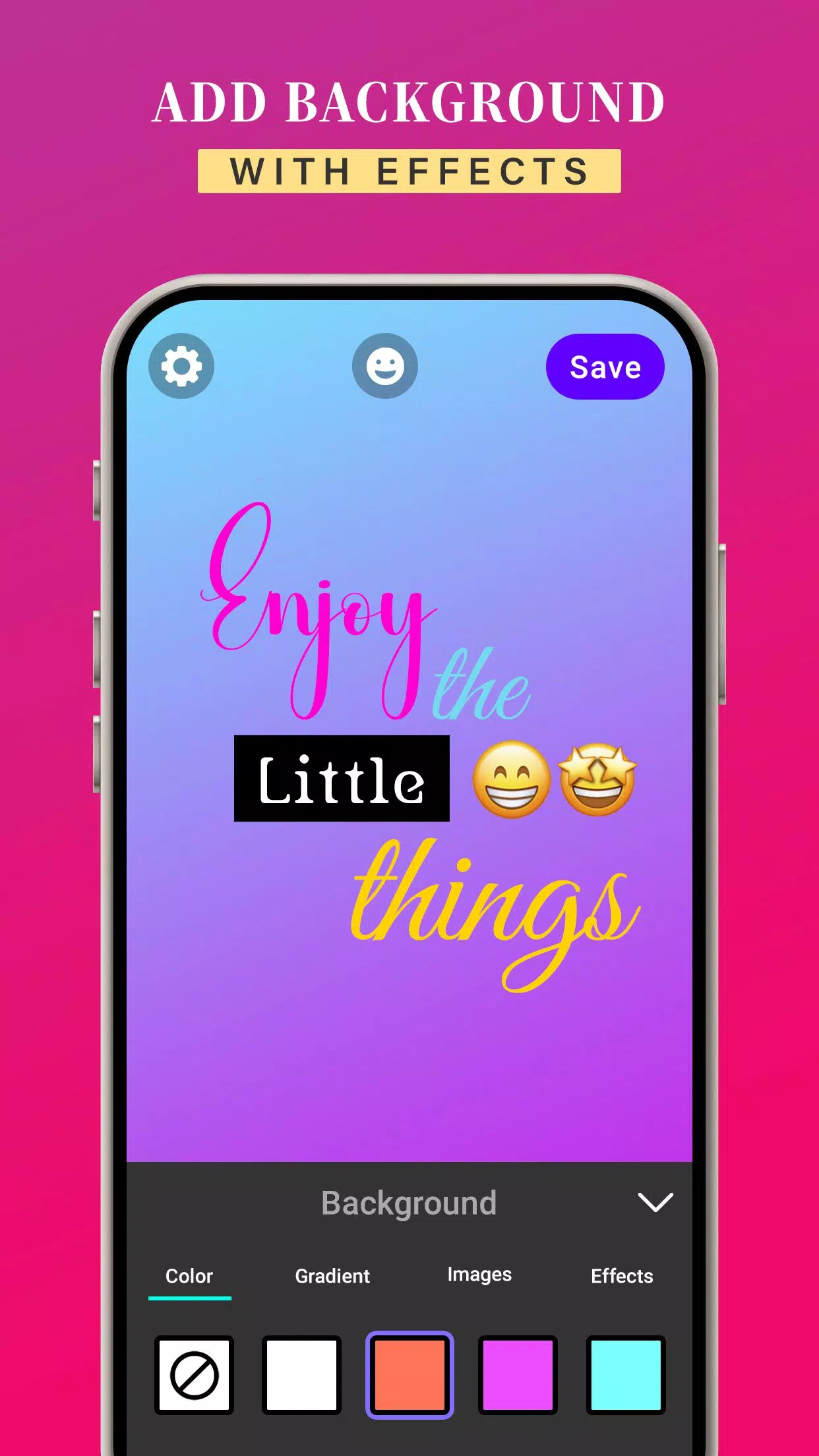
The iOS Emoji for Story app offers a wide selection of font styles to customize your text and emojis. Enter your own text and choose from various text styles. You can also enhance your designs with background colors, gradients, and images. Additionally, apply effects such as shadow, radius, and opacity to your text and emojis.
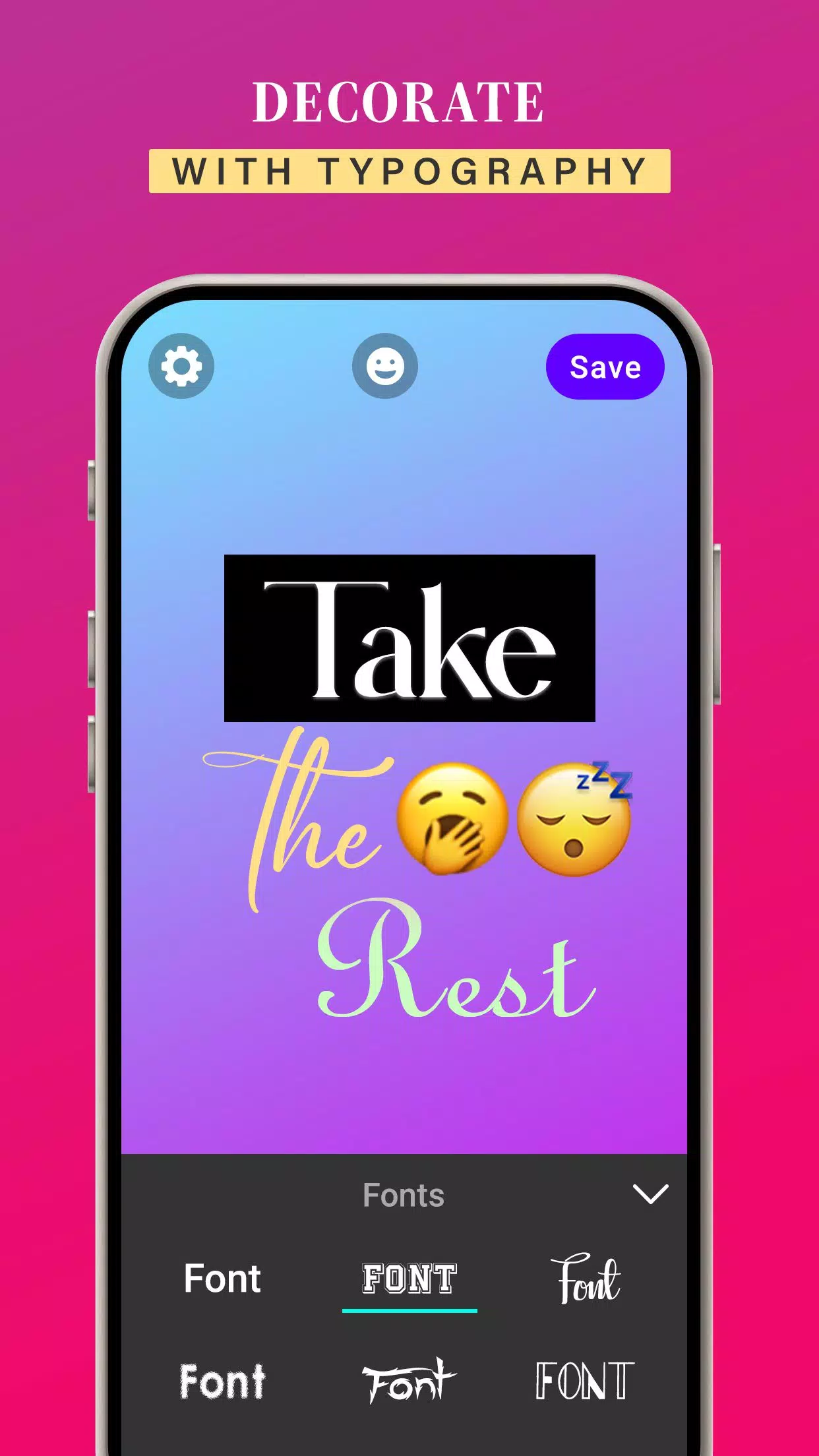
With the iOS Emoji for Story app, you can change your text’s font style. It provides numerous font options to give your text a unique look.
Customize text colors, gradients, and images with ease. Align your text perfectly using the app’s letter spacing and line spacing features.
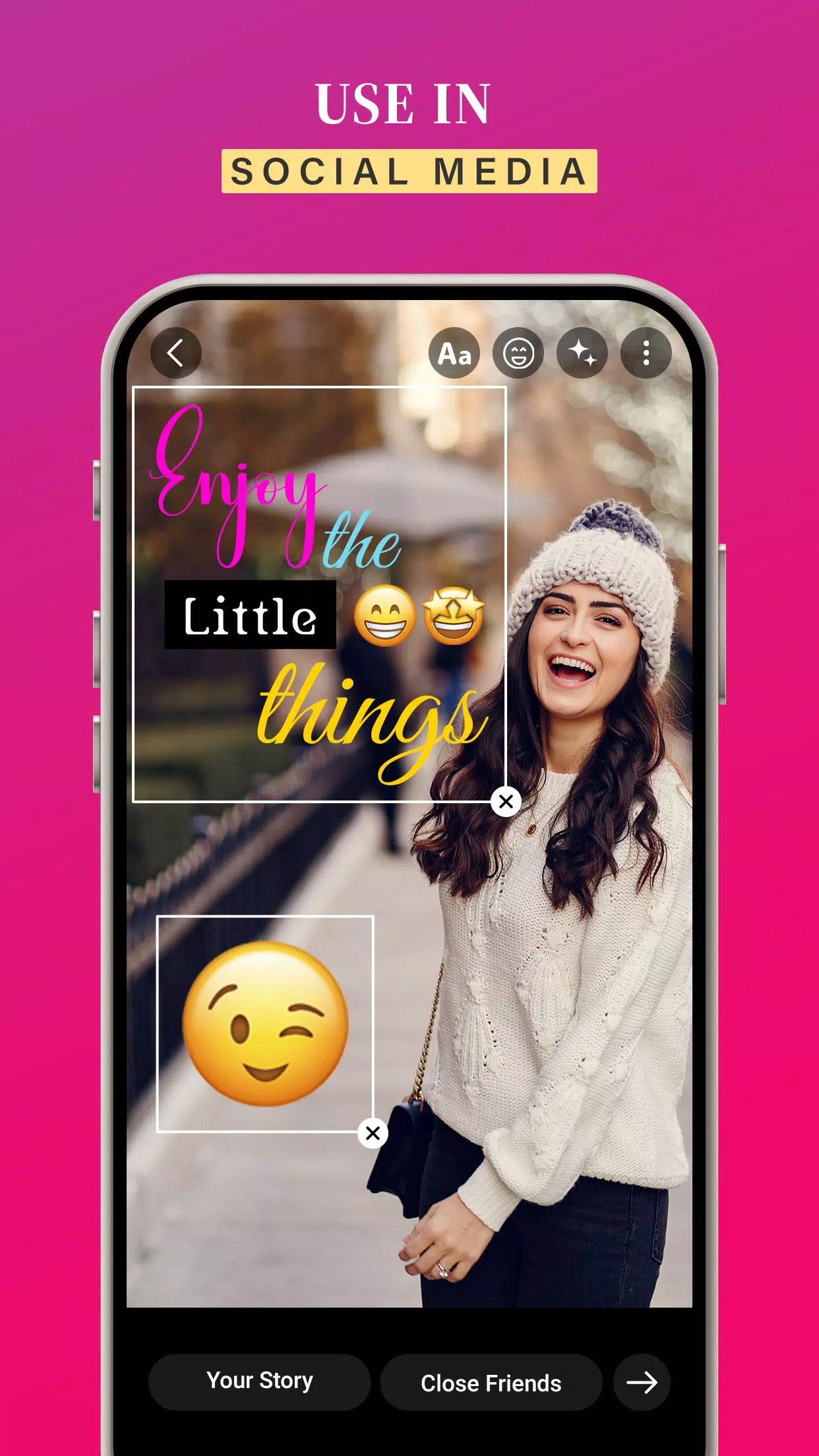
After designing images with your own text and iOS emojis, tap the save button to store them in your gallery. Then, simply select your creations and share them in your story to add a creative touch.
KEY FEATURES:
➤ Create custom images by adding text and iOS emojis
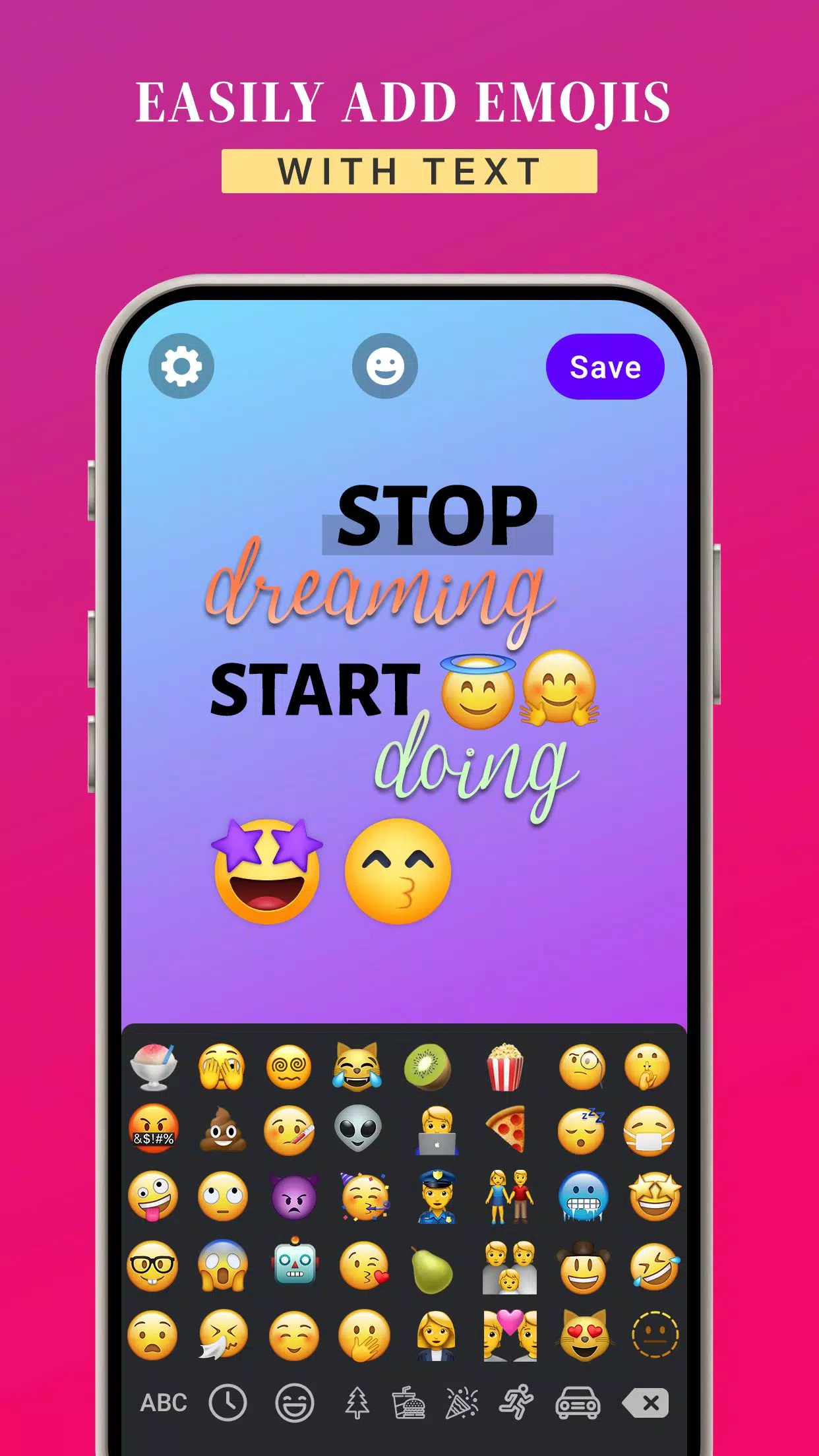
➤ Use iOS emojis while creating stories
➤ Modify text colors, gradients, and images
➤ Add background colors to your images
➤ Easily use iOS emojis on your Android device
➤ Change font styles to suit your design
➤ Available for free download
➤ User-friendly app to enhance your stories
iOS Emojis for Story lets you design creative, fun, and vibrant posts and messages for social media.
Download the iOS Emojis for Story app to enjoy iOS emojis on any Android device.