Clear BMW diagnostic trouble codes and monitor DPF status
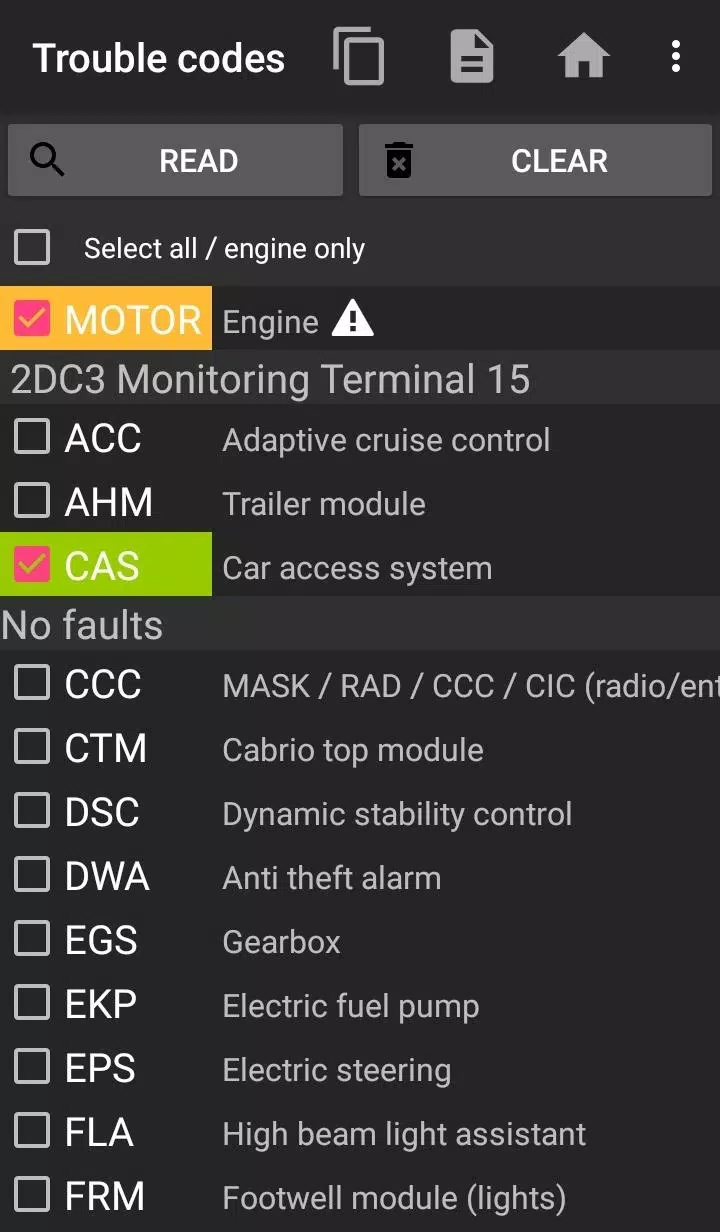
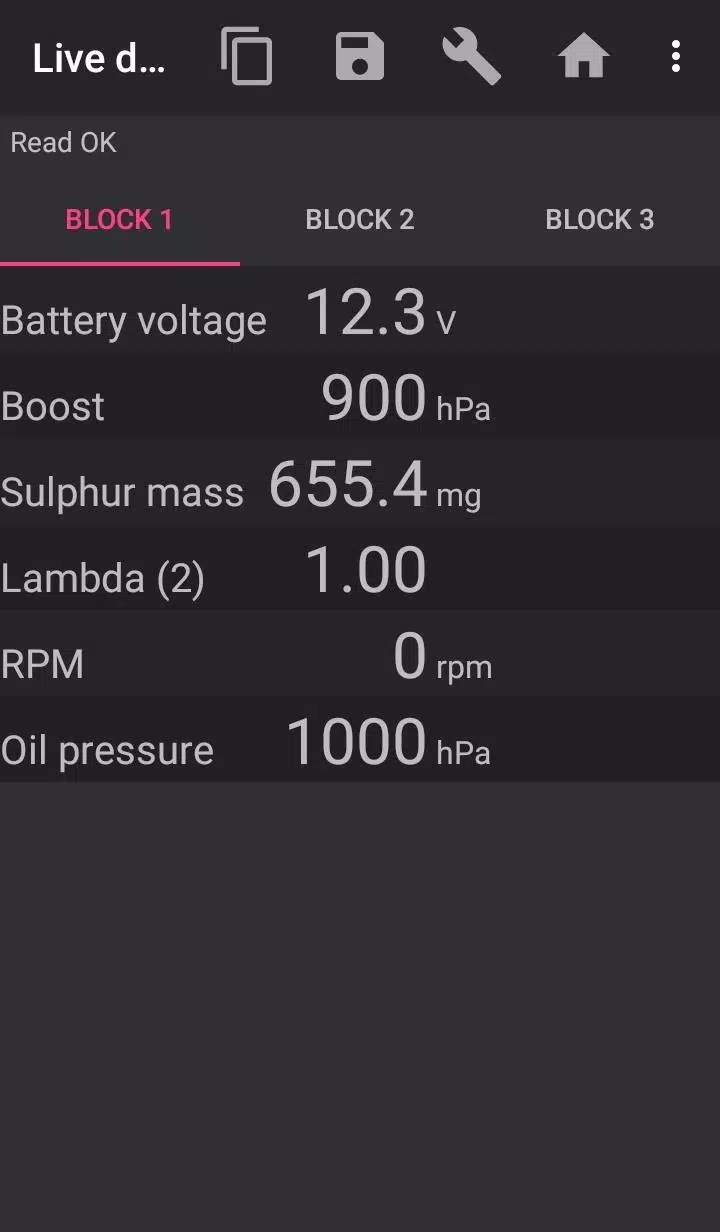
The bimmer-tool application enables reading and clearing fault codes, initiating DPF regeneration, accessing live engine data, and performing various other functions in BMW vehicles.
For vehicles manufactured before model year 2008, application functionality is limited, and a K+DCan USB cable connection is recommended. Wireless ELM adapter connections with pre-2008 models may not be possible, or some features may be unavailable.
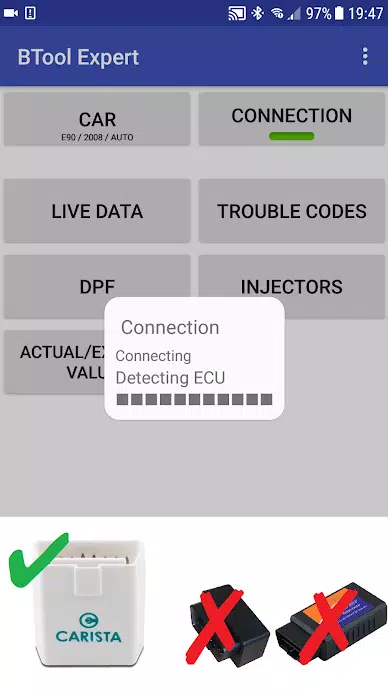
Important: This application requires a reliable OBD adapter. We recommend using a K+DCan cable, ENET adapter (for F/G series), or one of the following Bluetooth adapters:
- Vgate vLinker MC/FS/BM/FD https://www.vgatemall.com/products/
- UniCarScan UCSI-2000/USCI-2100: Select D-Can mode: MODE2 https://www.wgsoft.de/shop/obd-2-komplettsysteme/unicarscan/114/unicarscan-ucsi-2000-diagnoseadapter
https://www.bmdiag.co.uk/unicarscan-ucsi-2000-bluetooth-obd2-adapter
- Carista https://caristaapp.com/adapter
- Veepeak OBDCheck BLE https://www.veepeak.com/product/obdcheck-ble
The application allows you to:
- Check DPF regeneration status and access detailed information
- Initiate DPF regeneration
- Reset DPF adaptation values (required after filter replacement)
- Monitor exhaust gas pressure
- Read fuel injector adjustment values
- Access actual and expected values for air mass, intake manifold pressure, and fuel pressure
- Log data to CSV files for further analysis
- Register battery replacement (without modifying battery properties)
- Reset lamp circuits blocked due to short-circuit errors
- Reset oil/brake service intervals and change intervals**
Supported OBD Adapters
- K+D-Can USB: This is the recommended and most reliable adapter. You will also need a USB-OTG cable.
- ENET cable/WiFi Adapter: Recommended for F & G series. For ENET cable connections, you additionally need a USB-C to Ethernet adapter.
- ELM327 Bluetooth: Bluetooth connections may be slower than USB. Only genuine ELM327 or PIC18-based adapters will work. Compatibility with older engines is not guaranteed. More information is provided below.
- ELM327 WiFi: Similar to ELM Bluetooth, WiFi connections may be less stable. On some devices, mobile data transmission must be disabled to use the WiFi adapter.
If you have questions or need assistance, please email us. You can find our contact address at the bottom of the page.
Quick Start Guide
1) Connect the adapter to the OBD II port
2) Turn the ignition on
3) Connect the adapter to your phone:
* USB: Connect the adapter to your phone using a USB-OTG cable. Your phone will prompt you to select an app—choose bimmer-tool.
* Bluetooth: Go to your phone's Bluetooth settings. Search for Bluetooth devices and pair with the adapter (PIN is typically 0000 or 1234).
* WiFi: Disable mobile data transmission. Enable WiFi and search for available networks. Connect your phone to the adapter's WiFi network.
4) Launch the app, navigate to 'Car,' and select your model and year.
5) Go to 'Connection' and choose the connection type, adapter type, and communication protocol.
6) Tap the 'Connect' button.
**Limitations:
For models before 2008 and e46/e39/e83/e53 series, the app requires a K+DCan cable connection and only supports engine ECU access. Connection via wireless ELM adapters may not be possible.
Common Issues
- Engine 'No response' errors in pre-2008 vehicles with BT/WiFi adapters. If this error occurs intermittently, try selecting the ATWM option in advanced connection settings.
- No connection: If adapter and protocol settings are correct but the app still cannot connect to the vehicle, force stop all diagnostic applications in the application manager (including bimmer-tool) or restart your phone and try connecting again.
Why This App Requires Permissions
- Storage: Required for USB adapter support
- Photos/Media/Files: Enables creation of CSV files
- Pair with Bluetooth devices/access Bluetooth settings: Required for Bluetooth adapter support
- Full network access: Required for WiFi adapter support
- Approximate location: While Bluetooth can theoretically determine approximate location, this app does not access or use location data.
What's New in Version 3.7.6-L
Last updated on Nov 10, 2024
Diesel idle speed adjustment
Throttle body control