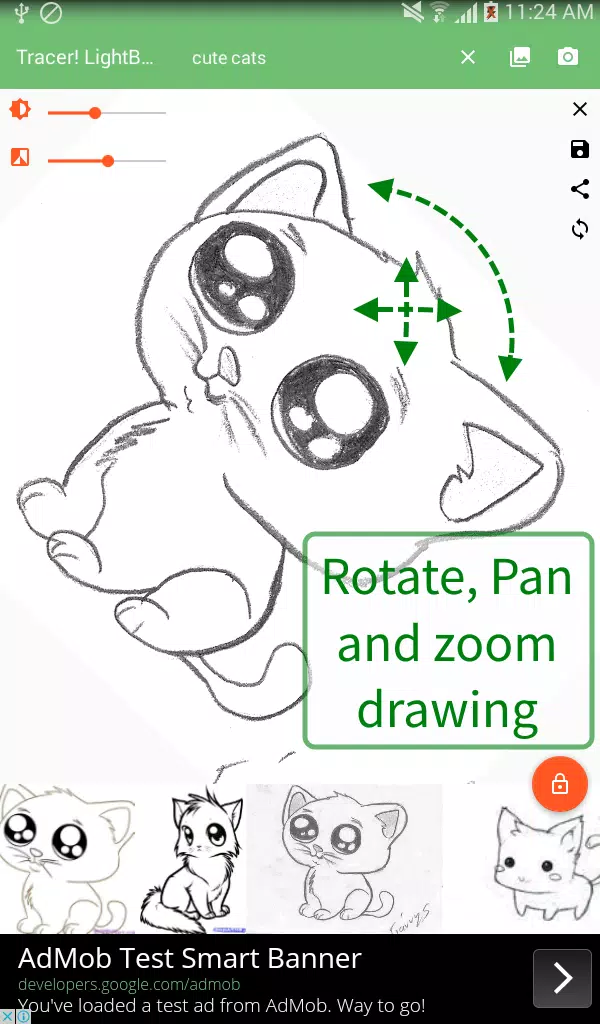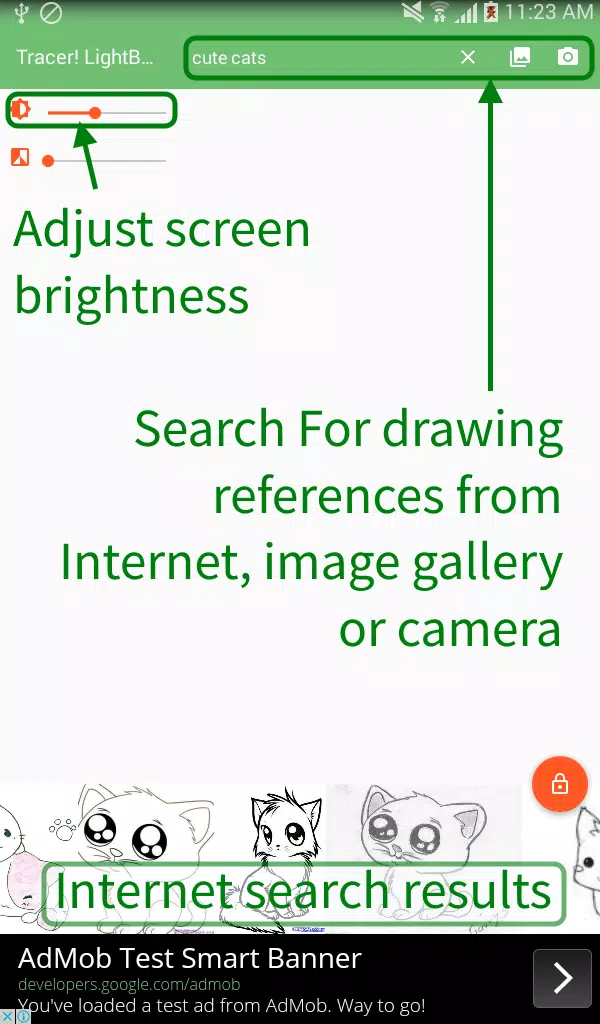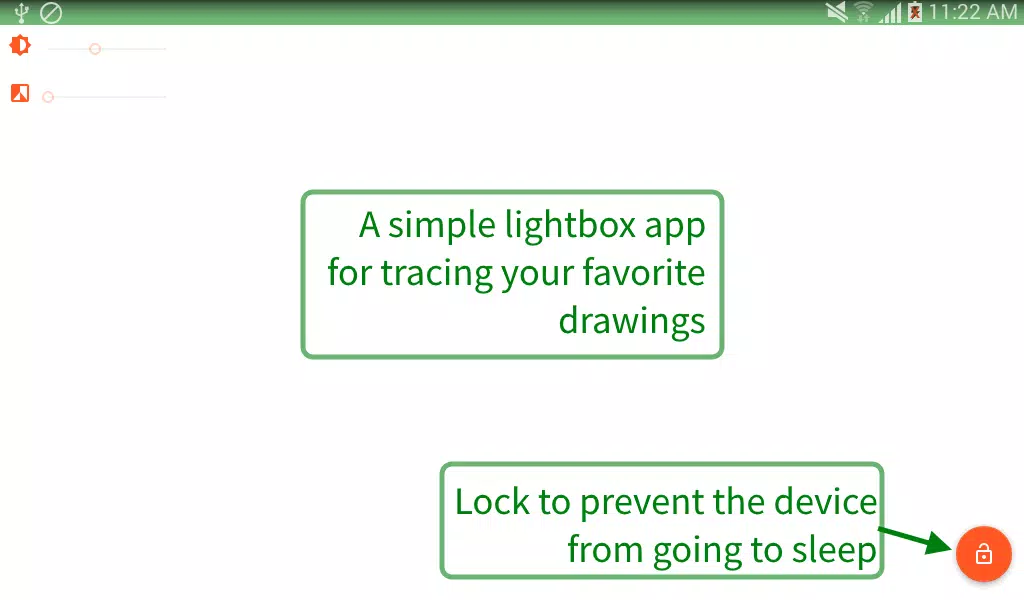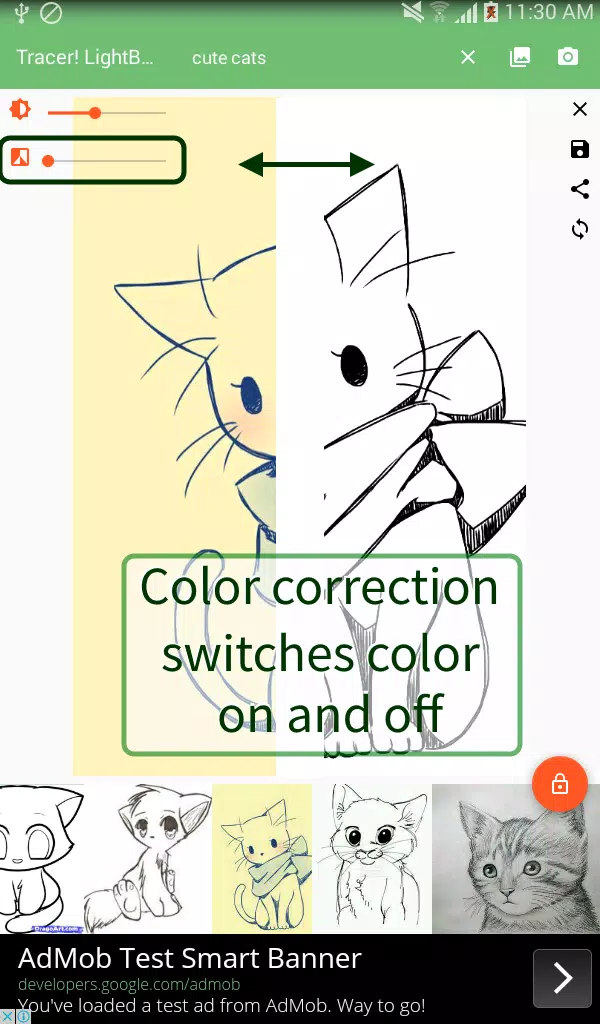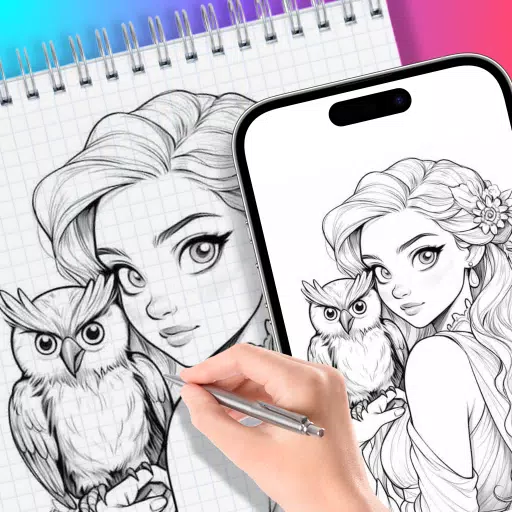
A lightbox and tracing utility for drawing and illustration, featuring built-in image search.
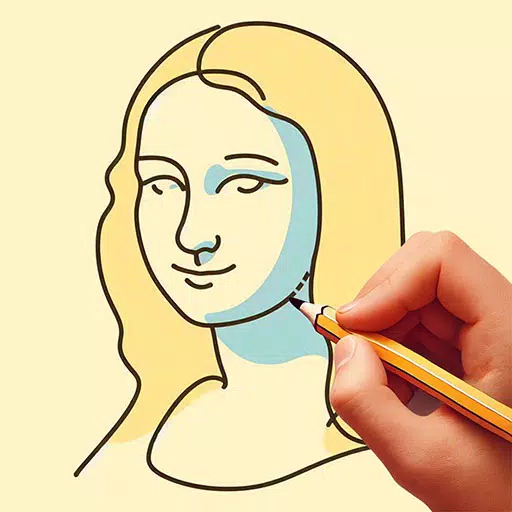
Tracer! Lightbox Tracing App is your all-in-one solution for tracing and illustration. Designed for use with physical paper for stenciling and drawing, you simply select a template image, place tracing paper over your device, and start outlining.
The app opens to a white screen with adjustable brightness. Place your reference image on the device and begin tracing. It's perfect for tracing drawings and fonts, creating stencils, making coloring pages, designing connect-the-dots puzzles, and more.
Use the app to search for image references online (via keywords or URLs), select an image from your device storage, or take a photo with your camera. Then, lay tracing paper over the image and start copying the design.
A handy lock button maximizes your drawing space and prevents the device from going to sleep.
It's an excellent tool for creating stencils and practicing drawing skills.
Key features include:
- A convenient color adjuster to change the image's grayscale for better tracing contrast.
- Pan, rotate, and zoom your drawing references.
- A toggle button to turn rotation on and off.
- Buttons to save and share drawing references for future use.
The app is suitable for artists, students, and casual users, including retirees enjoying arts and crafts.
The Tracer! app has a wide range of uses, including:
- Traditional cel animation and tracing
- Calligraphy and font tracing (e.g., transferring calligraphic fonts and swirl patterns onto posters and paintings)
- Making stencils (e.g., for Halloween pumpkin carving, graffiti and spray paint art, Christmas snow stencils, cake decorating)
- Tracing tattoo designs and patterns
- Creating base templates (e.g., underlaying perspective guides for architectural drawings like buildings; using simple shapes as a foundation for more complex artwork)
What's New in the Latest Version 2.0.19
Last updated on Mar 10, 2024
Removed interstitial ads following the welcome screen.