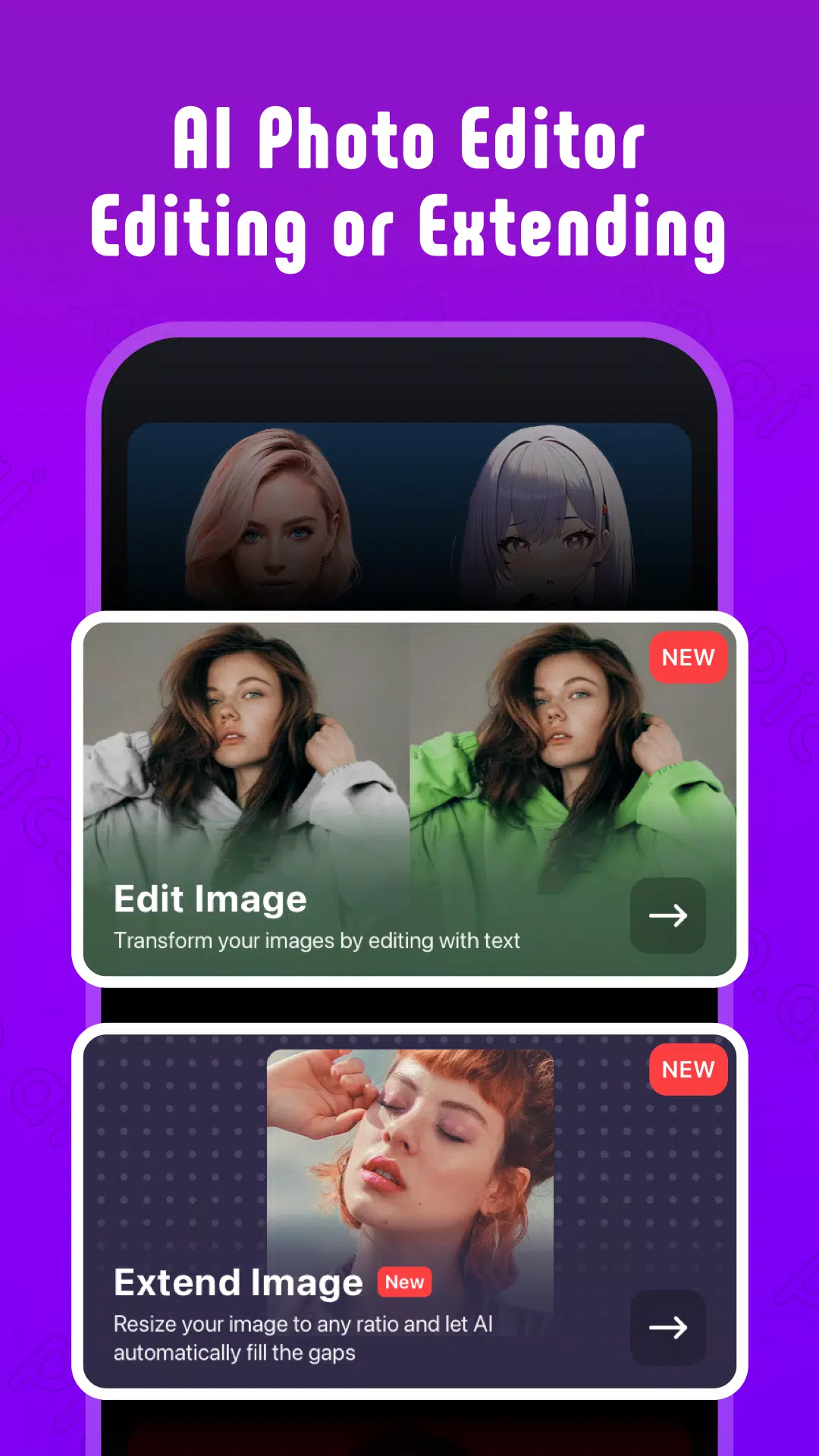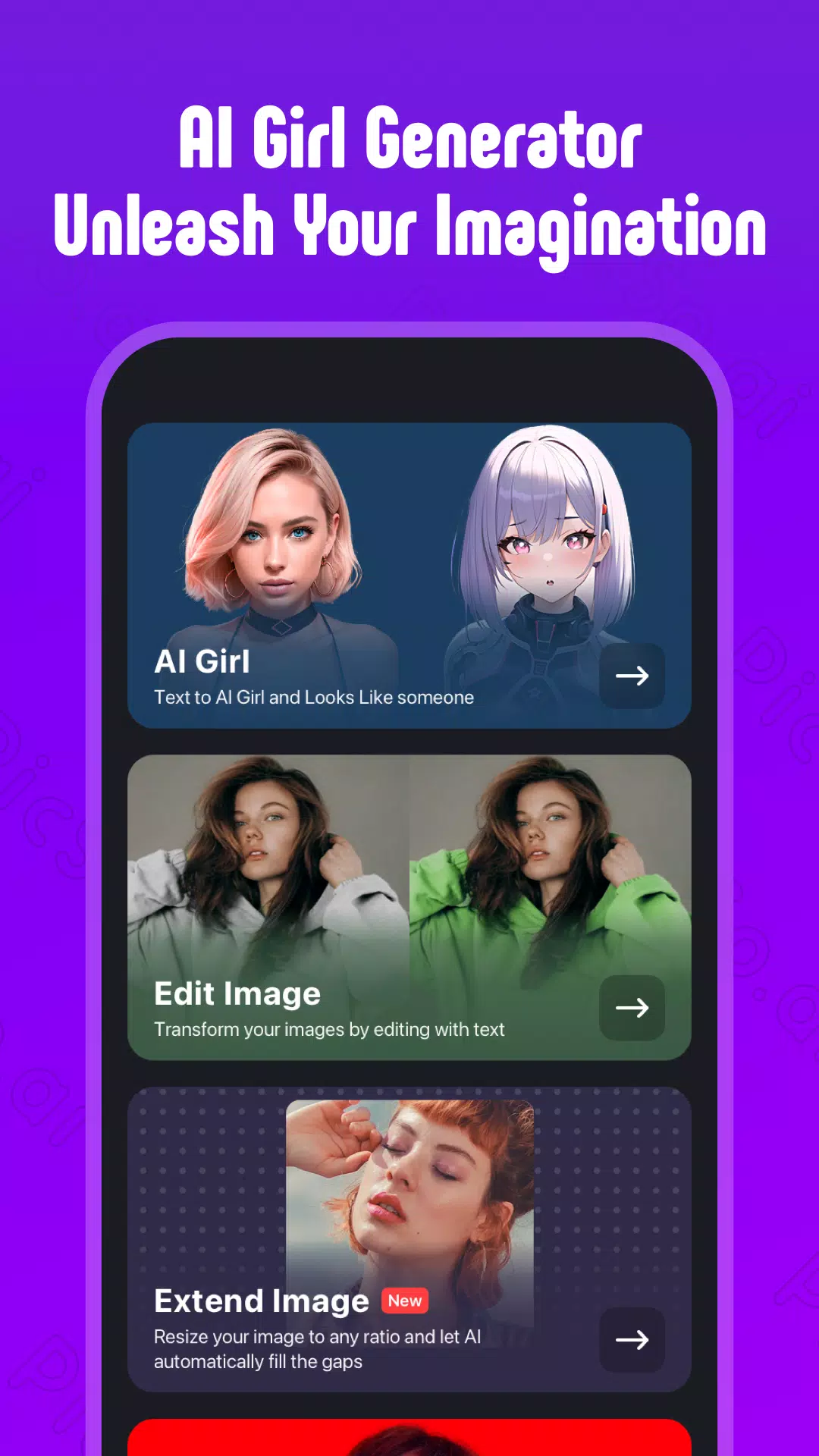

The perfect tool for unleashing your creativity.
Ready to unlock your creativity and bring your wildest ideas to life?
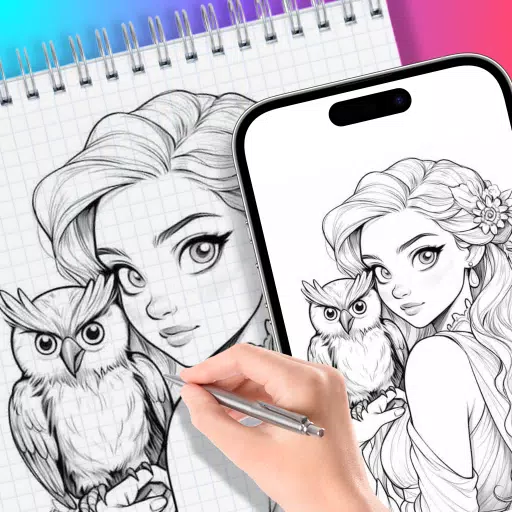
Meet PicSo, the premier AI Art Generator that lets you customize your AI companion, cartoonize your photos, and convert text into breathtaking AI artwork.
With PicSo, you enter a boundless world of digital art and innovation where endless possibilities await.
PicSo's Key Features
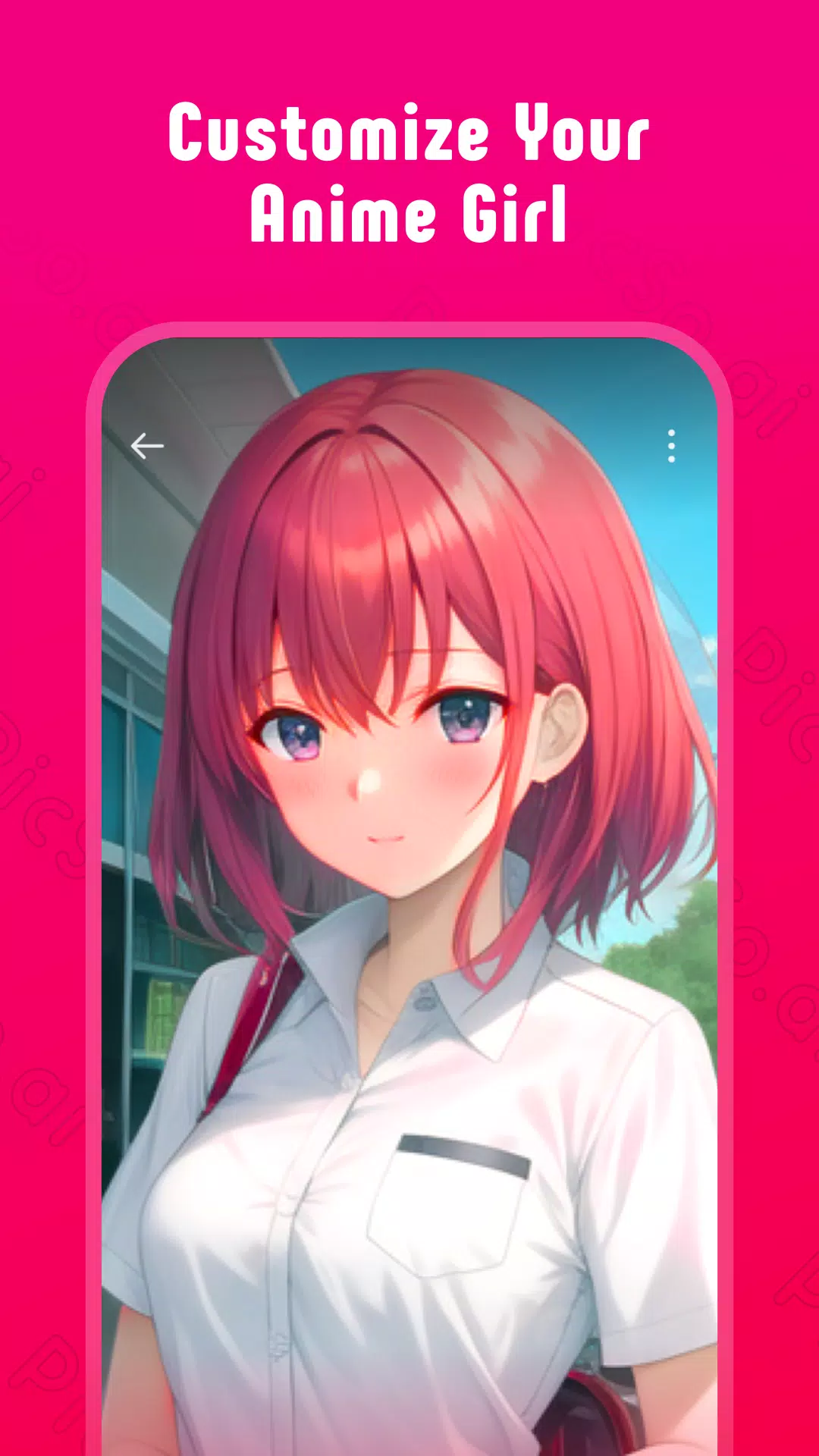
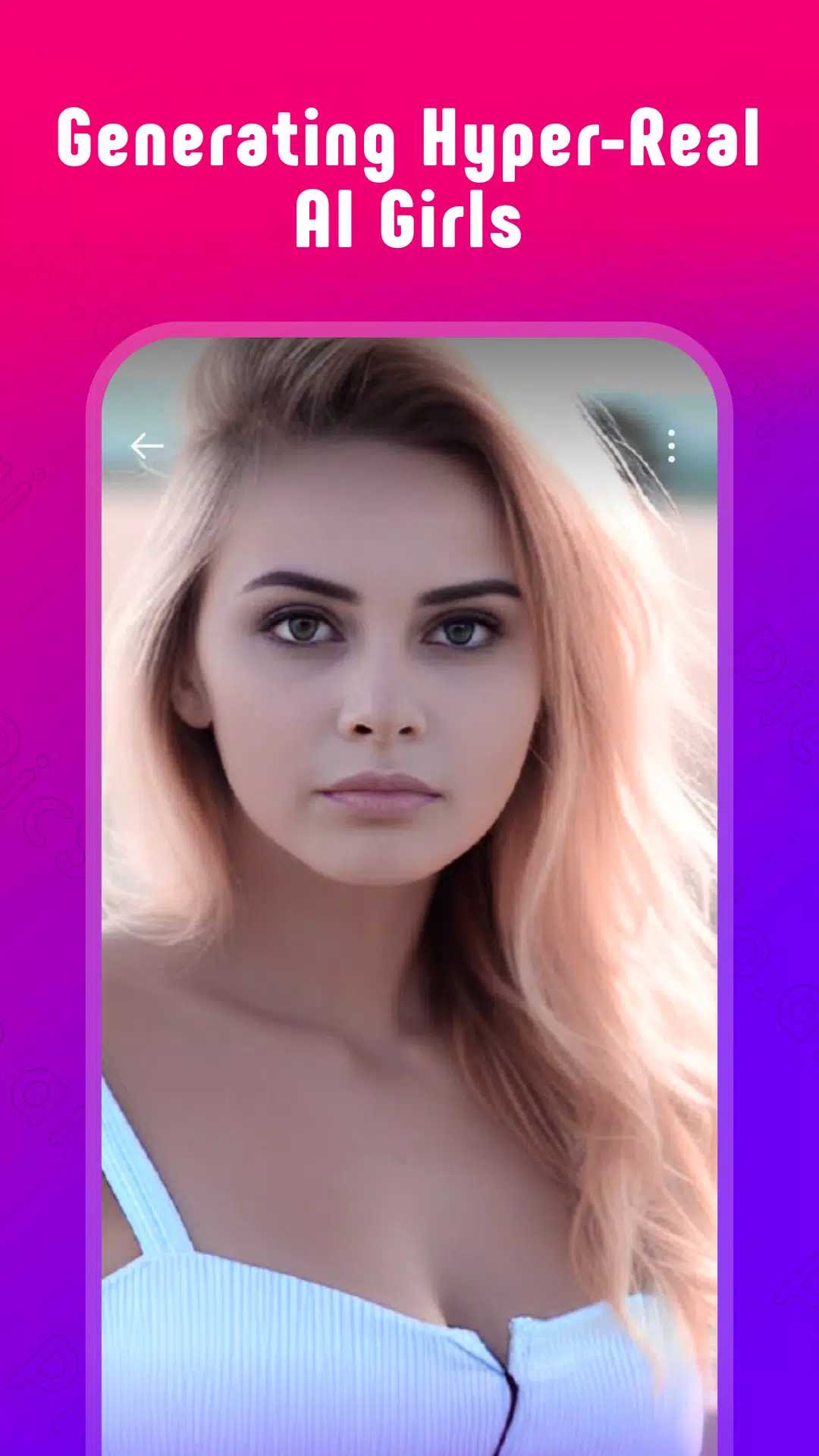
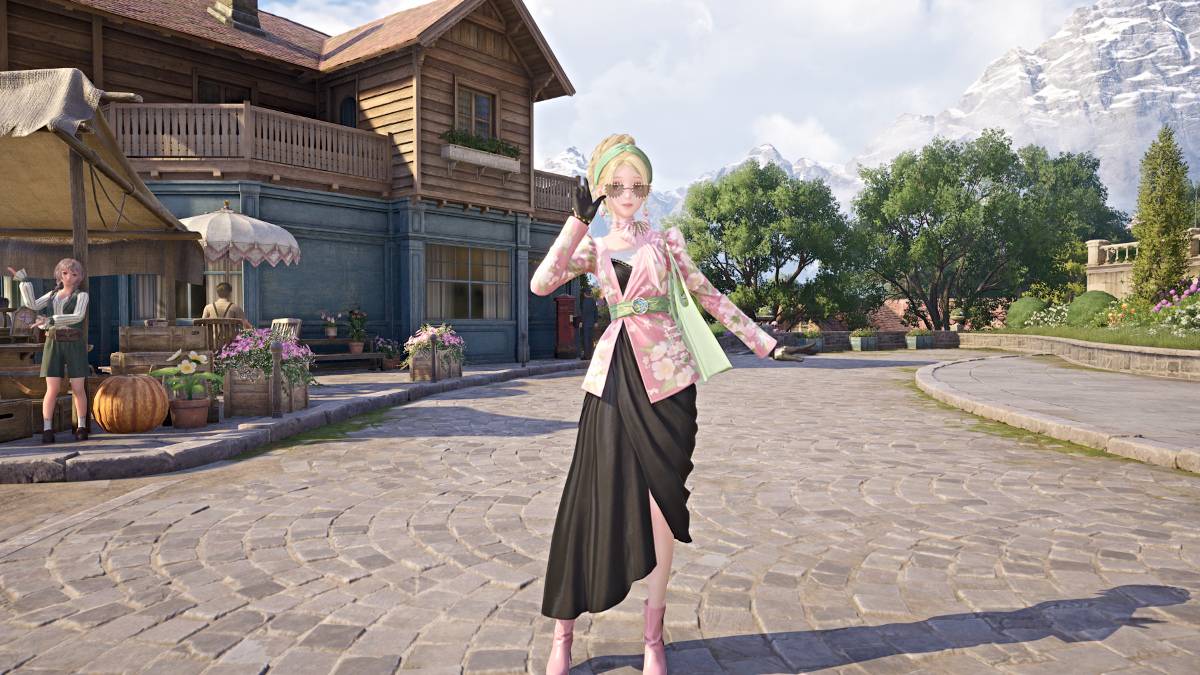
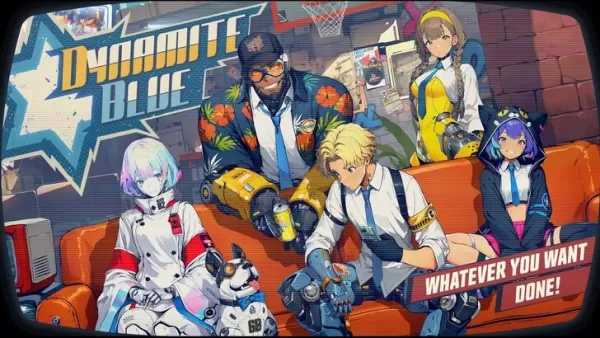
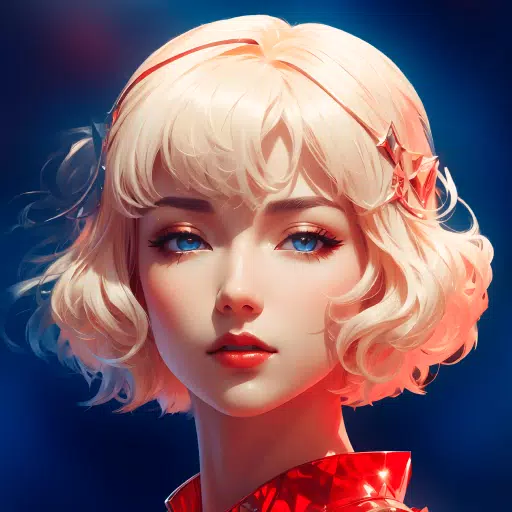
1. Powerful AI Character Generator: Design your own unique anime character or AI girl using simple keywords. Advanced AI technology gives you control over every detail, from looks to outfits, bringing your personal vision to life.
2. Photo to Cartoon Converter: Easily turn your pictures into playful cartoons with PicSo's AI cartoonizer. In seconds, watch your ordinary photos transform into lively animated art, adding a creative spark to your images.
3. Video to Anime Converter: Bring real-world footage or movie clips to life as captivating animations. Upload your video, and let the AI work its magic, delivering stunning cartoon results instantly.
4. Text to AI Art Creator: Dive into a universe of artistic potential with PicSo's text-to-art maker. Generate stunning AI pictures and artwork on demand by typing a simple prompt, allowing AI to fuel your creative projects.
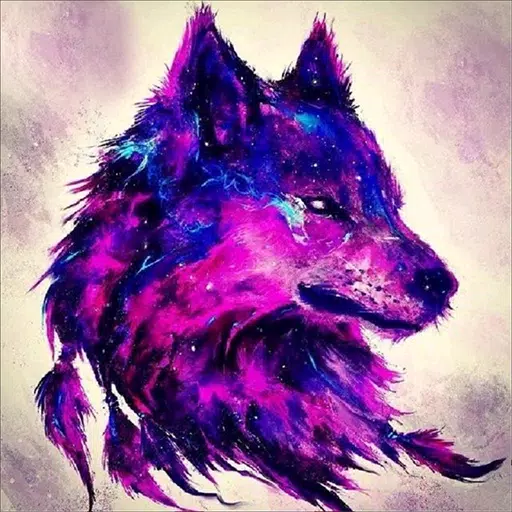
5. Unique Artistic Styles: Discover a diverse collection of cool AI art styles, including sci-fi dystopian and fantasy themes, to produce eye-catching art that matches your taste. Perfect for digital creators and art lovers, PicSo provides the styles to make your work stand out.
Unlock your creative potential with PicSo – the AI Girl Generator, and harness the power of AI art creation at your command. Step into a world where cutting-edge technology meets accessible artistry in the most innovative way.
What's New in the Latest Version 1.20.4
Last updated on Aug 25, 2024
Bug fixes and performance improvements.