PicFitter: Your Quickest Route to Instagram-Ready Photos and Videos
PicFitter is a user-friendly photo and video editor designed for effortlessly transforming rectangular images into perfect squares for Instagram. With a single tap, you can adjust your photos and share them instantly.
Who is PicFitter for?
- Users wanting to showcase their entire rectangular photo on Instagram.
- Those who desire to add stylish white, black, or custom-colored frames.
- Individuals needing a simple video editing solution.
- Anyone seeking an easy-to-use photo editor for Instagram-worthy content.
Supported Image & Video Types:
PicFitter handles a wide variety of content, including:
- Horizontal and vertical photos and videos
- Screenshots
- DSLR photos
- Fashion, hairdressing, and nail art imagery
- Sports, animal, food, and landscape photography
- Artwork, digital creations, and event flyers
- Product and property showcases
- Announcements and promotional materials
- Artist submissions, idol activities, and everyday Instagram posts
Find us on Instagram: #picfitter
Editing Features:
- Square cropping
- Customizable frame colors (including white and black)
- Blurred frame effect (images only)
How to Use:
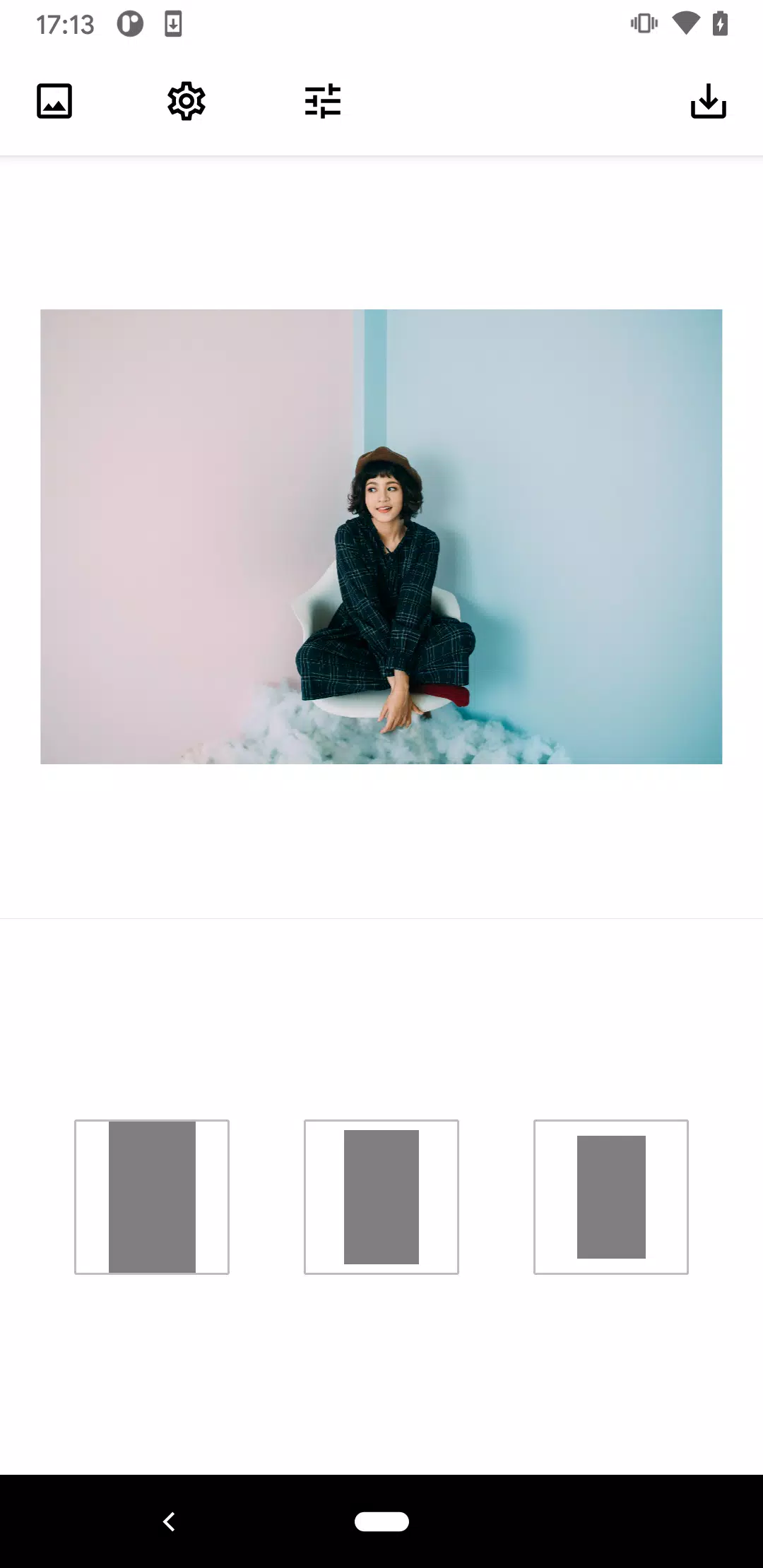
- Select a photo or video from your device's camera roll.
- Choose your preferred layout.
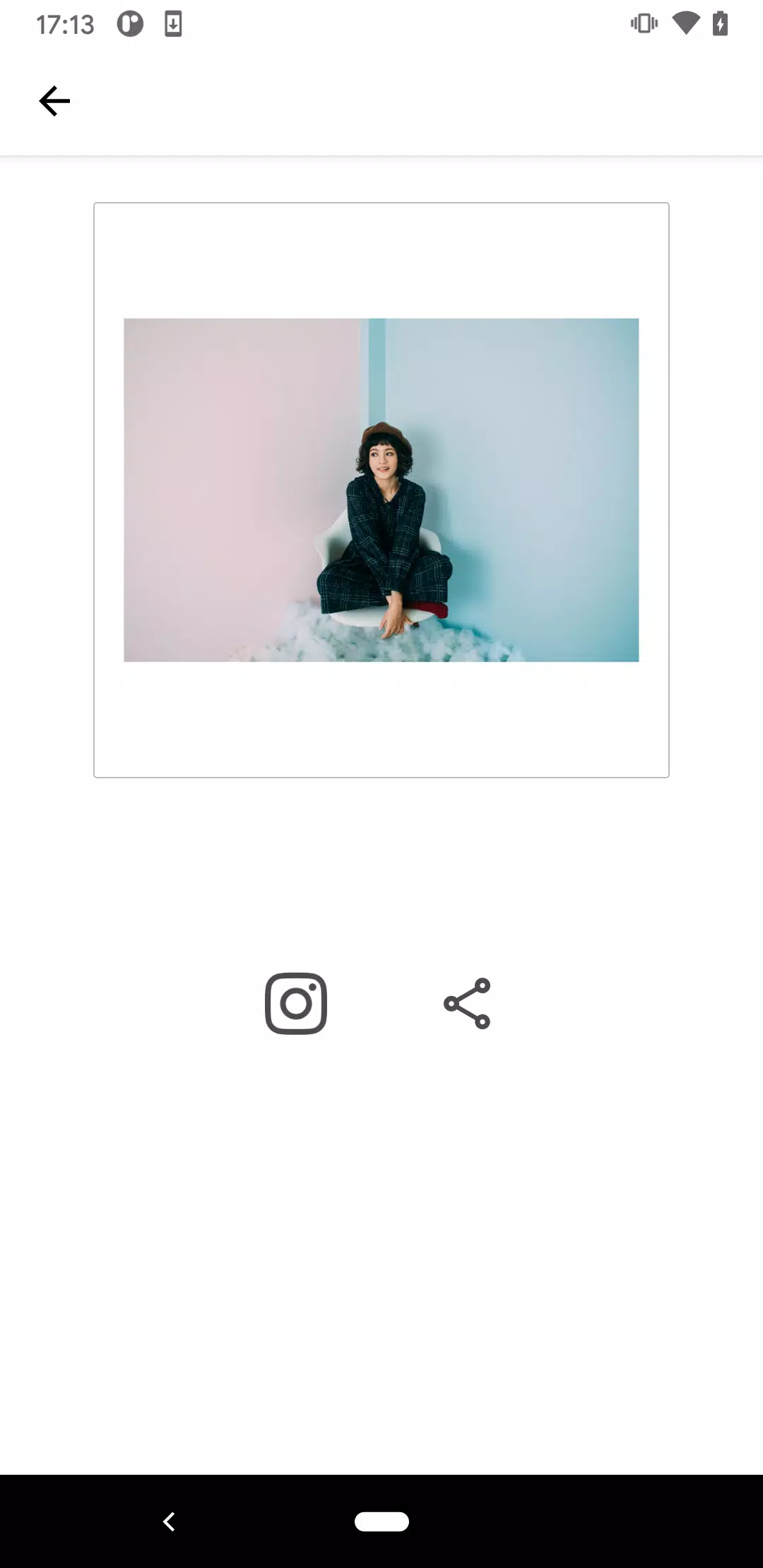
- Save your creation and share it directly to Instagram.
Advanced Features:
- Adjust frame color.
- Customize frame width.
- Apply a blurred frame (images only).
Pricing:
A paid version is available via subscription or one-time purchase, offering additional features and functionality. Pricing varies by region and may change.
- Subscription: $2.99/month, $13.99/year
- One-Time Purchase: $32.99
Important Notes on Paid Version:
- Subscriptions cannot be canceled during the current billing cycle.
- One-time purchases are non-refundable.
What's New in Version 2.17.3 (Oct 26, 2024)
Added a Q&A section.