K Reader: Your All-in-One Reading Solution
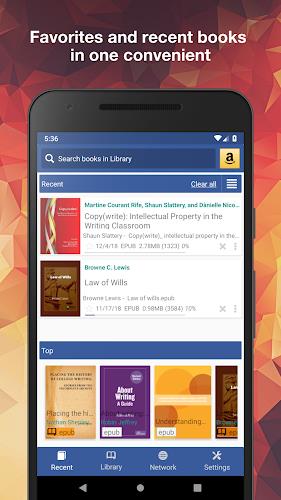
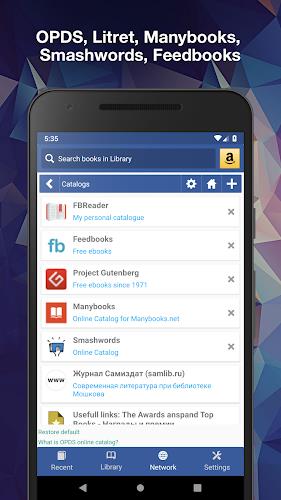
K Reader is a revolutionary reading application designed to enhance your reading experience. Supporting a wide array of document formats, including PDF, EPUB, MOBI, and more, it transforms document access into a seamless and enjoyable process. Its intuitive interface simplifies document discovery, allowing effortless browsing of catalogs, drives, and folders, with the added convenience of user-defined folder scanning.
Beyond basic functionality, K Reader boasts a unique auto-scroll feature and a dedicated music player mode, complete with adjustable scrolling speed. Personalization is key; users can leverage bookmarks, annotations, and customizable day and night modes to tailor their reading environment. Integrated online translators and offline dictionaries further enhance accessibility.
Key Features of K Reader:
- Extensive Format Support: Read documents in popular formats like PDF, EPUB, MOBI, and many more.
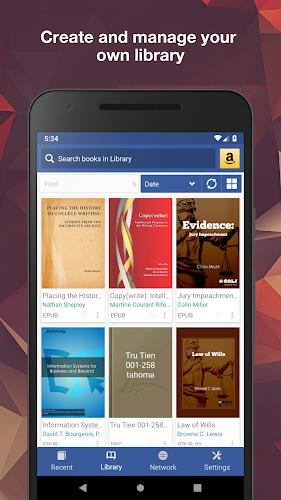
- Effortless Document Management: Easily locate and organize documents using the built-in file explorer, including auto-scanning of user-specified folders.
- Enhanced Reading Tools: Utilize bookmarks and annotations for efficient note-taking and reference.
- Personalized Reading Modes: Enjoy customized day and night modes for optimal reading comfort.
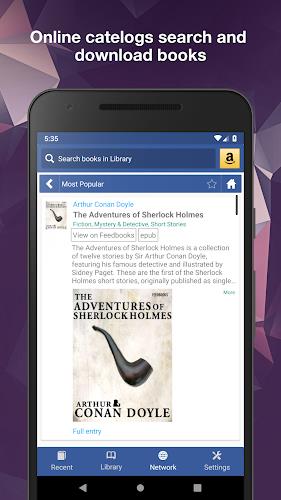
- Advanced Features: Benefit from integrated online translators and offline dictionaries, vertical scroll lock, music player mode with adjustable speed, word search, and online document conversion.
- Seamless Synchronization and Customization: Sync reading progress and settings across multiple devices, customize CSS for enhanced readability, and organize documents with custom tags and grouping.
In Conclusion:
K Reader stands out as a versatile and user-friendly reading app, supporting a broad spectrum of document formats. Its intuitive document management, robust annotation features, customizable reading modes, and integrated translation tools combine to create a highly enjoyable and efficient reading experience. Personalization options, cross-device syncing, and effective document organization further solidify its position as a leading reading application. Download the free version and upgrade to the ad-free PRO license for an uninterrupted reading experience.