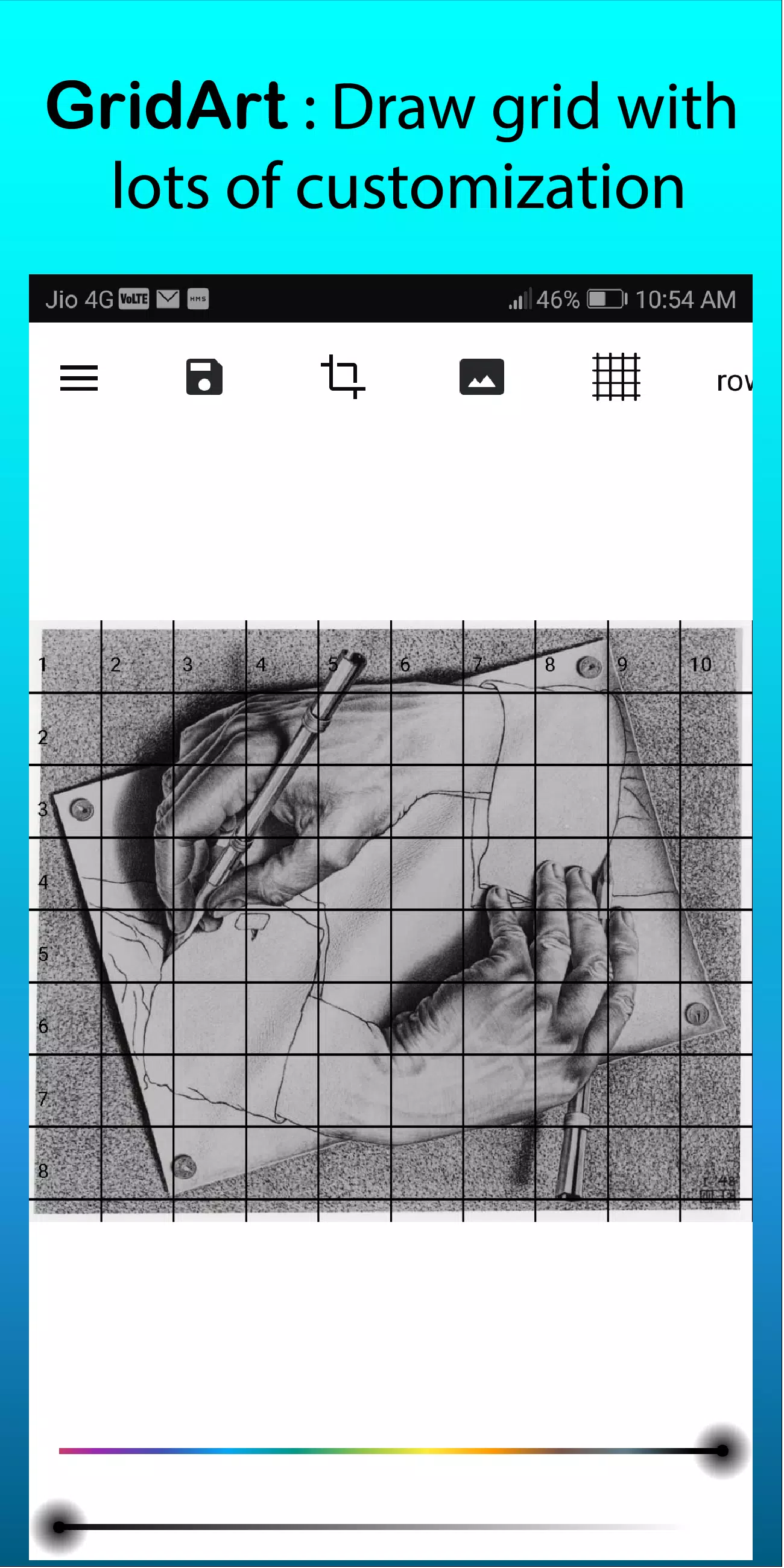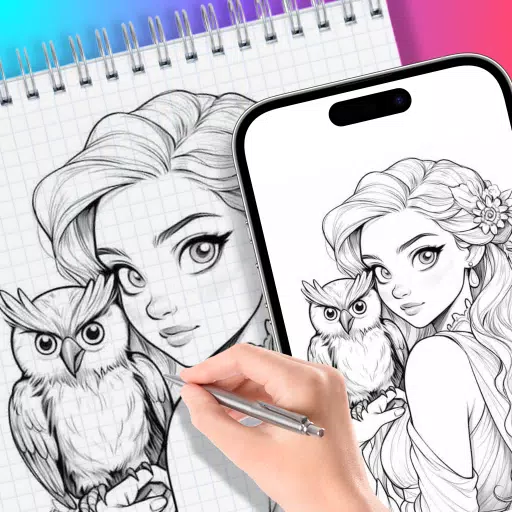
GridArt empowers artists to apply customizable drawing grids over any image with extensive personalization options.
GridArt: The Essential Tool for Artists to Achieve Flawless Proportions and Precision!
Experience GridArt Today!
Perfect for both aspiring creators and professional artists, GridArt elevates your drawing process with the time-tested grid technique. Our intuitive application simplifies creating accurate grid overlays on your reference photos, enabling seamless transfer to canvas or paper while maintaining perfect proportions.
Understanding the Grid Drawing Method
The grid method revolutionizes drawing accuracy by dividing reference images and drawing surfaces into uniform squares. This systematic approach lets artists concentrate on individual sections, capturing intricate details while preserving correct proportions throughout the entire composition.
Why Choose GridArt for Grid Drawing?
For centuries, artists have relied on grid techniques to master complex compositions. GridArt modernizes this proven approach with advanced customization features designed for contemporary artistic workflows.
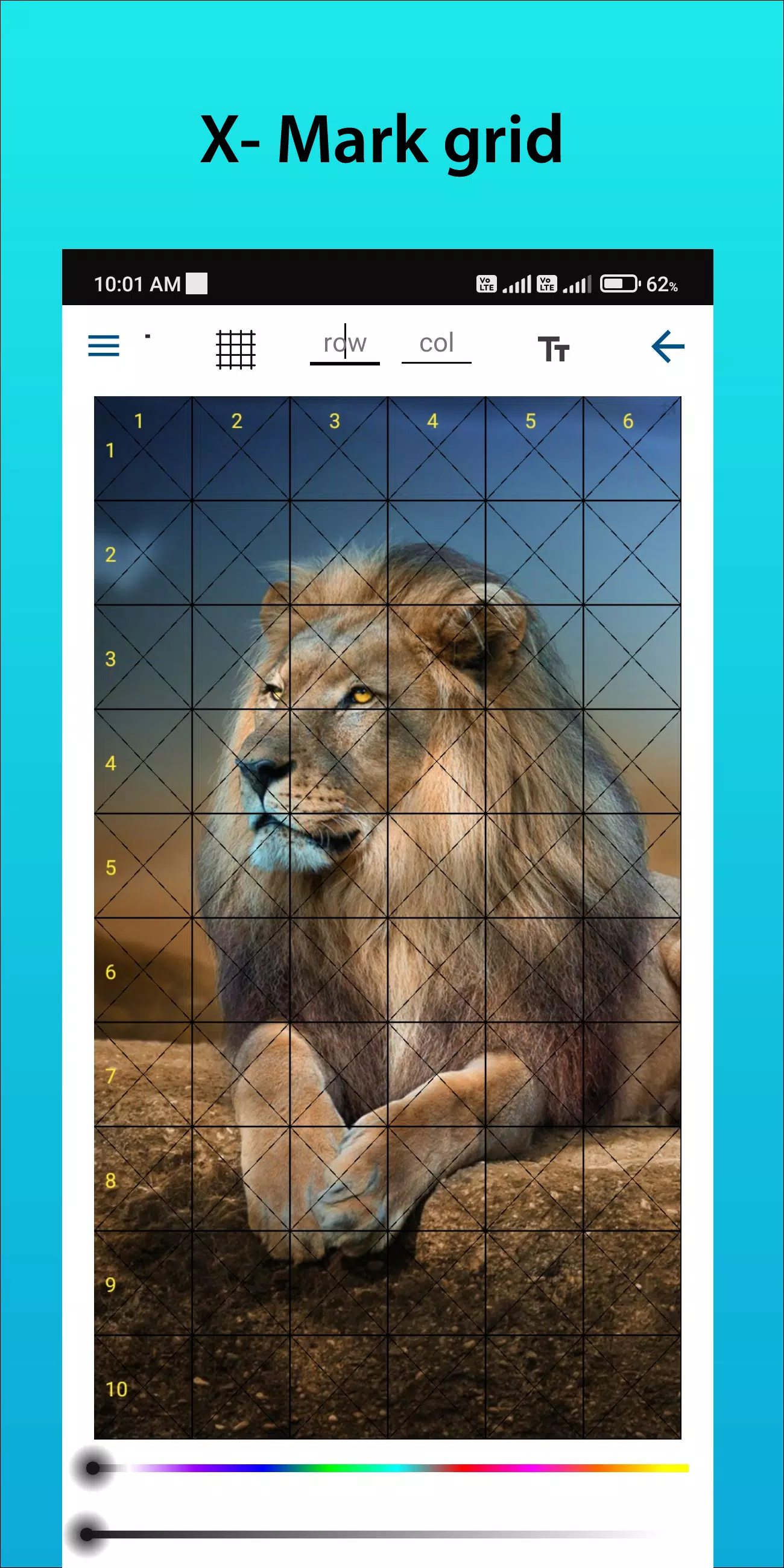
Customizable Grids: Select your preferred row and column count, adjust line thickness and colors, and incorporate diagonal guides for enhanced precision.
Intuitive Interface: Streamlined workflow makes uploading images, customizing grids, and saving projects effortless.
High-Resolution Export: Generate print-ready, high-quality grid references perfect for studio use.
Using GridArt Effectively
Master the grid method with these steps:
Choose Your Reference: Select the image you wish to recreate.
Generate Reference Grid: Overlay your image with evenly spaced vertical and horizontal lines. Customize square dimensions from standard measurements like 1-inch or 1-centimeter units.
Prepare Drawing Surface: Replicate the grid pattern on your canvas or paper, ensuring identical square proportions and layout.
Transfer Your Image: Work systematically through each square, reproducing shapes and details from reference to drawing surface. This method guarantees accurate placement and proportional relationships.
Final Touches: Remove grid lines gently after completing your artwork if desired.
Core Grid Drawing Features
1. Generate grids on any image from your gallery and save printable versions
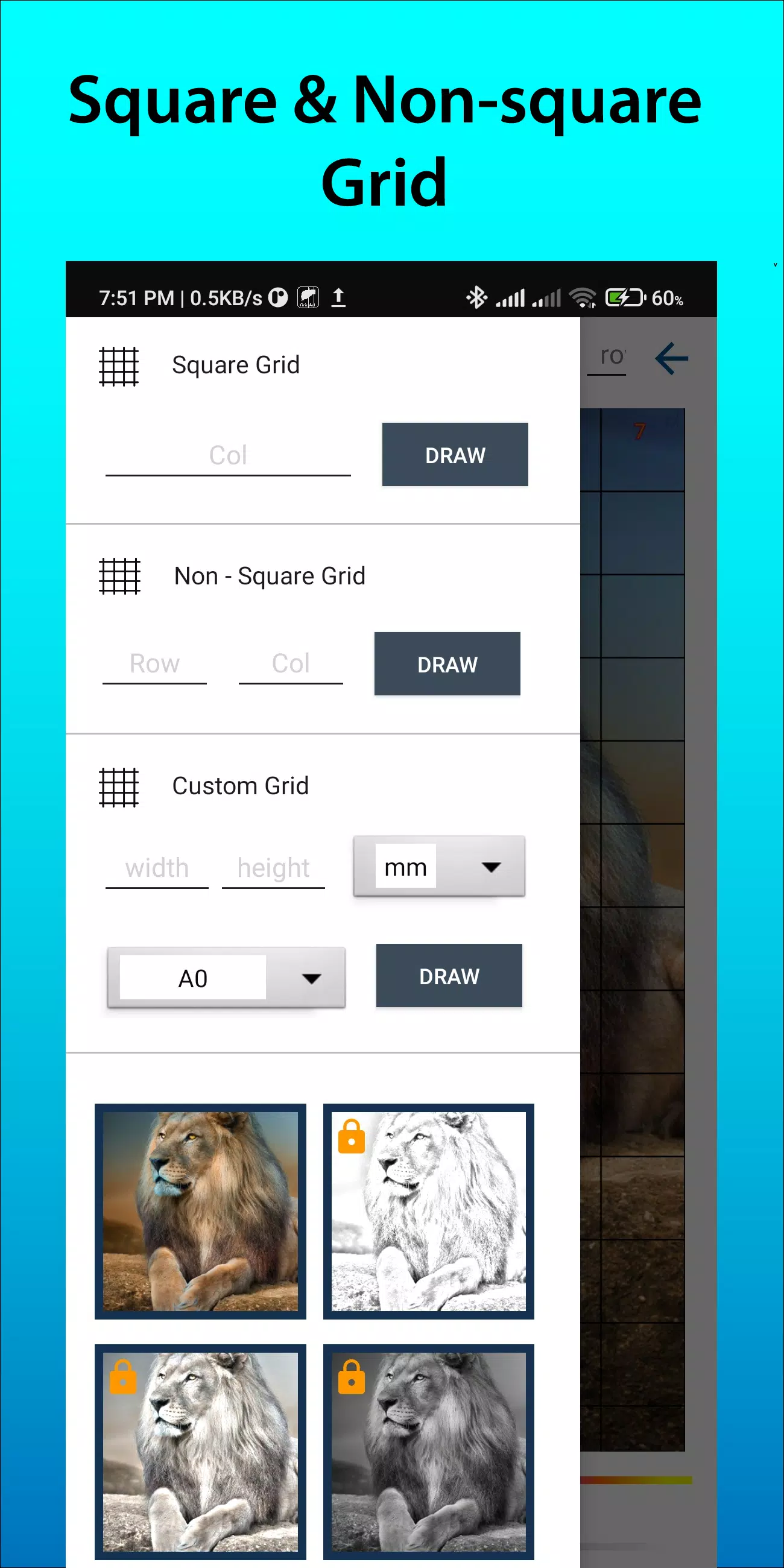
2. Multiple grid types including square, rectangular, and custom layouts with user-defined dimensions
3. Flexible cropping with aspect ratio presets (A4, 16:9, 9:16, 4:3, 3:4) or custom proportions
4. Toggle row/column numbering with adjustable text sizing
5. Diverse grid labeling styles for organizational clarity
6. Custom line styles including solid and dashed lines with variable thickness
7. Adjustable grid line colors, transparency, and numbering appearance
8. Built-in sketching filters for simplified drawing preparation
9. Measurement-based grids supporting millimeters, centimeters, and inches
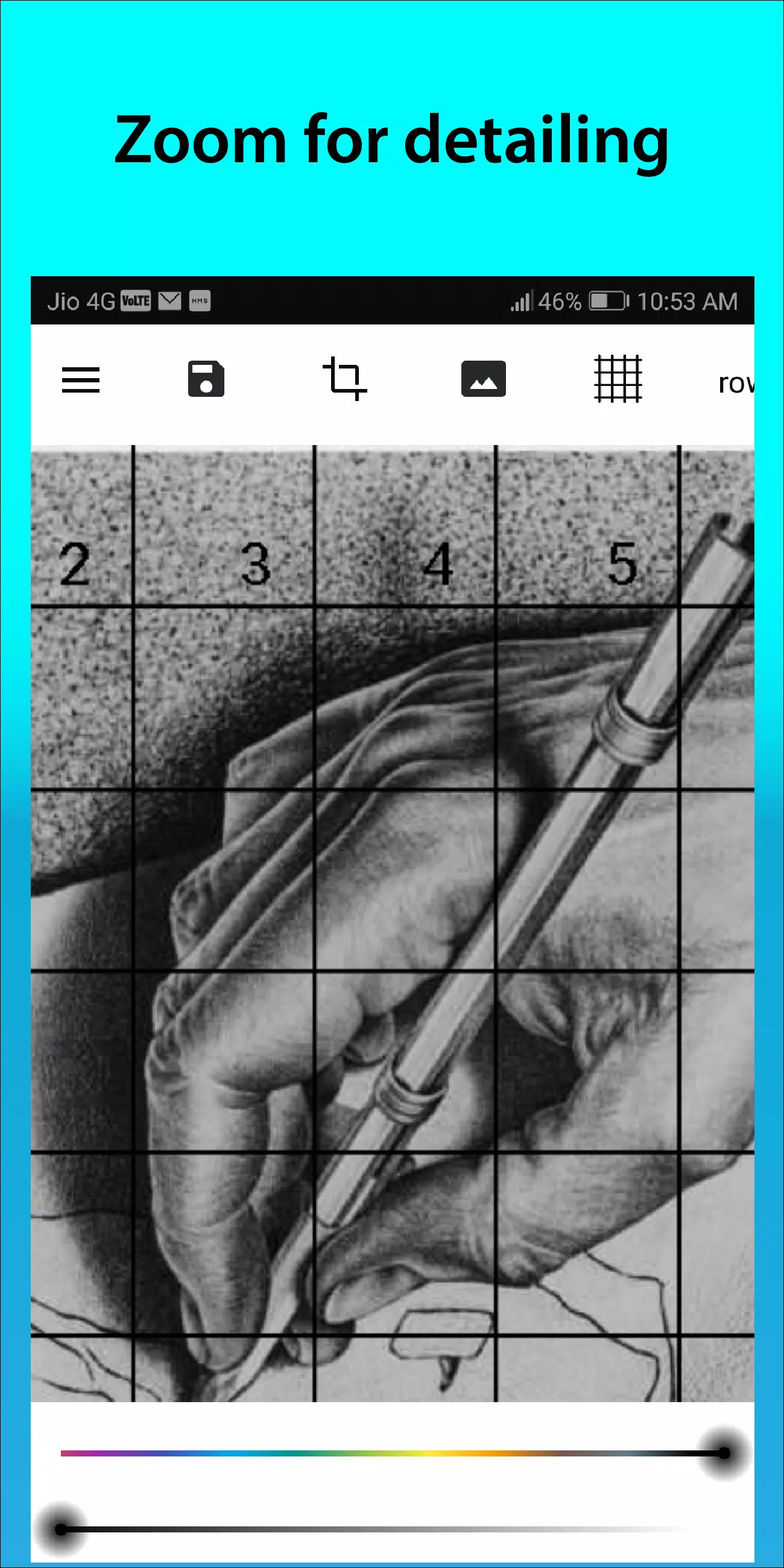
10. Pinch-to-zoom functionality for detailed examination
Connect with us on Instagram @gridArt_sketching_app and share your feedback. Use #gridArt for potential feature highlights.
Latest Updates in Version 1.8.3
Last updated on Sep 14, 2024
# Screen lock functionality implemented