
An application designed to monitor the status of GPS tracking devices.
Driver App Features
The app enables drivers to submit various work details alongside the company's Web Console, ensuring that operational data is accurate and comprehensive. Key features include:
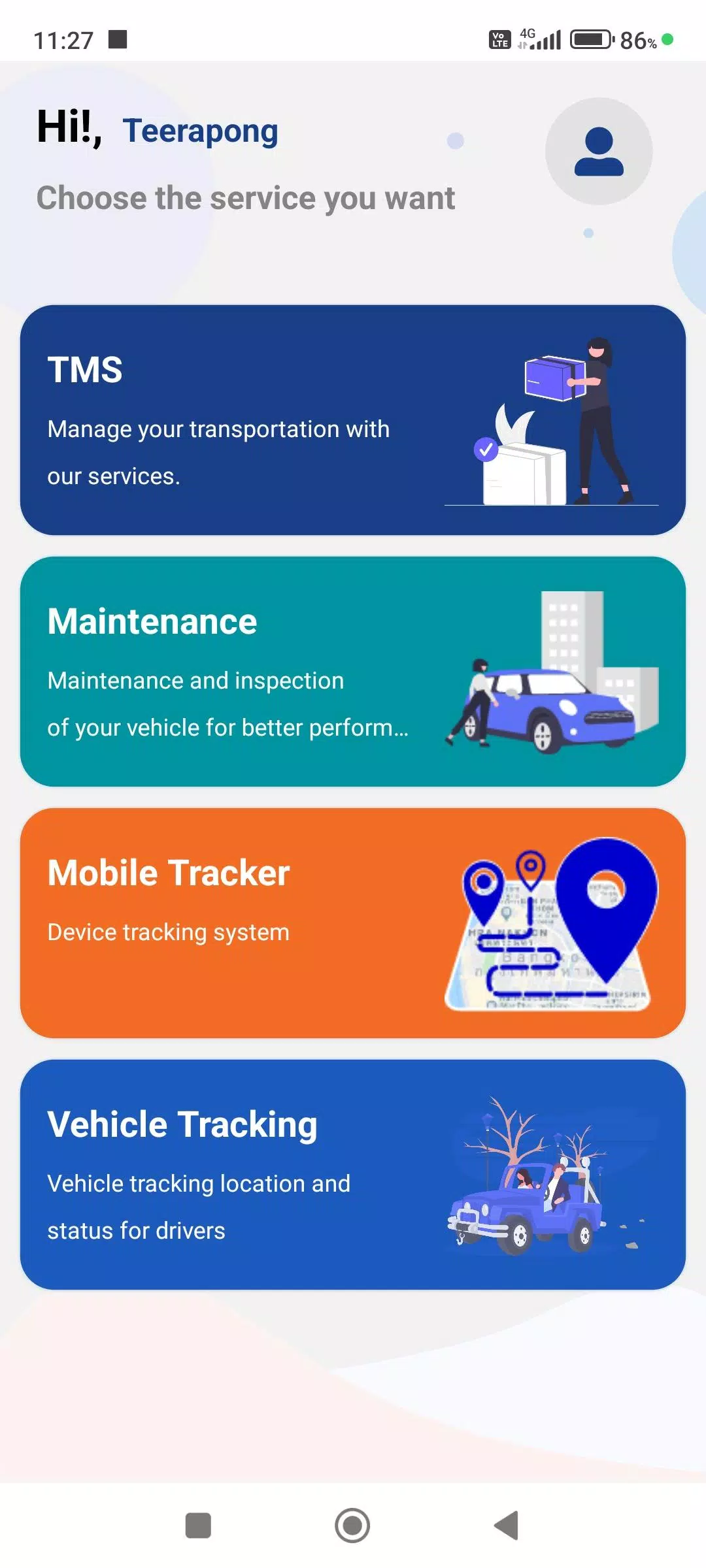
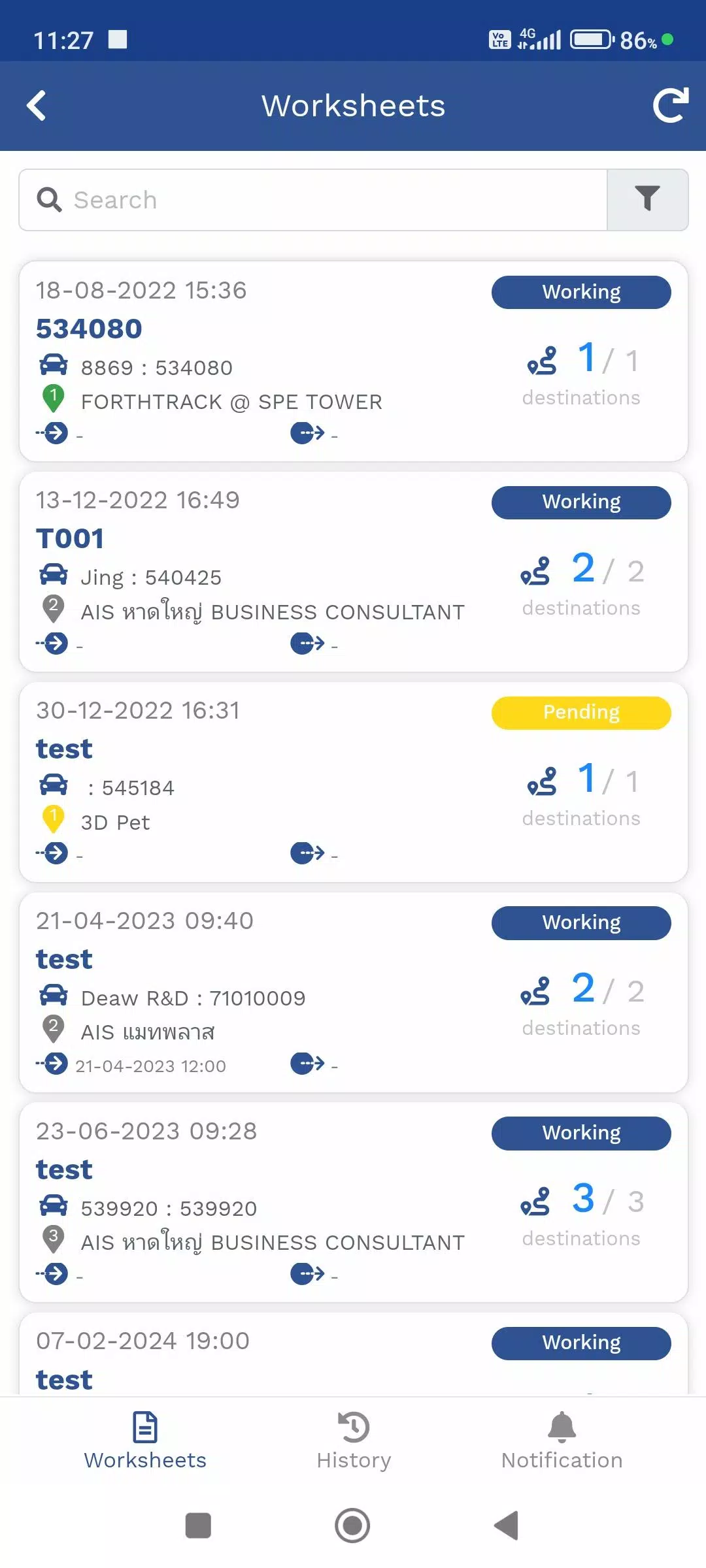
- Trip Itinerary Menu (TMS)
This menu manages delivery schedules assigned by employees. Users can view their current location via the GPS device or the Mobile Tracker, along with destination details for product deliveries and real-time status updates.
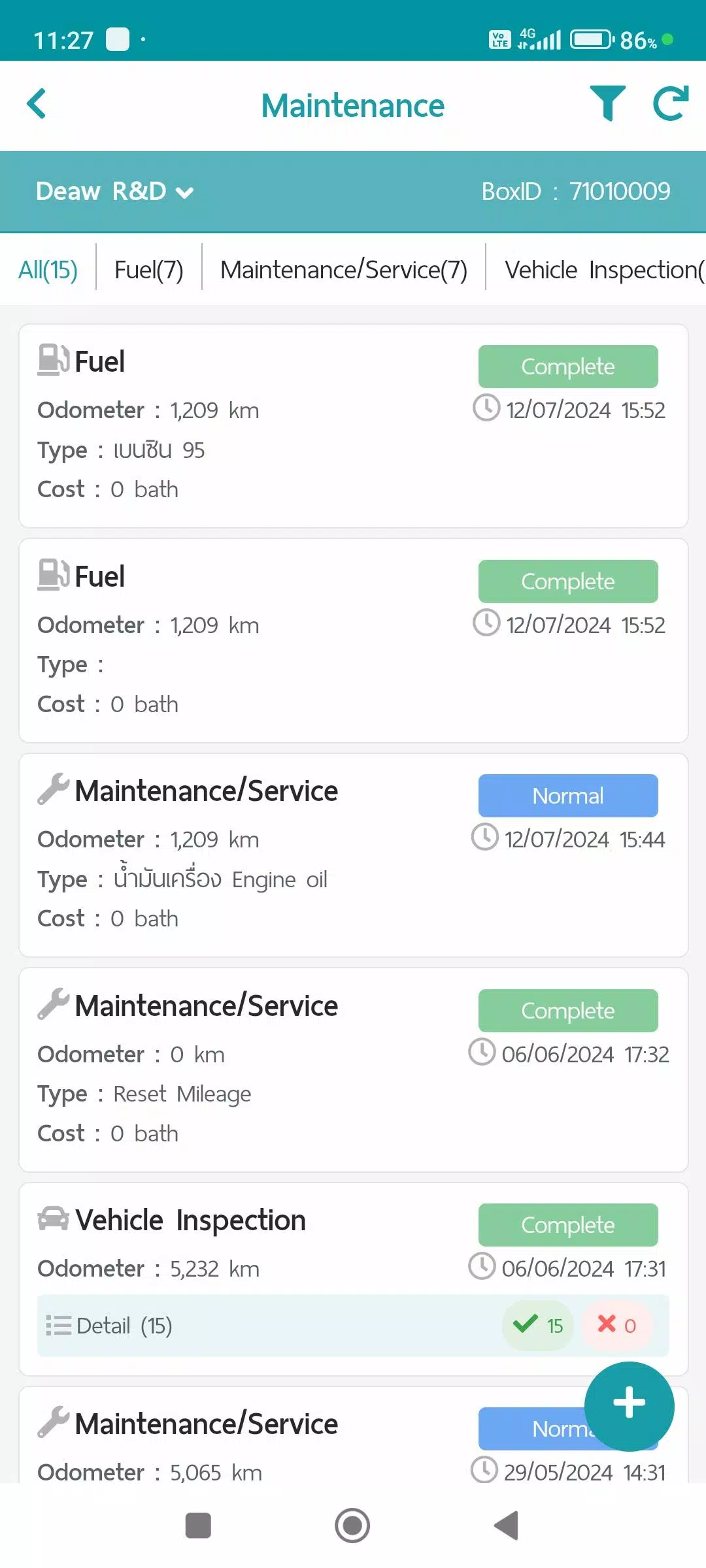
- Maintenance Menu (Maintenance)
This section records vehicle maintenance activities. Data and reports are stored and can be summarized via the Web Console under the following categories:
- Fuel refills
- Regular Maintenance/Service
- Vehicle Condition Checks
- Repair Tasks
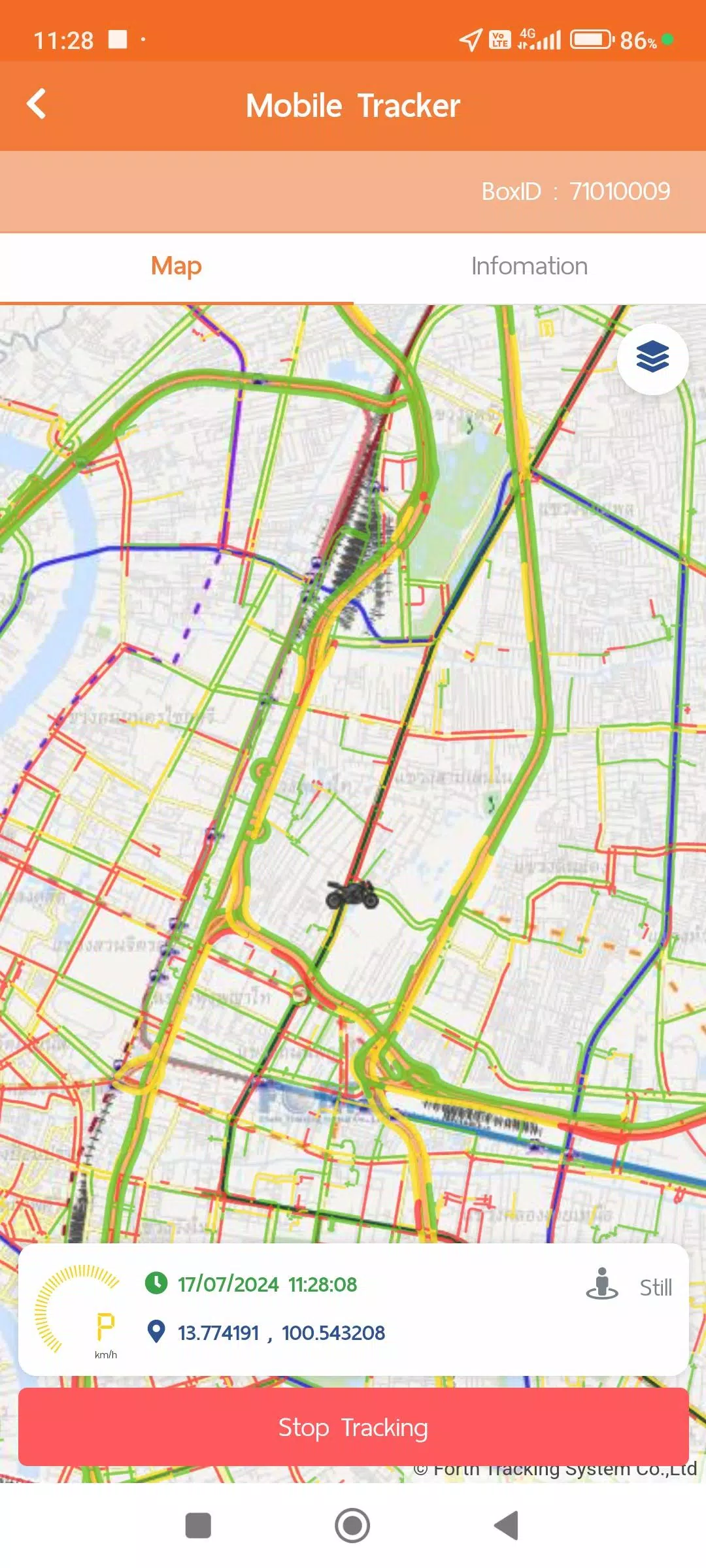
- Mobile Tracker Menu
This feature determines the driver's location using a mobile device. Instead of requiring a dedicated GPS unit, the app transmits and stores location data in the system while tracking is active. Users can pause or stop transmission as needed. This menu integrates with other features like the Trip Plan (TMS) and Vehicle Tracking menus, allowing for report generation via the Web Console.
The Mobile Tracker requests specific permissions:
- Always-on Location Access: Allows GPS data retrieval without launching the app for convenience.
- Physical Activity Recognition (ACTIVITY RECOGNITION): Uses activity data to optimize GPS tracking modes, enhancing efficiency and battery life. Behavior varies by mode:
- Still: Requests GPS every minute; in Power Save Mode, it requests every 5 minutes.
- Walking (Working): Requests GPS data every minute when movement is detected.
- In Vehicle: Transmits GPS data per second for precise speed and distance tracking. Under normal conditions, data sends every minute.
Note: Power Save Mode activates when the device is stationary for over 5 minutes and deactivates immediately upon detecting walking or vehicle motion.
- Vehicle Tracking Menu (Vehicle Tracking)
This menu displays real-time location from GPS or Mobile Tracker devices, along with operational statuses. It supports historical data viewing in various formats, including:
- Device Information
- Notification Settings
- Daily Trip Summaries
- GPS Movement Data (customizable intervals)
- Additional Sensor Data (e.g., MDVR, TPMS if installed)
User account settings also include data collection and usage policies:
- Terms of Use
- Privacy Policy
- Cookie Policy
New in Version 1.7.6
Last Updated: November 9, 2024
- System Updates and Improvements: Enhanced system performance and functionality.