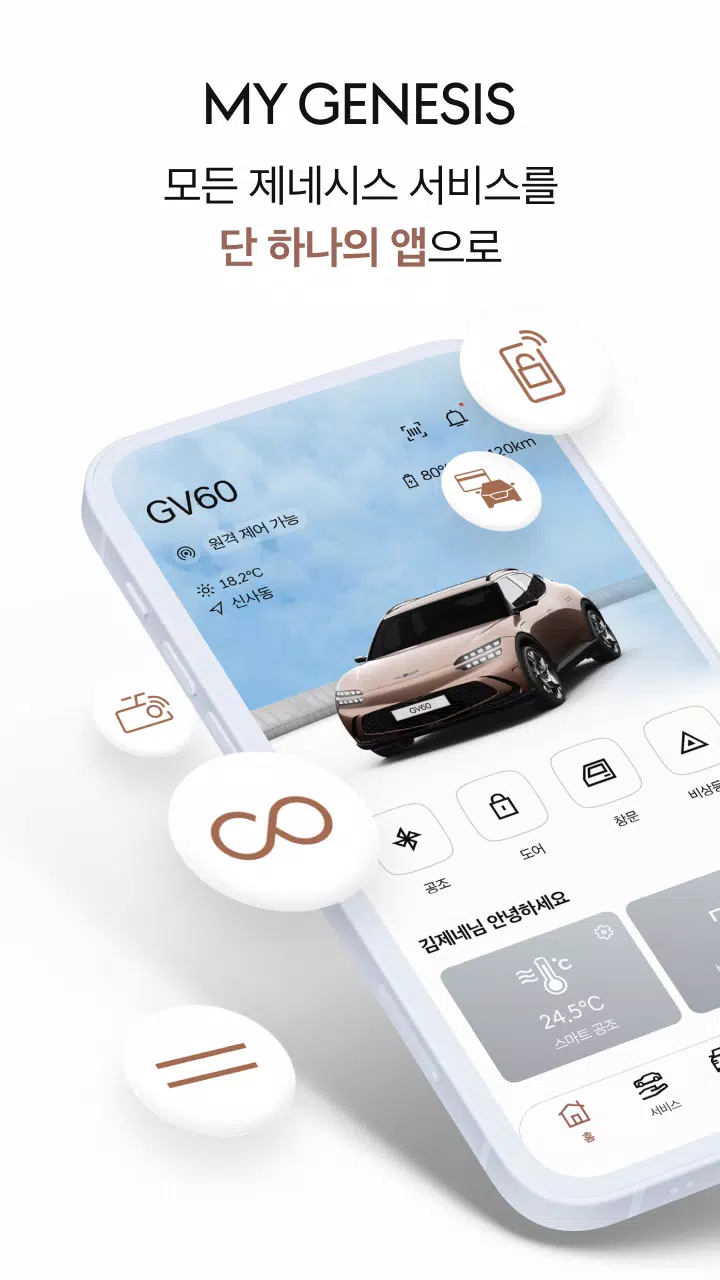

Everything Genesis is now consolidated. Access the full suite of Genesis services through a single, unified app!
* When you register for MY GENESIS, your previously issued digital key will be deactivated, and access to the old digital key app will be restricted to ensure stable digital key functionality.
Everything Genesis in one place
The five Genesis apps—previously My Genesis, Genesis Connected Service, Genesis Digital Key, Genesis CarPay, and Genesis Built-in Cam—are now fully integrated into a single application.
Manage every Genesis service with one app!
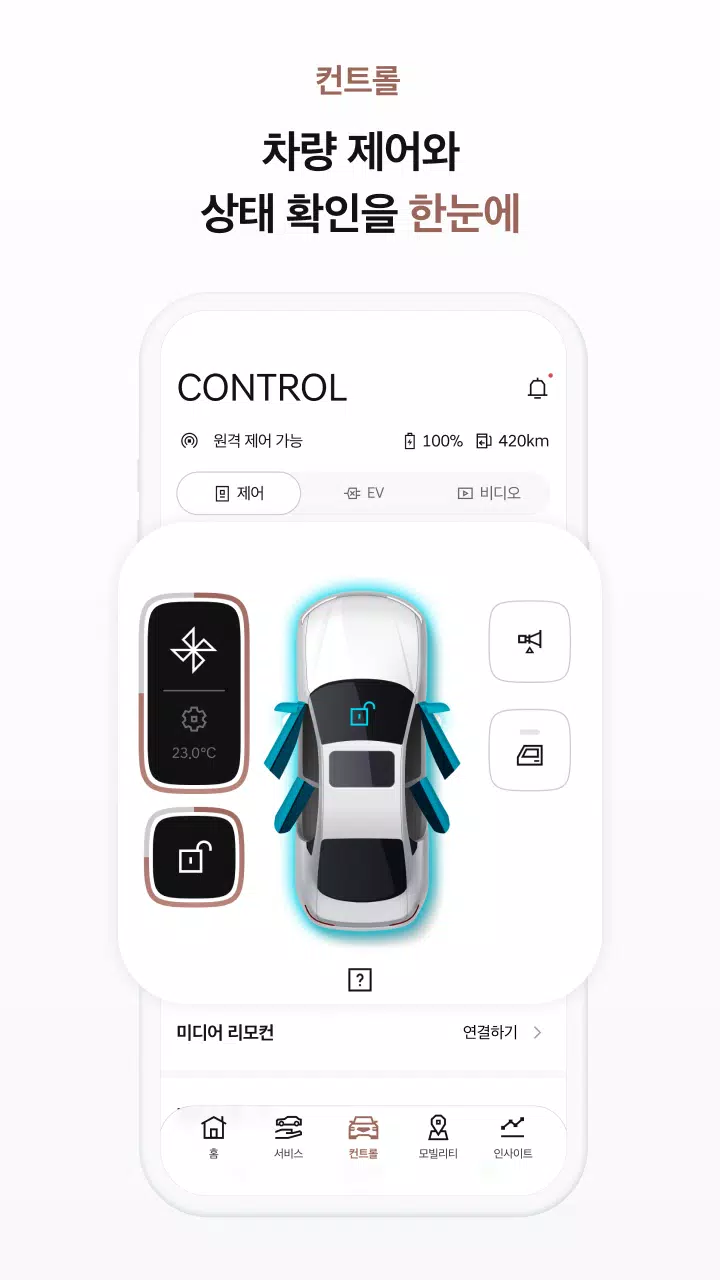
Simplified vehicle control
Handle all your vehicle control functions seamlessly within one app.
● Genesis Connected Services – Remotely operate your vehicle (with a Genesis Connected Services subscription) and monitor its status.
● Digital Key – Use your smartphone as a car key and share vehicle access with others.
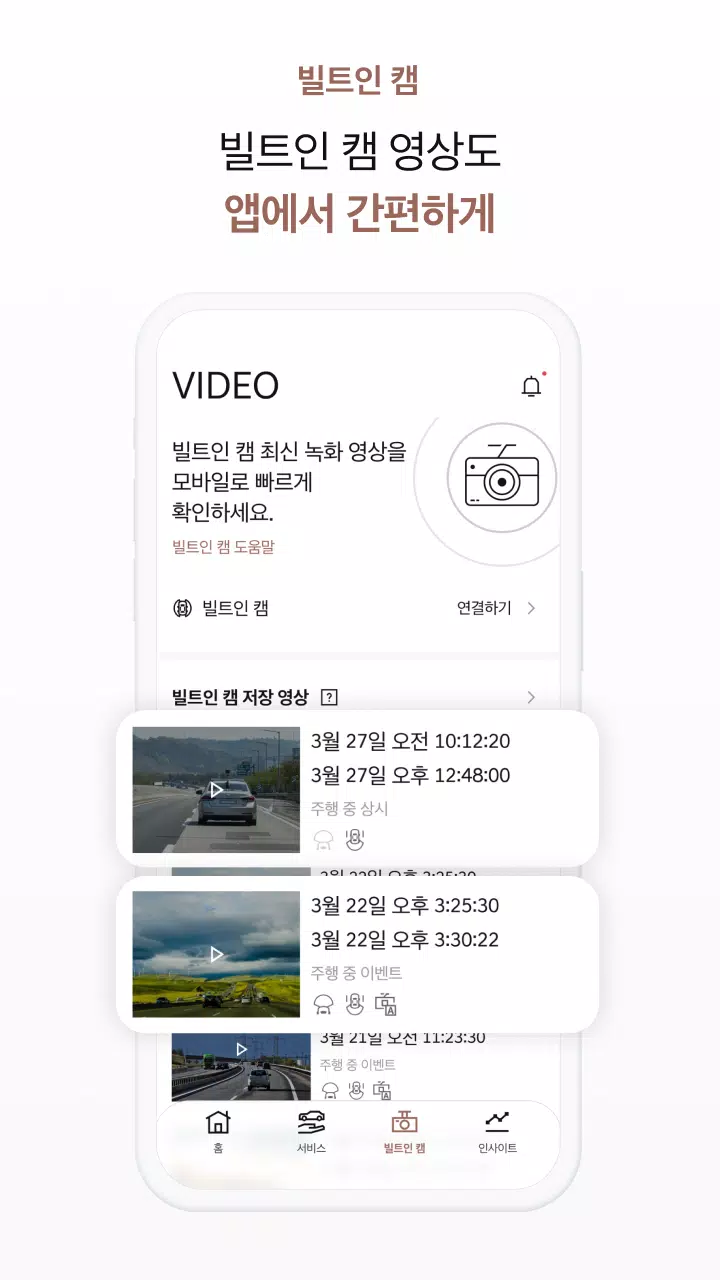
● Built-in Cam – View high-quality footage captured by your vehicle's built-in camera.
● Mobility – Locate your vehicle, check its driving range, find the best route, and send destinations directly to your car—all from one screen.
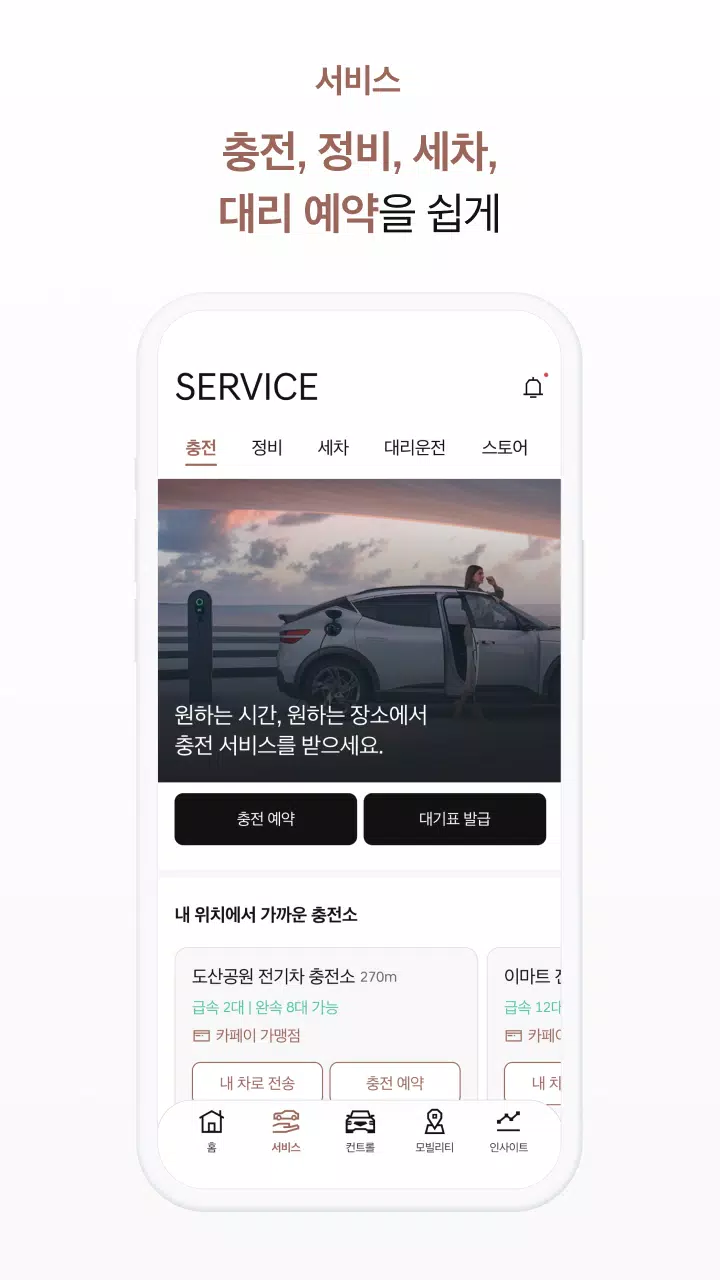
Effortless vehicle maintenance
Streamline vehicle management with easy access to essential services.
● Vehicle management services – From EV charging and maintenance to premium car washes, designated driving, and exclusive member stores, we provide comprehensive services to care for your Genesis.
● My Wallet – Conveniently store and view your membership and partner point cards in My Genesis.
● CarPay – Pay for fuel and affiliated store purchases directly from your car without a physical card.
Driving insights that enhance your experience
We analyze your consumption patterns, driving data, and vehicle condition to deliver personalized insights.
● Car expense tracker – Categorize and track your vehicle-related spending based on your consumption history.
● Driving Report – Receive monthly analysis of your driving habits to support safer driving.
● My vehicle information – Monitor monthly charging, driving patterns, and consumable status for optimal Genesis usage.
[MY GENESIS App Permissions and Usage Information]
● Notifications (Required): Receive alerts for remote control results and real-time vehicle status updates.
● Phone (Required): Verify customer identity, connect to customer support, and enable calls for location search services.
● Bluetooth (Optional): Enable short-range remote control for the Digital Key.
● Location (Optional): Confirm parking location, transmit destinations, verify user position during route guidance, and support Digital Key short-range control.
● Storage (Required): View and download videos from around your vehicle and the built-in camera.
● Camera (Optional): Set profile pictures, use the digital photo frame, register vehicles via QR code, and access AR parking guidance.
● Files and Media (Optional): Manage profile picture settings and digital photo frame content.
[MY GENESIS Smart Watch Support (Wear OS)]
- Use Wear OS devices for convenient remote vehicle control and status management.
- Access MY GENESIS faster and more easily with customizable Watch faces and Complications.
- Requires Wear OS 3.0 or higher and must be linked to the mobile MY GENESIS app.