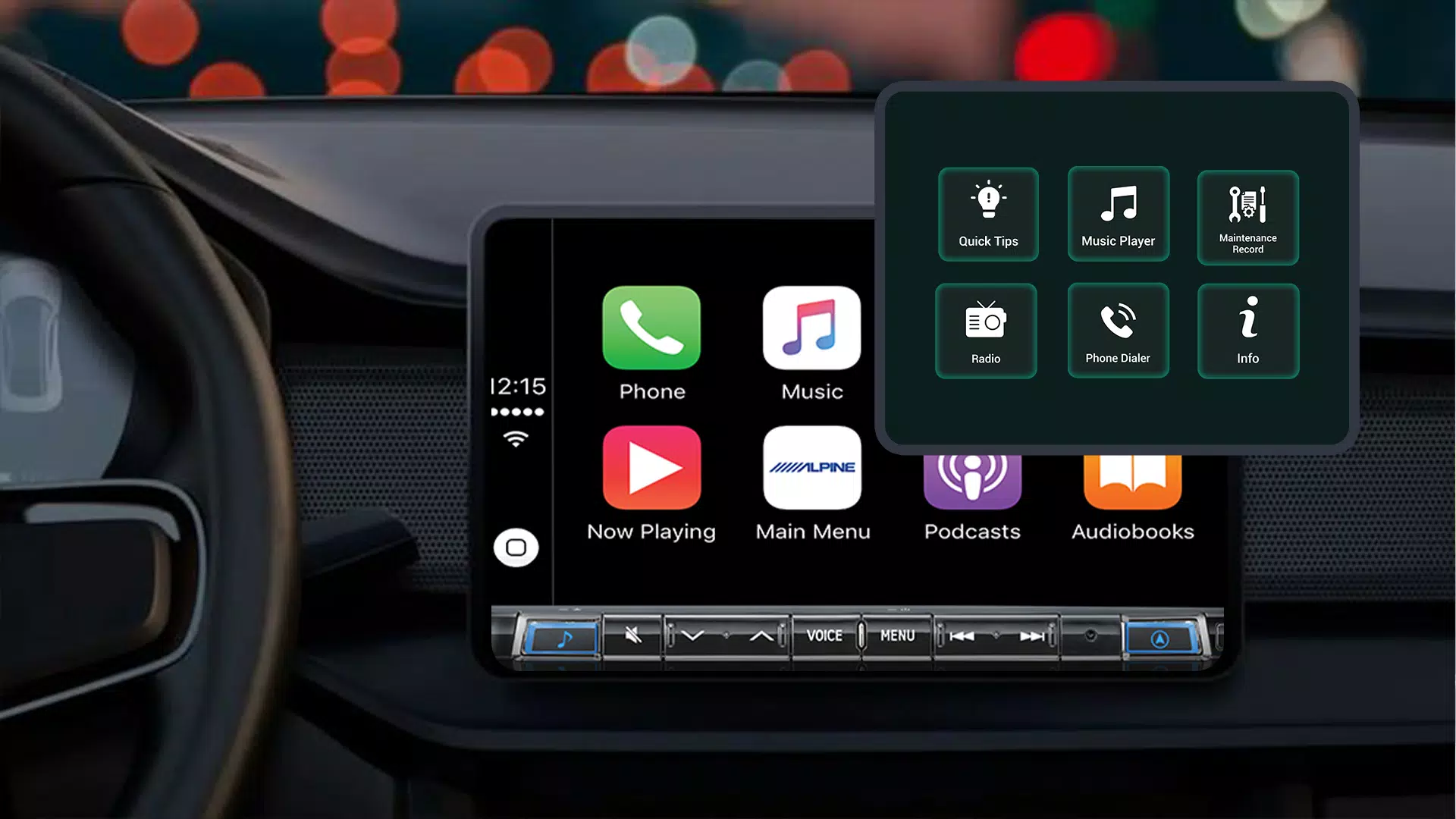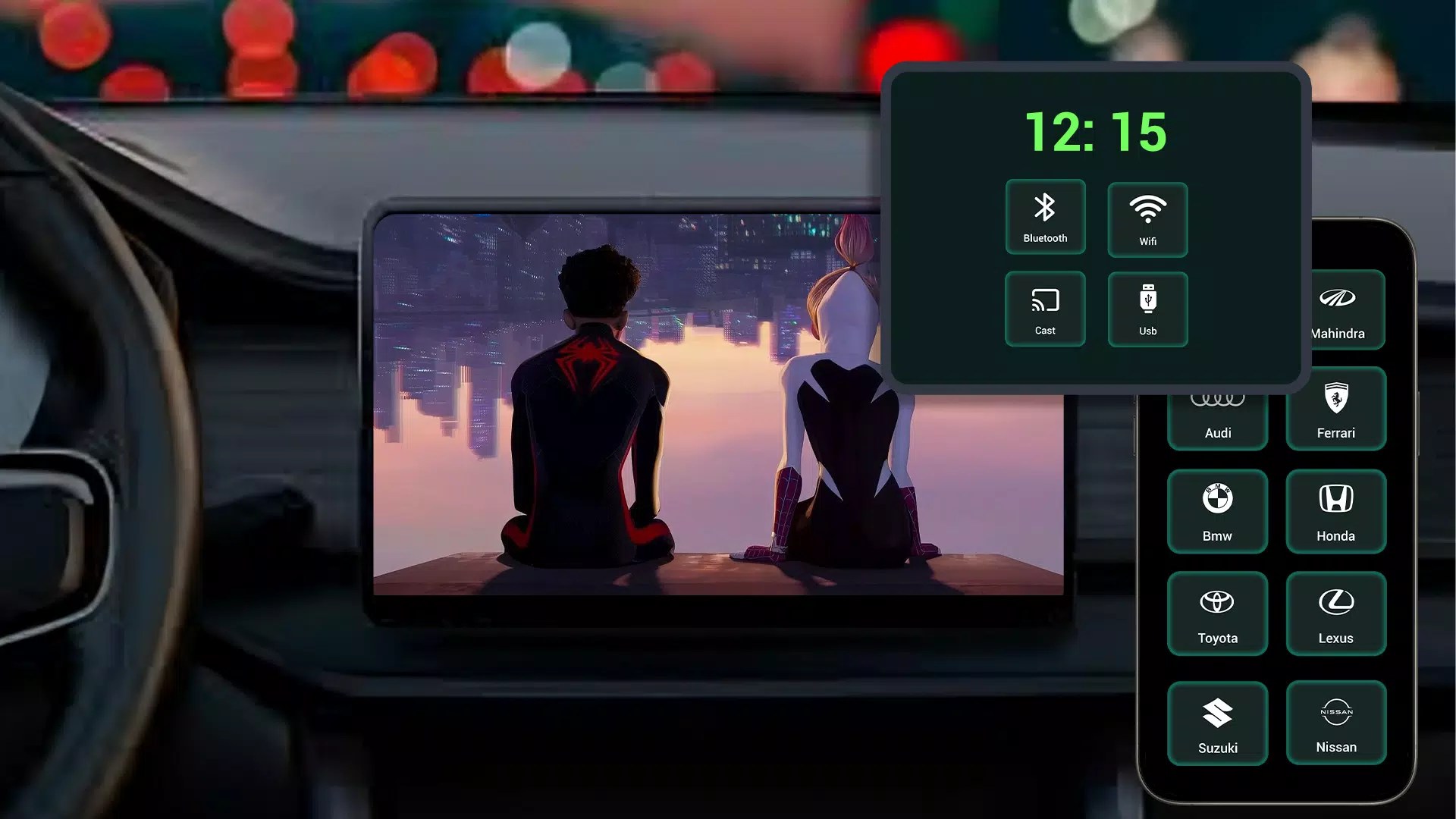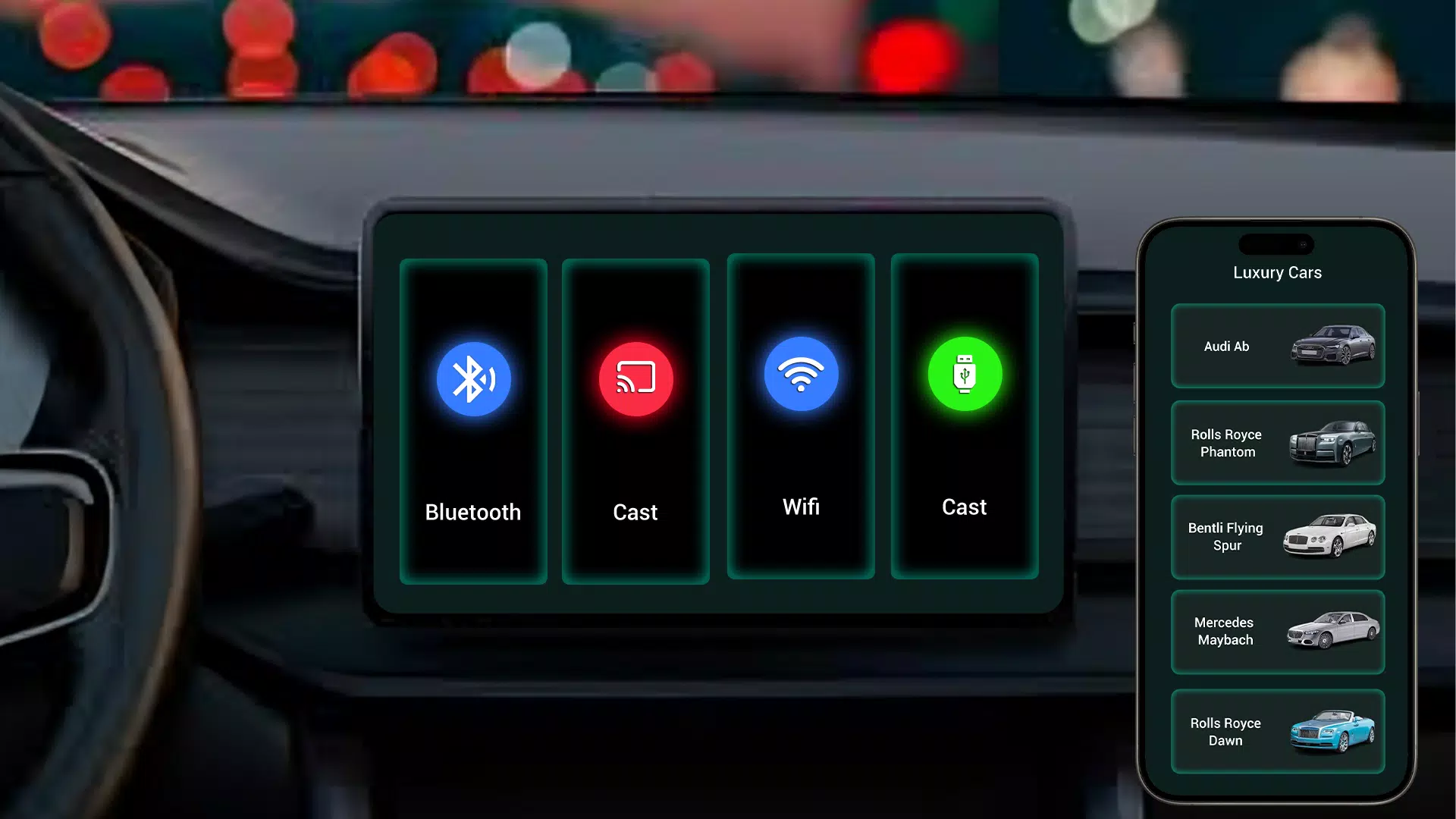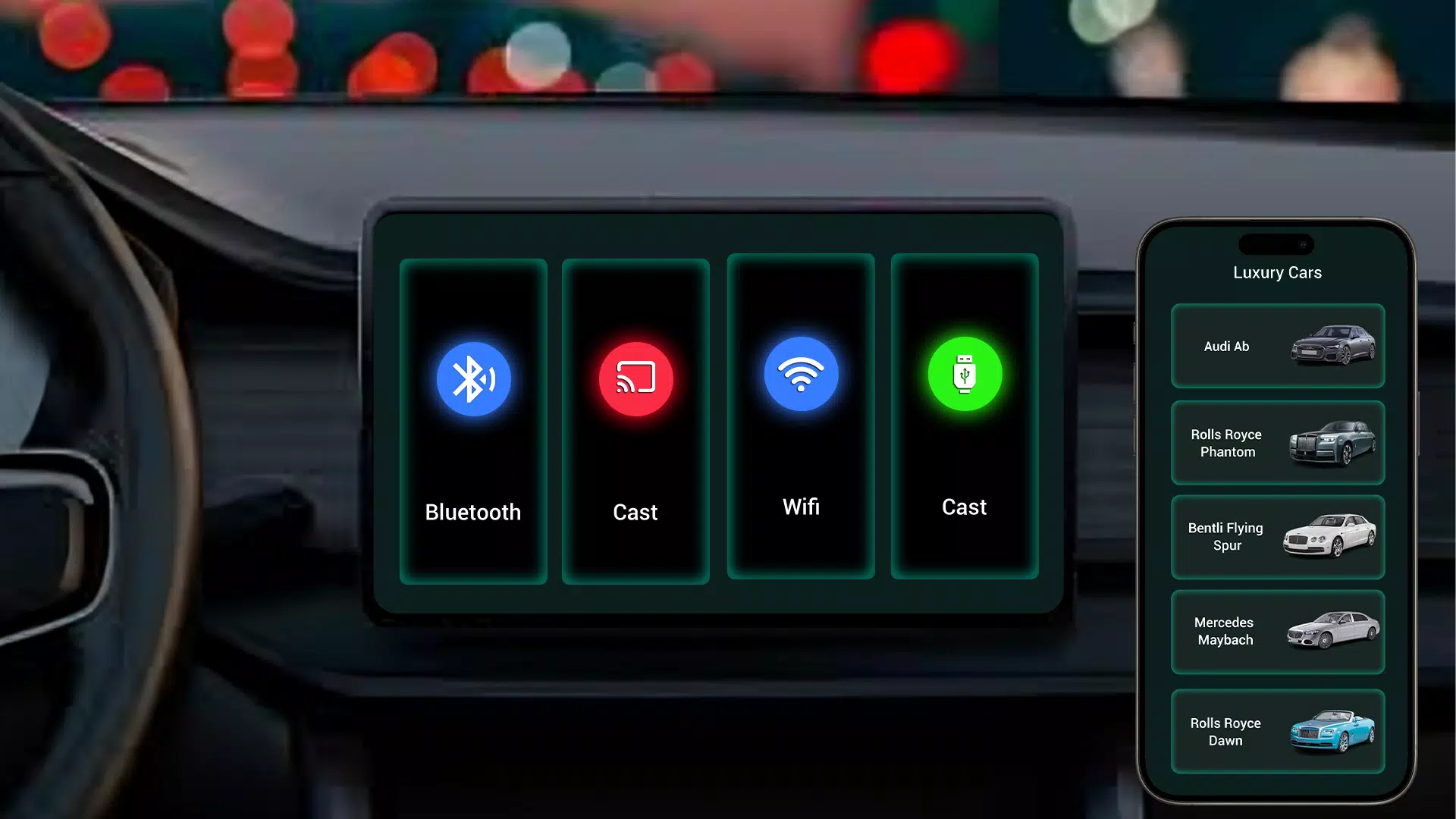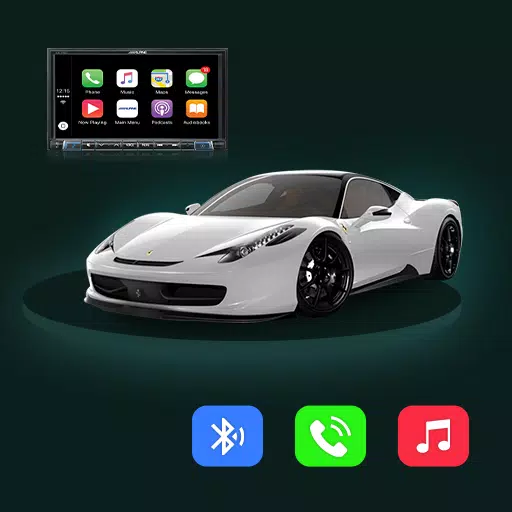
Bridge your car's display and smartphone with the Tima App for smooth mirror link connectivity.
Tima App Car Link – Mirror Your Android to Your Car Display Seamlessly
Tima App Car Link simplifies connecting your Android phone to your car's display via mirror link functionality. The app delivers smooth integration between your smartphone and car, giving you easy access to navigation, entertainment, and apps while on the road.
Key Features of Tima App Car Link:
Easy Car Display Connection: Tima App's mirror link lets you connect your Android device to the car’s infotainment system for a smooth and easy mirroring experience.
Effortless App Control: Operate your go-to apps—like maps, media, and messaging—right from the car’s display for safer hands-free driving.
Media and Music Streaming: Play music, podcasts, and other media from your phone through your car's speakers for more enjoyable trips.
User-Friendly Interface: An intuitive and easy-to-navigate interface means you can set up and manage your car mirror link with ease.
Reliable Connection: A stable, secure link keeps your phone and car display in sync without interruptions or lag.
Why Choose Tima App Car Link?
Tima App Car mirror link is designed to improve your driving by giving you smooth control over your phone’s apps, music, and navigation. Whether commuting or road-tripping, it keeps your smartphone connected to your car for easier use and an enhanced in-car experience.
Enhanced Driving Safety
Tima App Car mirror link supports safer driving by letting you control phone features via the car’s infotainment system. Keep your hands on the wheel and your attention on the road while staying connected.
Personalized App Integration
With Tima App, bringing your favorite apps into your car has never been simpler. Check directions, manage music, or send messages—all accessible right from your car display. Enjoy more intelligent and convenient driving with personalized app control.
Effortless Setup and Use
Setup is quick and straightforward. Install Tima App Car Link, connect your Android phone to the car display, and start mirroring instantly. No complicated setup required—just simple, effective connectivity.
Download the Tima App Car Link Now!
Upgrade your drive with Tima App Car mirror link. Download today to connect your Android device to your car’s infotainment system and enjoy navigation, music, and apps directly on your display. Discover smooth, hands-free control with Tima App.
What's New in the Latest Version 1.1
Last updated on Oct 29, 2024
Minor bug fixes and improvements. Install or update to the latest version to see what’s new!