
About This Application
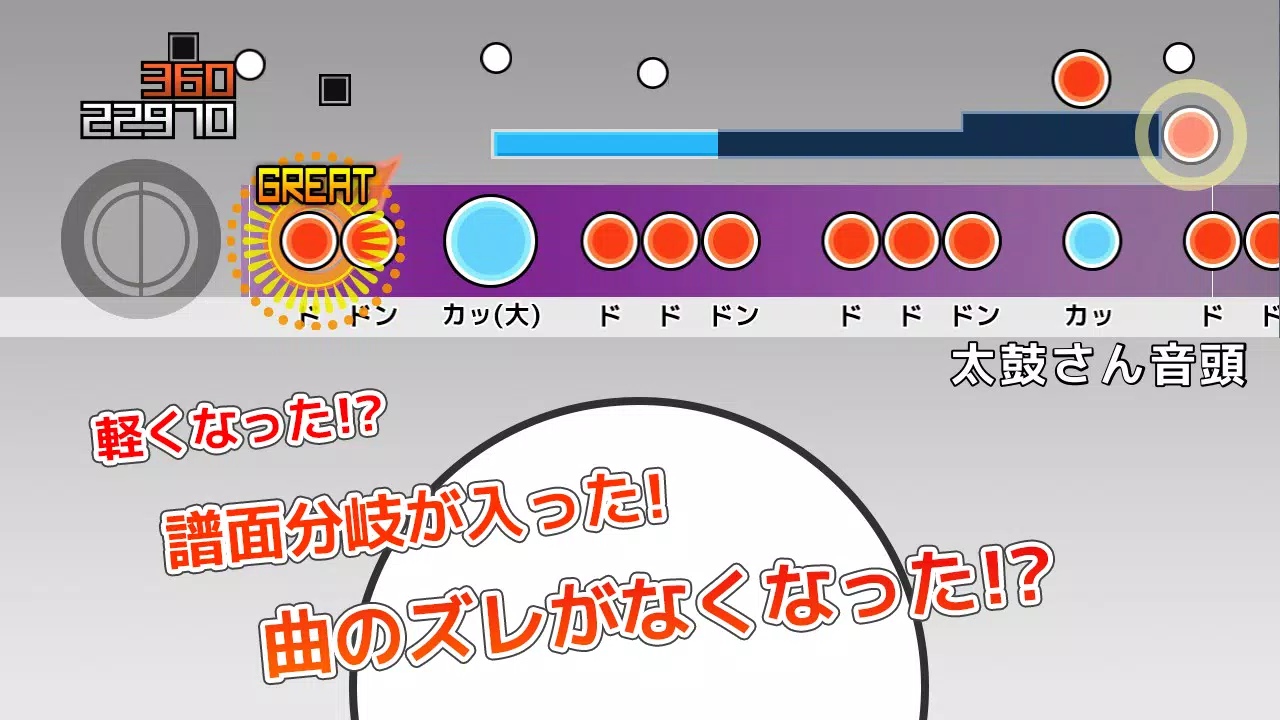
This application enables you to play TJA files from "Taiko-san Jiro 2". It is designed to work seamlessly with the PC software "Taiko Sanjiro 2".
Please note that due to the wide variety of Android devices, we are unable to test every single model. We apologize for any inconvenience, but we cannot guarantee functionality on devices that fail to launch the app.
We do not provide support or answers regarding how to obtain TJA files or skins. We appreciate your understanding.
How to Add Songs
When you first start the app, a "TJA" folder is automatically created in the root directory of your device's storage or SD card.
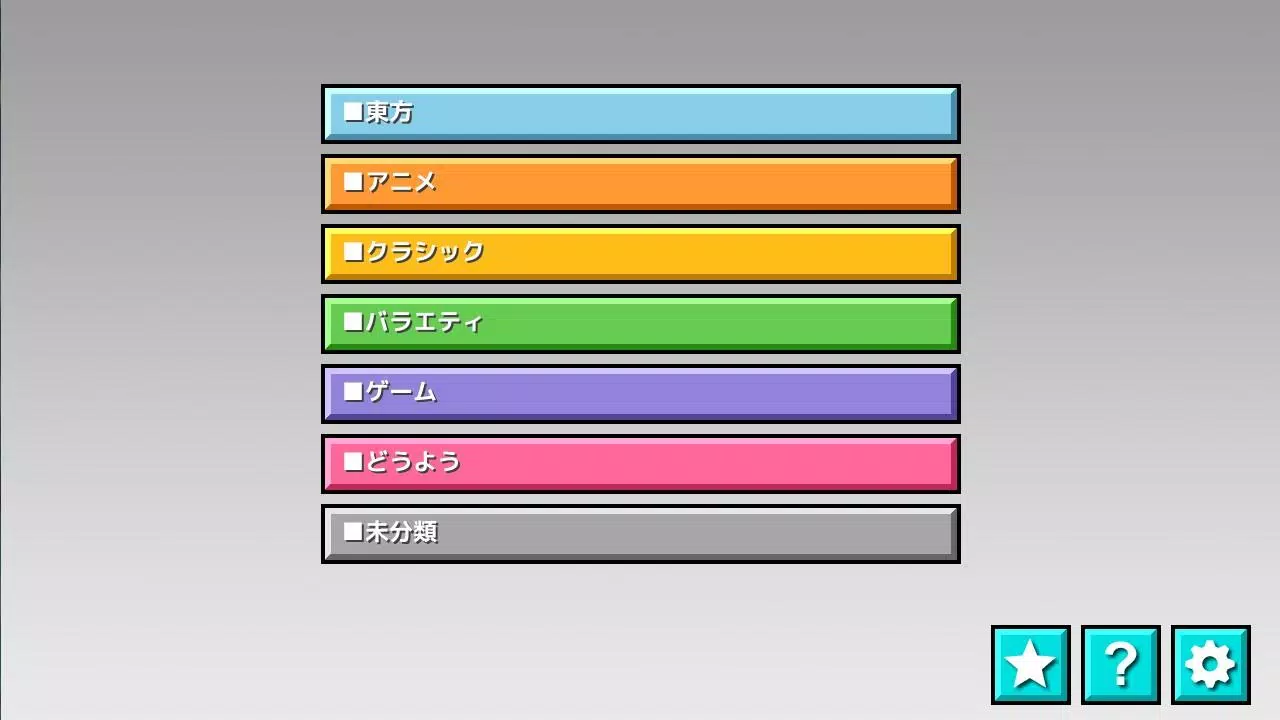
Create a genre folder inside the "TJA" directory and place your TJA files within it.
If a "genre.ini" file is missing from the genre folder, the songs will be categorized under "Uncategorized".
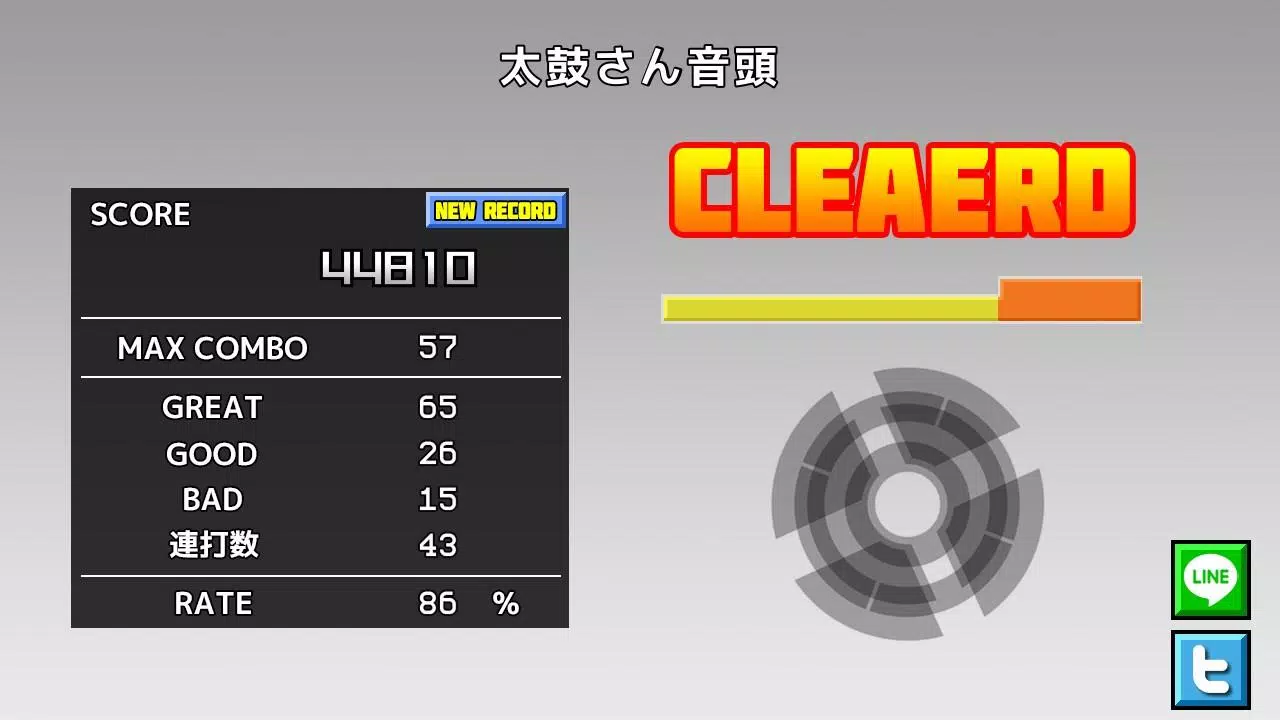
On Android 4.4 and later versions, high score saving may not be possible due to system restrictions.
We have added a "record location" option in the settings. Please ensure you select the correct package path.
How to Add Skins
Skins are compatible with the skin data from "Taiko Sanjiro 2" (partial implementation).
Skincare data from "Taiko-san Jiro" (non-version 2) is not supported.
The app reads "theme-default/default.csv".
Please be aware that performance may vary, and operation could be slower depending on your device model and the complexity of the skin data.
Contents of genre.ini
(This file is required; without it, the folder will not be recognized as a valid genre folder.)
[Genre]
GenreName=Name of the genre
GenreColor=#66cc66
FontColor=#ffffffff
Help
What's New in the Latest Version 1.4.4
Last updated on Jun 29, 2023
- Due to enhanced Android security measures, direct access to folders outside of the app-specific directory is no longer permitted. If you have updated the application, please use your file manager to copy the default folder "/TJA" to "Android/data/com.daijiro.taiko2/files/TJA".
- Bug Fixes