Erase video backgrounds, remove photo backgrounds & replace video backgrounds
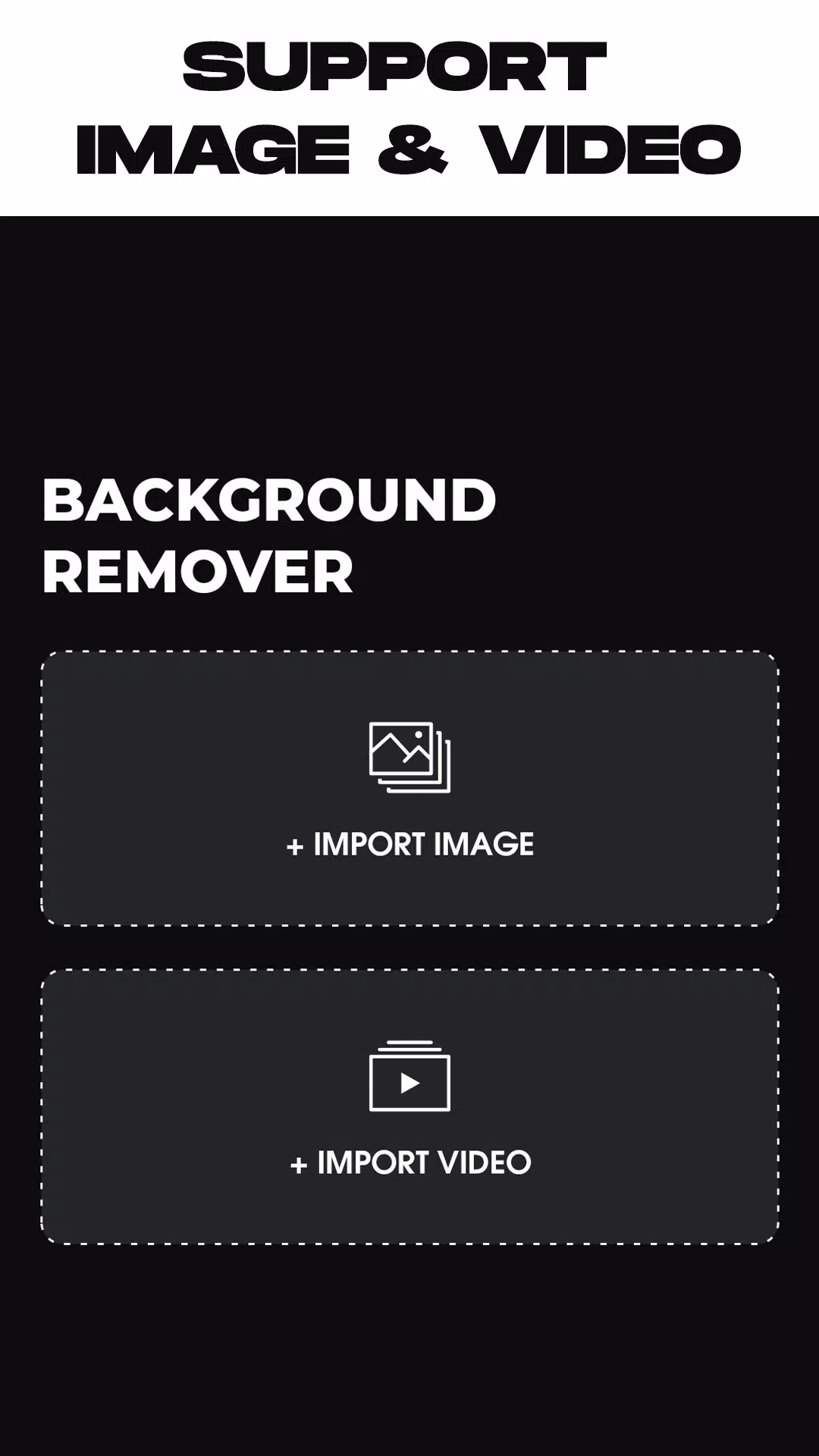
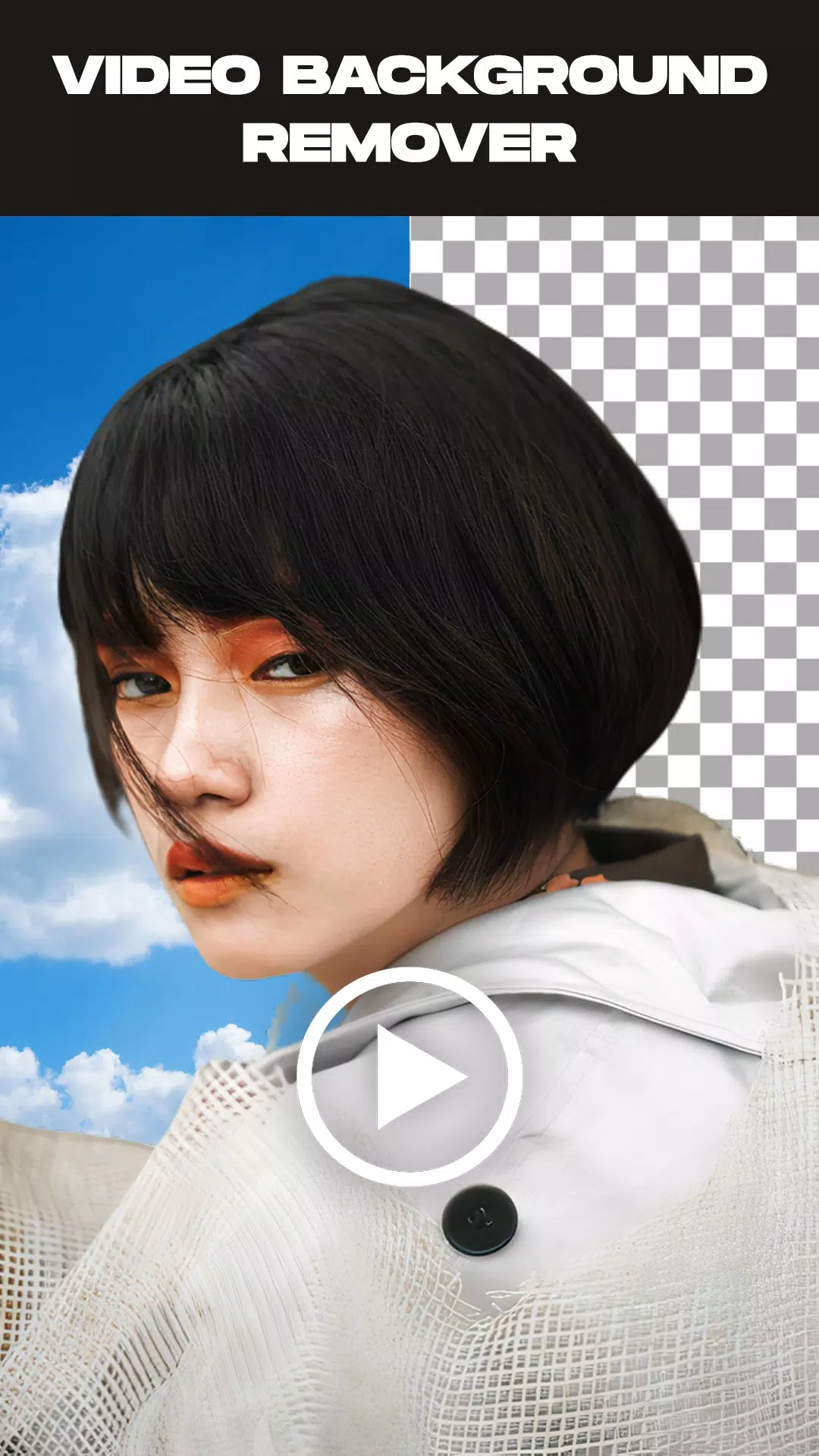
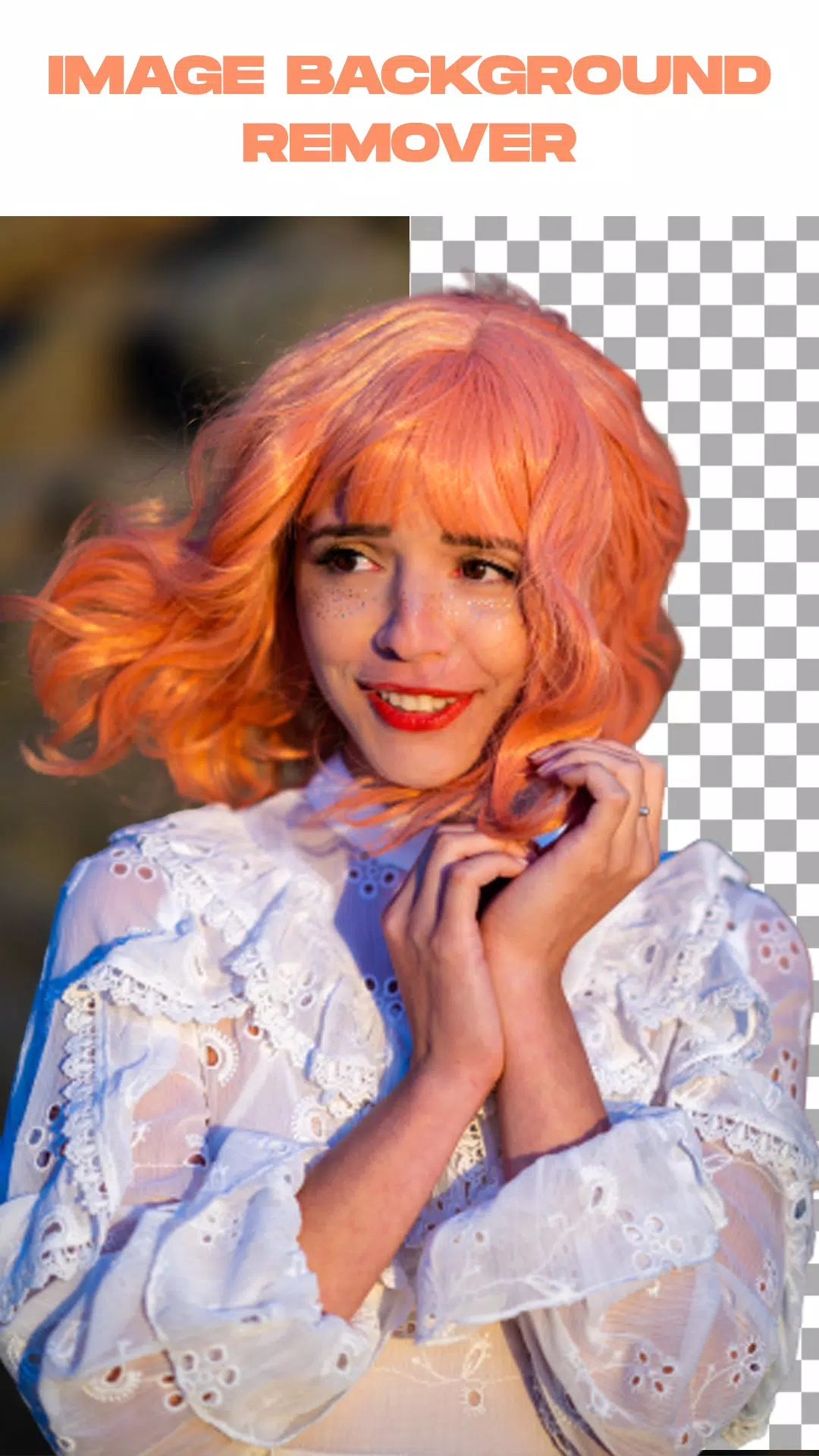
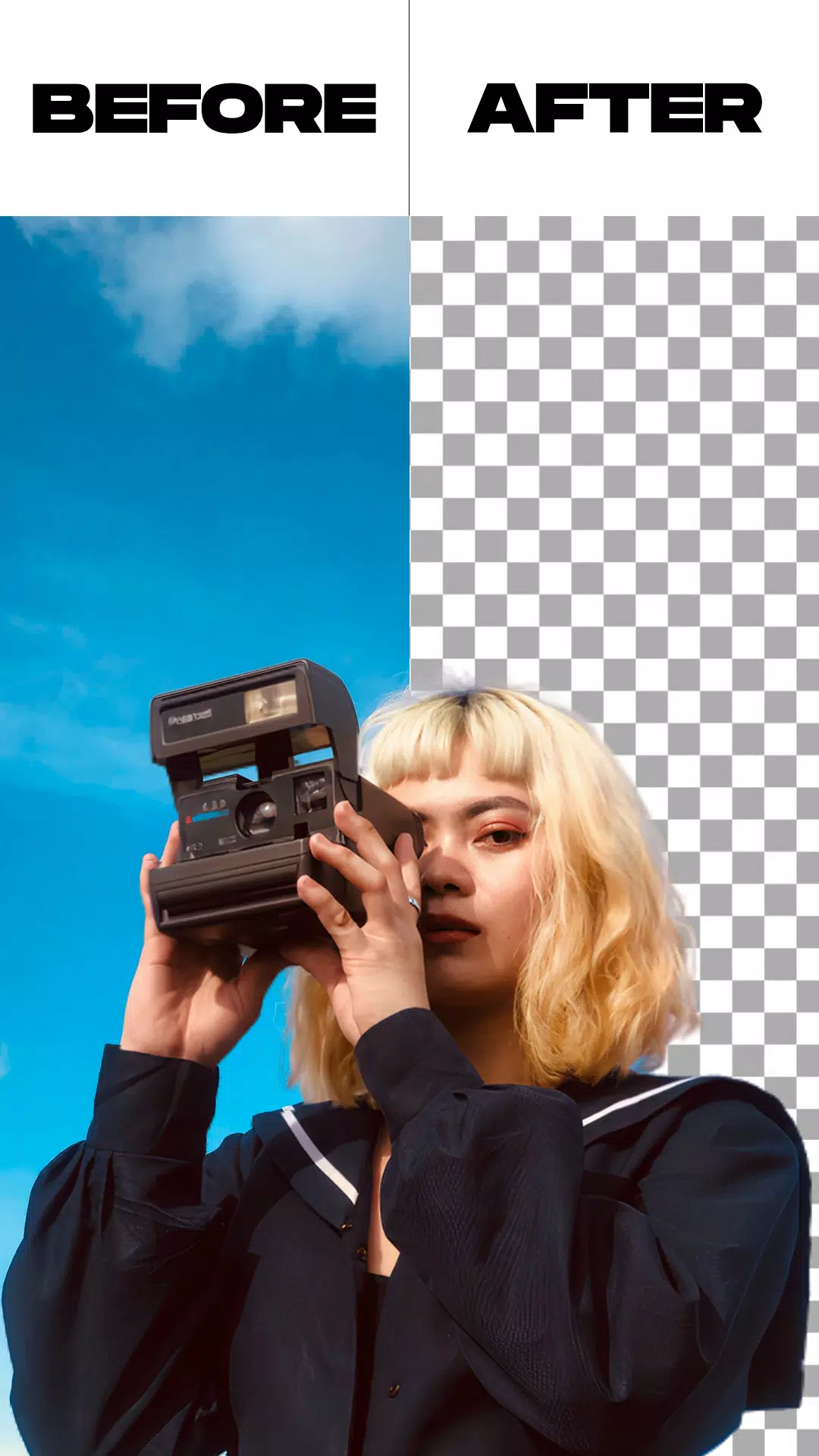
Remove Video Background is a practical application for users seeking to eliminate backgrounds from both videos and photos. This app enables you to remove backgrounds from videos and substitute them with new backgrounds sourced from your camera or gallery. It presents two primary options and includes additional functionalities like image background removal and green screen replacement with custom backgrounds.
Remove Video Background is a free video background editing tool packed with features, including the ability to replace video backgrounds with solid colors. The app provides access to thousands of colors and gradients—simply pick your preferred shade and transform your camera video background instantly.
Beyond colors and gradients, the app allows you to replace video backgrounds with images from your gallery or even other videos. With just one tap, your video background will be updated.
The green screen effect supports both front (selfie) and rear cameras. Switch between them with a single tap, and customize the background for videos taken with either camera.
Green screen technology is widely popular among users who enjoy creating more dynamic and entertaining videos. But what exactly is a green screen? It refers to a filter that provides multiple background options for videos shared on social platforms.
This feature mimics the green backgrounds used in superhero films, serving as a virtual stage for creative expression. While the tool has gained significant popularity online, do you know how to make the most of it?
Features:
- Remove backgrounds from images using automatic or manual methods.
- Trim videos before applying background removal.
- Remove backgrounds from live camera recordings or existing videos in your gallery.
- Replace green screen backgrounds with backgrounds of your choice.
How to Use:
- Launch the Remove Video Background app.
- Choose between removing backgrounds from photos or videos.
- After selecting your media file, the app will automatically begin processing. Wait until the background removal is complete.
- Once processing finishes, customize your video or photo background by selecting from built-in options or your gallery.
- When satisfied, tap the export button to save the final video or photo to your gallery.
What's New in Version 1.5.4
Last updated on May 26, 2024
* Minor bug fixes.