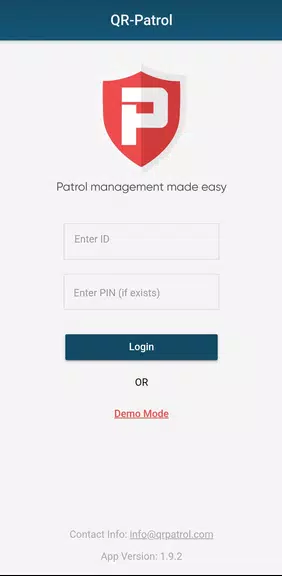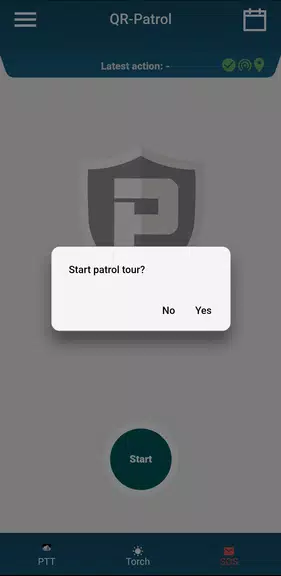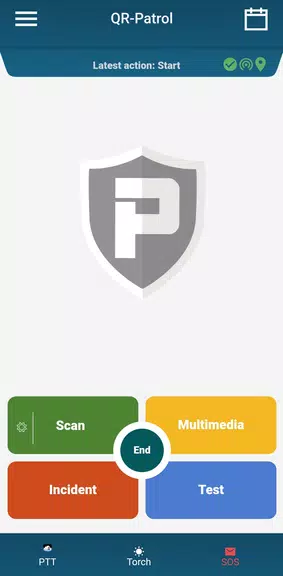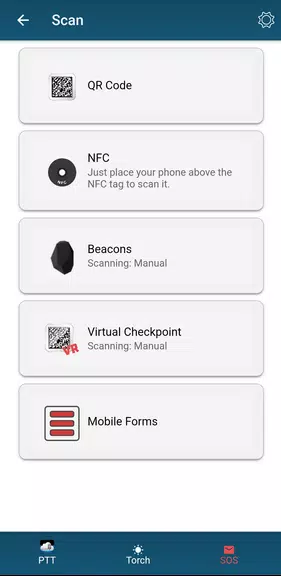
QR-Patrol is transforming the global security industry by offering an innovative and efficient way for security companies to manage and monitor guard patrols. Leveraging the power of smartphones, guards can effortlessly scan QR codes or NFC tags to transmit real-time data—including incident reports, messages, and images—along with precise GPS coordinates directly to the Monitoring Center. In critical situations, a simple tap on the SOS button instantly alerts the Center with the guard’s exact location, enabling rapid response. This cutting-edge application ensures that companies remain fully informed while providing clients with peace of mind. By enhancing team coordination and reducing operational costs, QR-Patrol streamlines security management like never before. Upgrade to the app PRO to unlock advanced features such as Push-To-Talk communication and automatic Man-Down alerts for superior protection.
Features of QR-Patrol:
Real-Time Monitoring:
The app enables security companies to monitor guard patrols in real time, allowing instant access to critical data and incident updates as they occur. This ensures swift and effective responses to any situation, improving overall operational efficiency.Emergency SOS Button:
Designed for safety, the SOS button allows guards to send immediate distress alerts with their exact GPS coordinates. This feature facilitates fast emergency response, potentially saving lives during high-risk incidents.Client Communication:
Guards and supervisors can communicate seamlessly with clients via email or browser notifications. This level of transparency builds trust and reassures clients that their security is being actively managed and monitored.Cost-Effective and Efficient:
By utilizing smartphones, QR-Patrol offers a budget-friendly and dependable solution for patrol tracking and reporting. It simplifies workflows, boosts productivity, and eliminates redundant manual tasks, ultimately saving valuable time and resources.
Tips for Users:
Regular Patrol Scans:
Encourage guards to consistently scan QR codes or NFC tags throughout their rounds. This ensures accurate tracking and real-time data transmission to the Monitoring Center for better situational awareness.Familiarize with SOS Button:
All personnel should be trained on how to use the SOS function and understand its importance in emergency scenarios. Conducting regular drills helps ensure a quick and coordinated response when needed.Maintain Client Communication:
Keep clients updated on patrol activities and any relevant incidents through the app's notification system. Consistent communication fosters trust and strengthens long-term client relationships.
Conclusion:
The QR-Patrol app stands out as a powerful and innovative tool for modern security companies aiming to optimize guard patrol management. With essential features such as real-time monitoring, emergency SOS alerts, seamless client communication, and cost-efficient operations, it delivers a comprehensive solution for maintaining safety and professionalism. By following the user tips and leveraging the app’s core advantages, companies can significantly enhance their workflow, improve team collaboration, and deliver exceptional service to their clients. Download [ttpp] today and take your security operations to the next level with QR-Patrol!