
Introducing the New Eden Server
Relive the Romance: A Return to the Original 2003 Adventure
A World of Value: The New Eden Server is Now Open
▣ Game Overview ▣
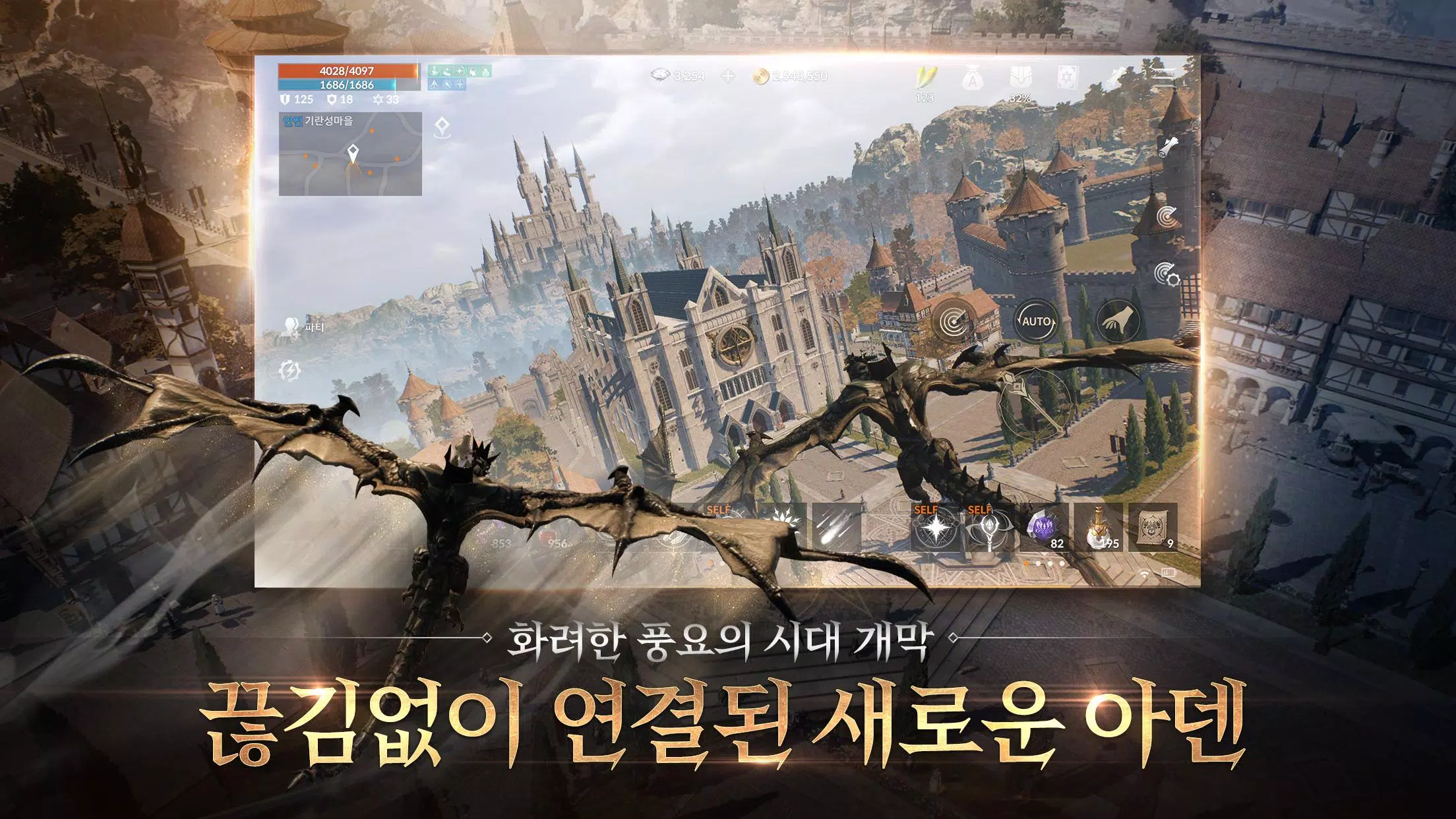
UNRIVALED, GENERATION-DEFINING GRAPHICS
"The pinnacle of visual excellence, surpassing era and platform limits"
Powered by the highest available specifications and full 3D graphics
The most stunning visual experience in mobile gaming history
Seamless, Single-Channel Open World
"The most expansive seamless open world"
A world built with unparalleled realism
An immersive, uninterrupted experience where all gameplay seamlessly unfolds.
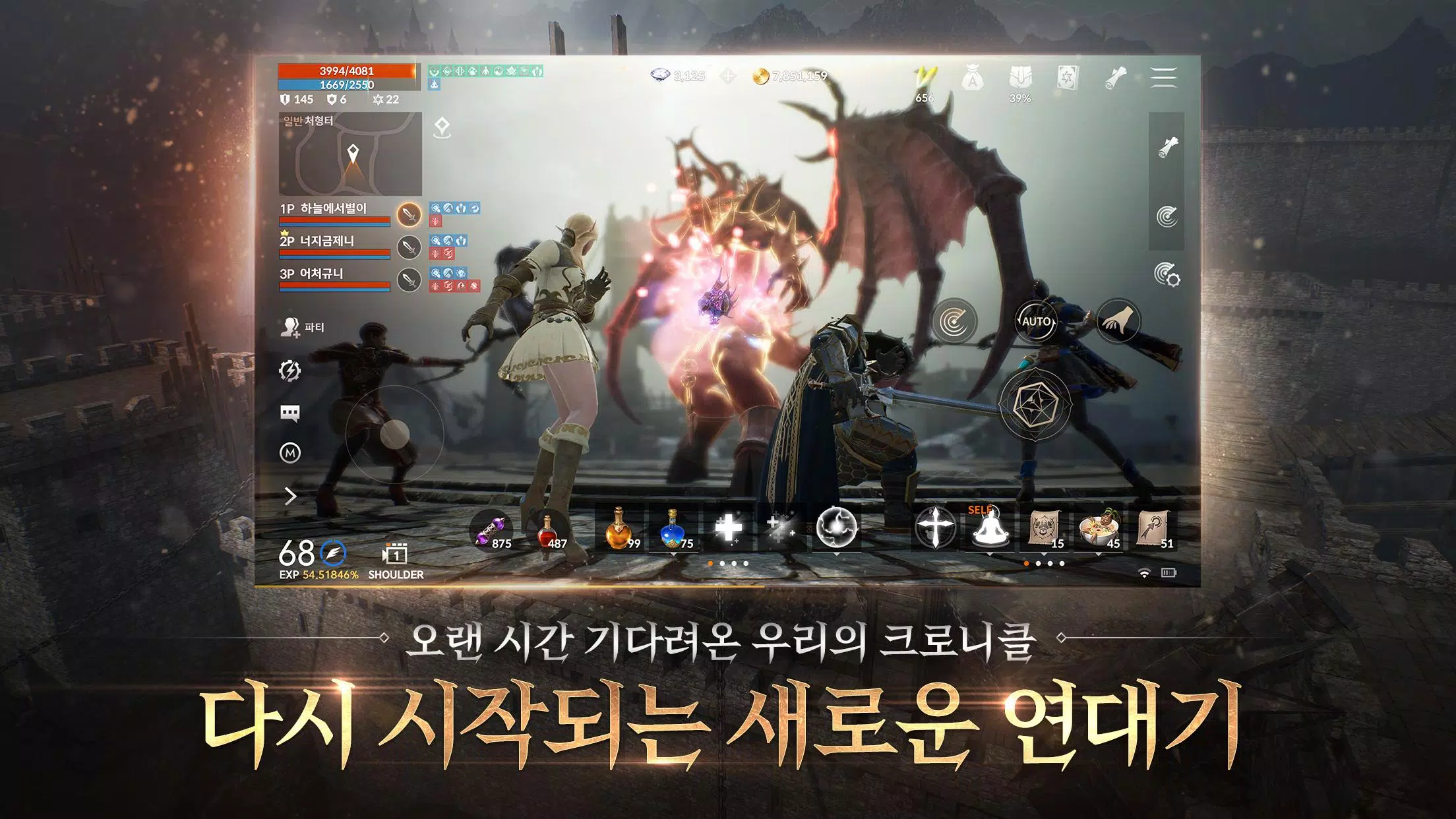
The Complete MMORPG
"Redefining the Standards of MMORPGs"
[World] Beautifully reimagined while preserving the distinct identity of every village and hunting ground.
[Class] Beyond the original 31 classes, discover never-before-seen new classes.
[Battle] Lineage combat perfected, where the strong dominate and the weak have a fighting chance.
▣ Lineage 2M Official Community ▣
1. The Lineage 2M Community: Your fastest source for the latest news and event updates.
https://lineage2m.plaync.com/board/all/list
2. PURPLE: Communicate in real-time with your clan members anytime, anywhere.
https://play.google.com/store/apps/details?id=com.ncsoft.community
3. Purple PC Client: Experience a premium gaming environment with top specifications and full 3D graphics.
※ For more news and updates, visit the official homepage!
※ Website: https://lineage2m.plaync.com/
▣ For optimal gameplay, Lineage 2M requires the following permissions.
You can still play the game without granting optional permissions.
* Optional Permissions
[Optional] Storage: Permission to save posts, set profile pictures, and enable screenshots and video recording.
[Optional] Nearby Devices: Permission to detect connected Bluetooth keyboards or mice within the game.
[Optional] Microphone: Permission for audio recording when using voice chat or video recording features.
[Optional] Notifications: Permission to receive informational and promotional push notifications from the game.
* How to Manage Permissions
- Permissions can be modified or revoked after initial agreement.
- Android 6.0+: Go to Settings > Apps > Lineage 2M > Permissions, then enable or disable specific permissions.
* Minimum Specifications: 3GB RAM
----
Lineage 2M Customer Service: 1566-7004
Lineage 2M Fax: 02-2186-3499
Email: [email protected]