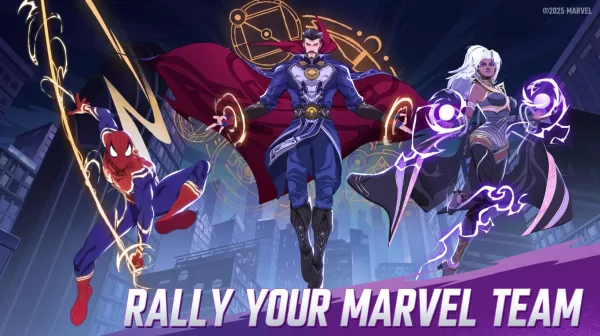

In MARVEL Mystic Mayhem, assembling a formidable team of heroes and villains is crucial for excelling in all game modes - whether tackling story campaigns and PvE missions or engaging in PvP battles and alliance wars. The gacha-based summoning system means luck significantly impacts your initial roster's strength. That's why mastering rerolling techniques becomes essential. This comprehensive guide covers all rerolling strategies in Mystic Mayhem, including innovative methods to acquire top-tier characters.
Optimize Your Rerolls with BlueStacks
BlueStacks not only lets you experience MARVEL Mystic Mayhem on a larger PC display but also accelerates rerolling through its Multi-Instance Manager. This powerful feature creates multiple virtual Android devices simultaneously. By cloning your active instance, you eliminate the need to repeatedly reinstall the game across different accounts.
Once you've launched all supported instances, configure them to sync by designating your first instance as the "master." This synchronization allows you to control all account activities through commands executed in your primary instance. When you initiate rerolling on the master account, all linked instances will follow suit automatically.
BlueStacks gives players the ultimate gaming advantage by bringing MARVEL Mystic Mayhem to PC with enhanced controls through keyboard and mouse support on larger displays.