Google Meet is Google's video calling app that lets you connect with anyone using your smartphone. With a simple interface, this tool provides all the necessary features for smooth video calls with one or more users simultaneously.
Make free online video calls on Android
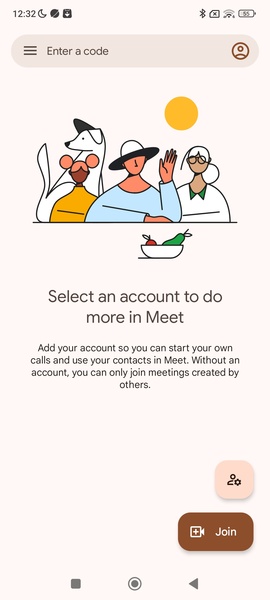
With Google Meet, you can easily make free online video calls without signing up. All you need is a Google account to enjoy all the benefits of the tool. You don't have to add a phone number to find your contacts, and you can create meetings without sharing your email address for added privacy.
Creating meetings on Google Meet is very easy
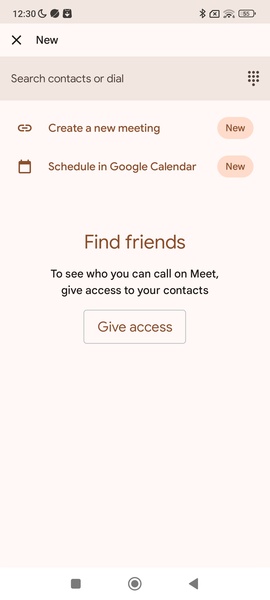
On the Google Meet home screen, you'll find a section where you can easily start a meeting. Simply select an email address, and you'll receive a valid invitation link within seconds. You can also share the link to each meeting directly with other participants from this section to save time.
Create a personalized avatar and add virtual backgrounds
Like similar tools, Google Meet allows you to use a customized avatar so you don't have to show your identity during video calls. The tool also offers different backgrounds to customize each setting.
Check your calendar
Google Meet lets you schedule all your meetings on Google Calendar. This is useful for setting the date for a video call with its start and end times. This way, you'll never miss an online meeting if you work remotely with your teammates.
Keep your privacy safe
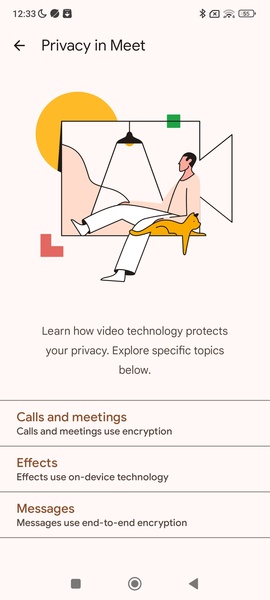
Google Meet is a secure app, with Google providing sophisticated end-to-end encryption for each video call. You must grant permission to access the microphone and camera to start a call. You'll also be asked for access to your address book so the tool can retrieve the number of anyone you might invite to each meeting.
Download the Google Meet APK for Android and enjoy one of the best free video-calling apps for smartphones. Create meetings or join any existing link easily, and connect with multiple people using HD video and high-fidelity sound in each session.
Requirements (Latest version)
Android 6.0 or higher required
Frequent questions
How do I activate Google Meet?
To activate Google Meet, you will need to enter your phone number and request an activation code. Once you receive the SMS, enter the code to complete the registration and start making calls.
How do I view my call history in Google Meet?
To view your Google Meet call history, click on settings > account > history. Here, you will see all made and received calls. To view the history of a single contact, open their profile, click on 'more options' and then on 'view full history'.
How do I invite someone to Google Meet?
To invite someone to Google Meet, open the app, select your contacts list and click on the person you want to invite. Your SMS app will automatically open with a default message that you can send to that person.