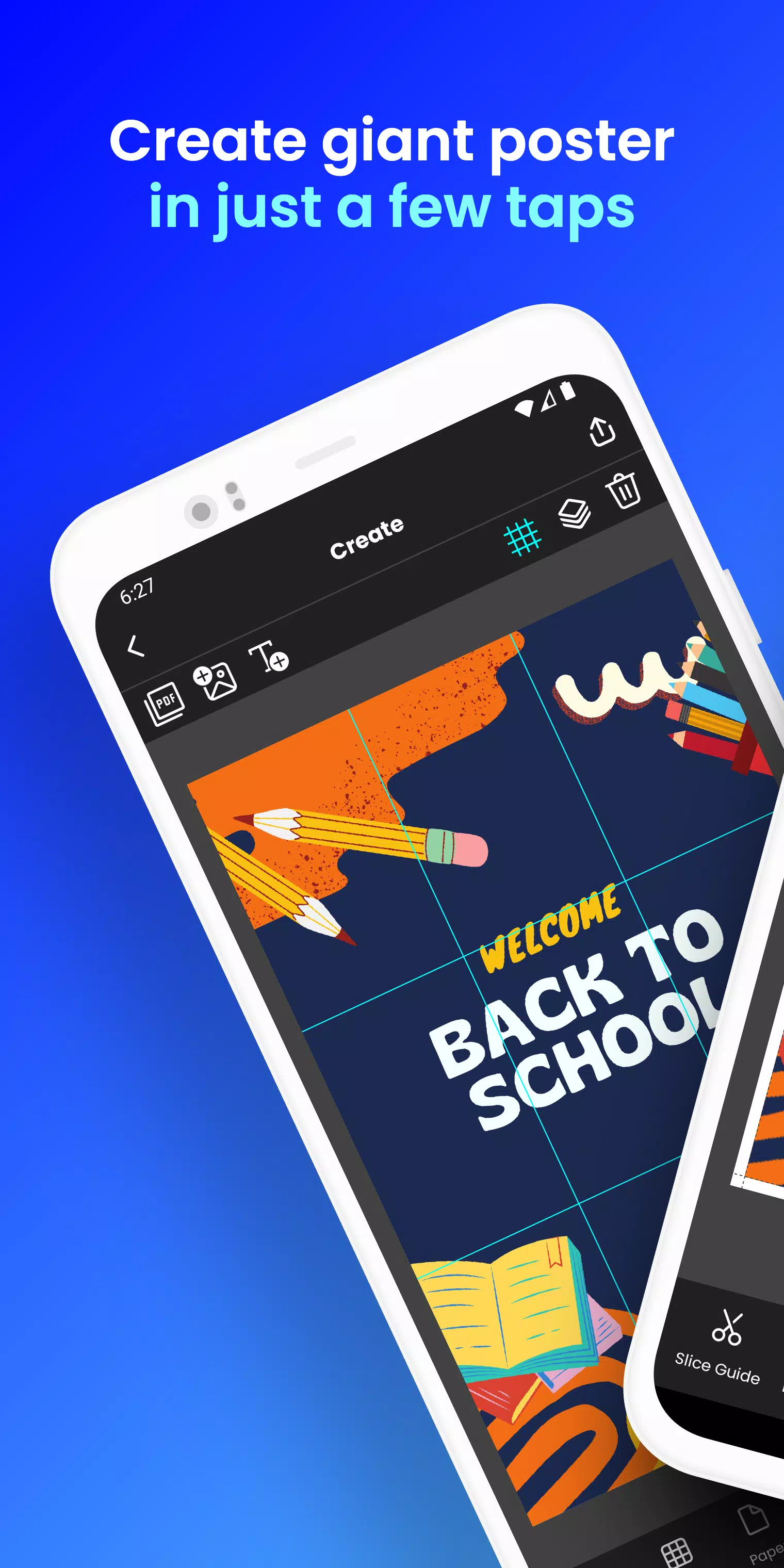
Transform your phone into a giant poster printer! Create stunning block posters in seconds!
Tired of expensive print shops for large posters, banners, or wall art? Docuslice lets you create breathtaking, multi-page posters using your home printer! Tiled printing made incredibly simple!
Here's how it works:
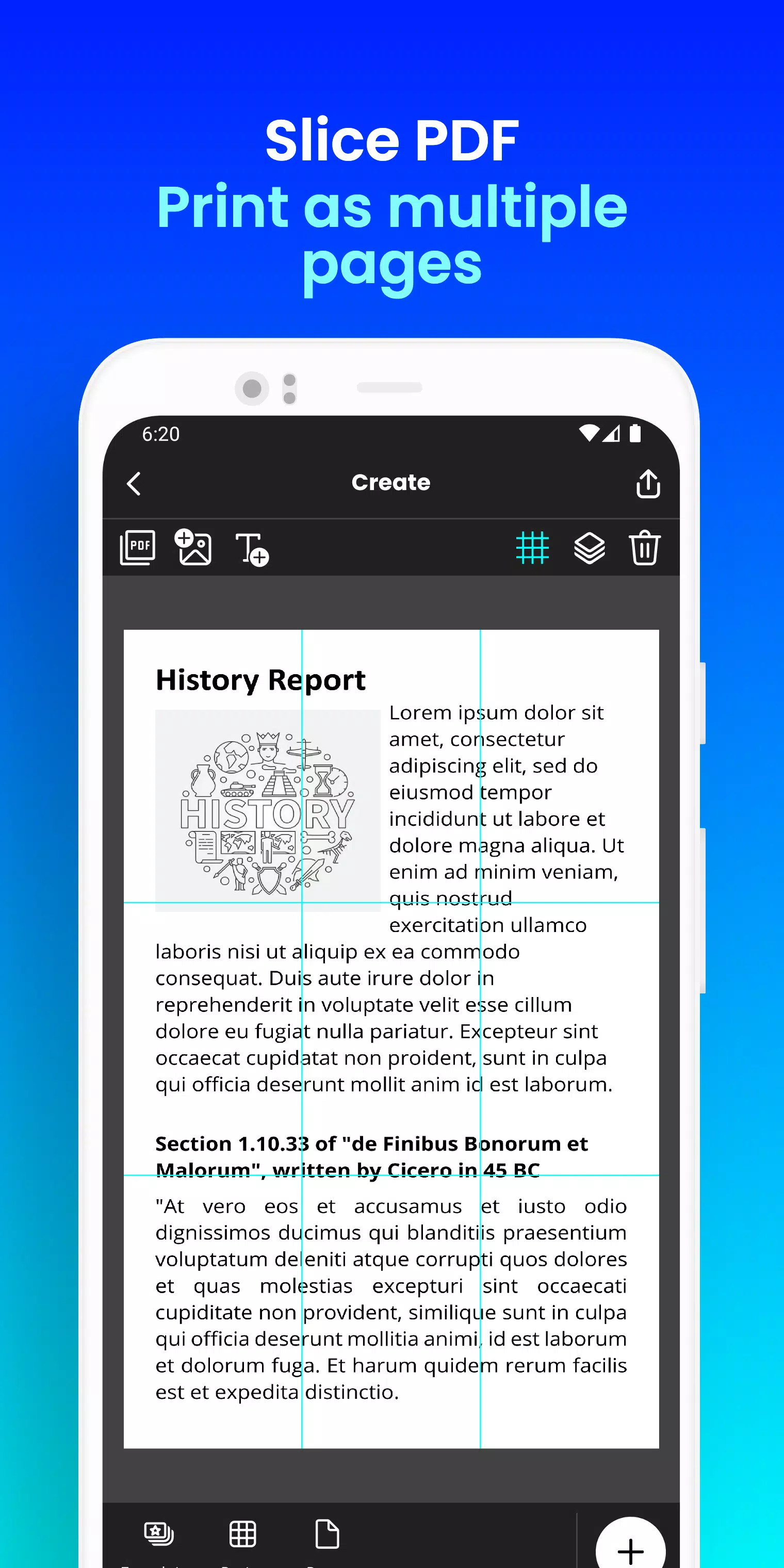
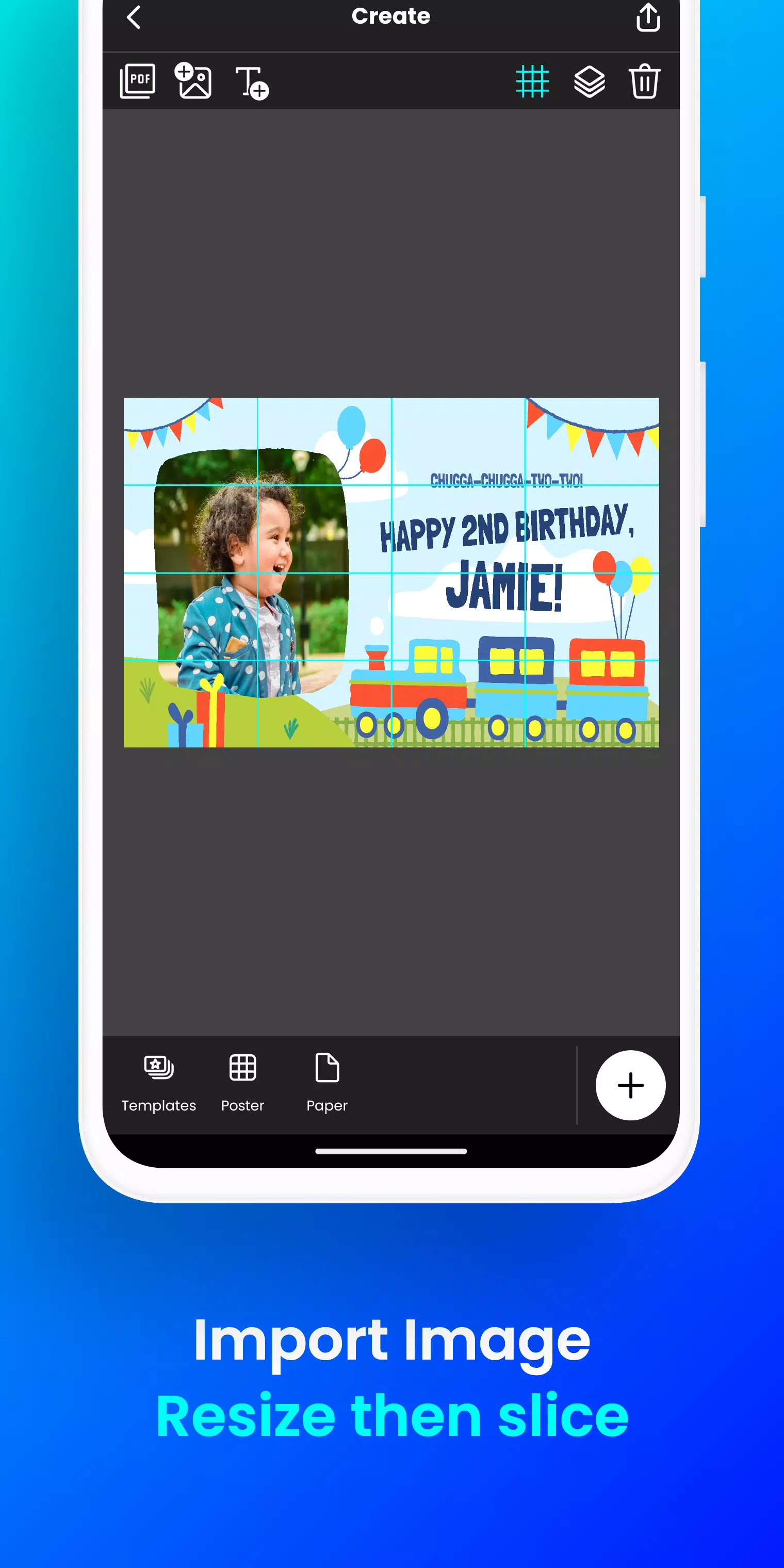
- Import your image or PDF file effortlessly.
- Easily customize: Resize and add text with our intuitive tools.
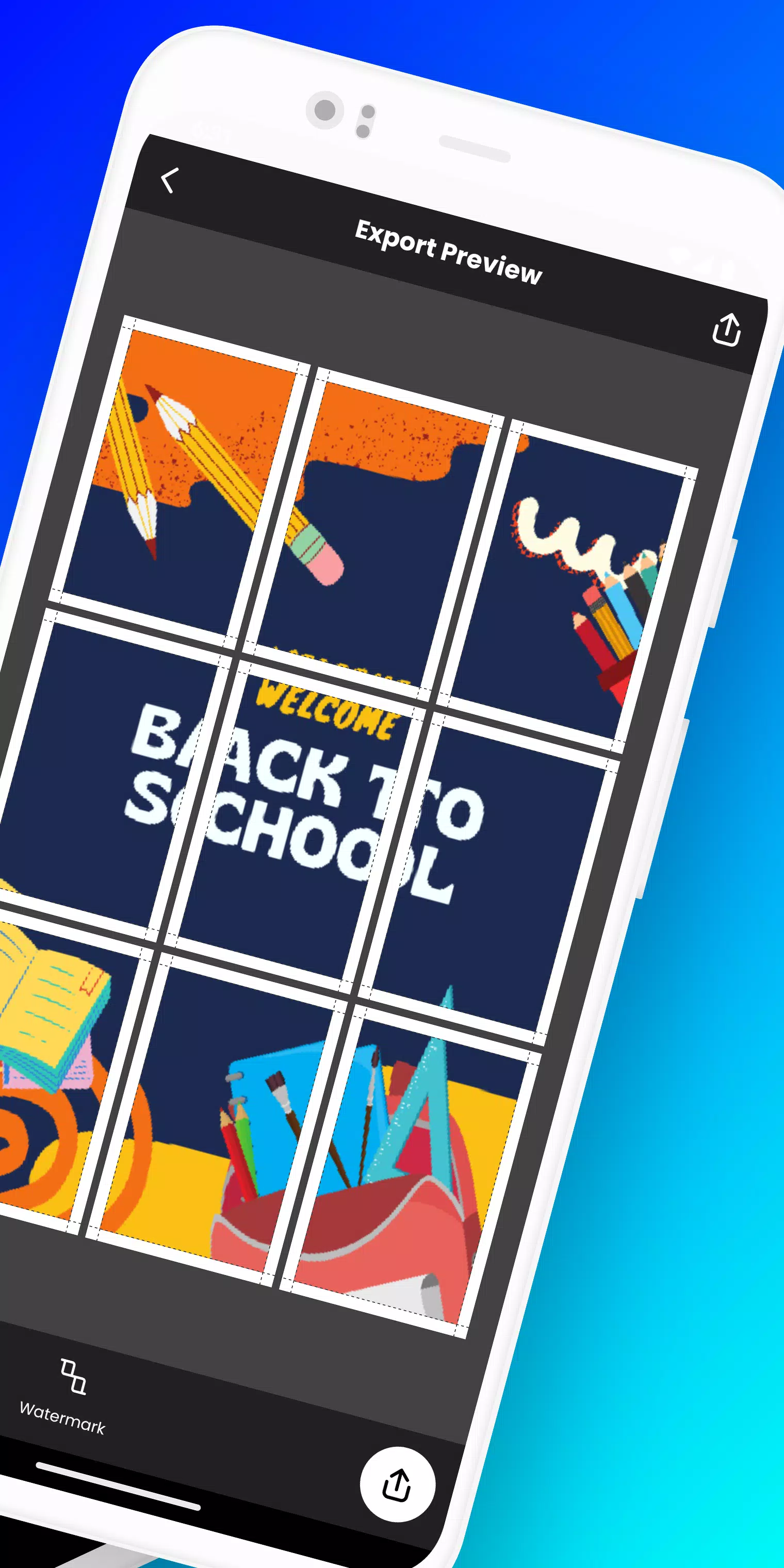
- Docuslice automatically slices your design into printable tiles.
- Print the tiles on any paper size and assemble your giant poster!
Ideal for:
- Striking event posters (birthdays, holidays, etc.)
- Educational materials, decorations, and classroom posters.
- Unique wall art for your home or office.
- Impactful campaign posters.
- Large-scale banners for any event.
- Bold activism posters.
Docuslice offers:
- FREE download and usage!
- An incredibly user-friendly interface.
- Compatibility with all images and PDFs.
- Significant cost savings on printing.
- An eco-conscious alternative to large-format printers!
Ready to unleash your creativity and print massive posters with ease? Download Docuslice today!
What's New in Version 2.1 (Updated Nov 9, 2024)
- Enhanced security with OTP (One-Time Password) authentication, eliminating passwords.
- New paper size added: A3+ / Super B.
- Added helpful scissor markings for precise cutting, with the option to hide/show them in the export preview.
- Now compatible with both phones AND tablets!
- This update also includes bug fixes and performance improvements for enhanced stability.
- Thank you for your valuable feedback and continued support!