Home Apps Productivity Autosync for Google Drive
Autosync for Google Drive

Autosync for Google Drive Rate : 4.9

Download
Application Description

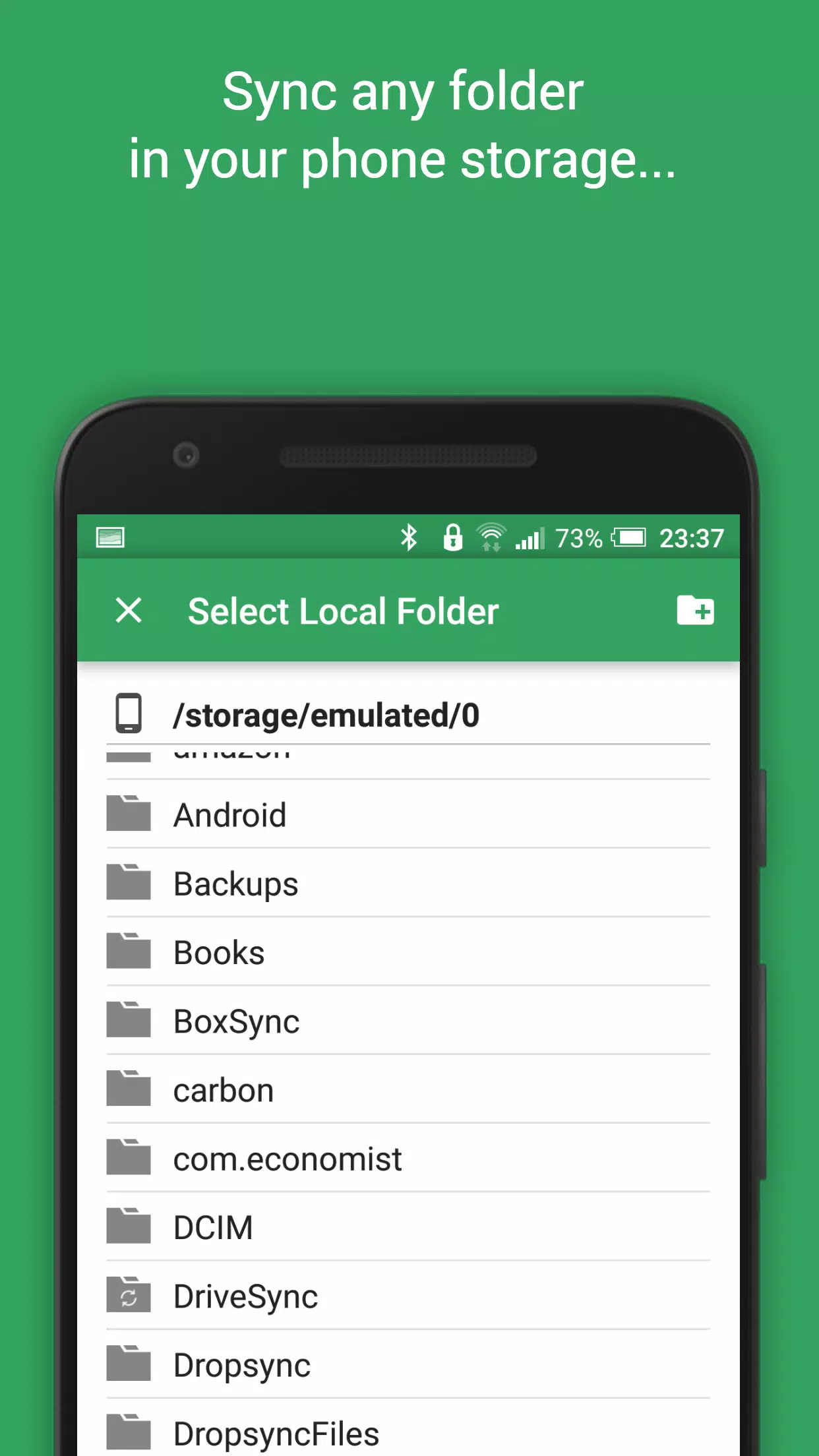
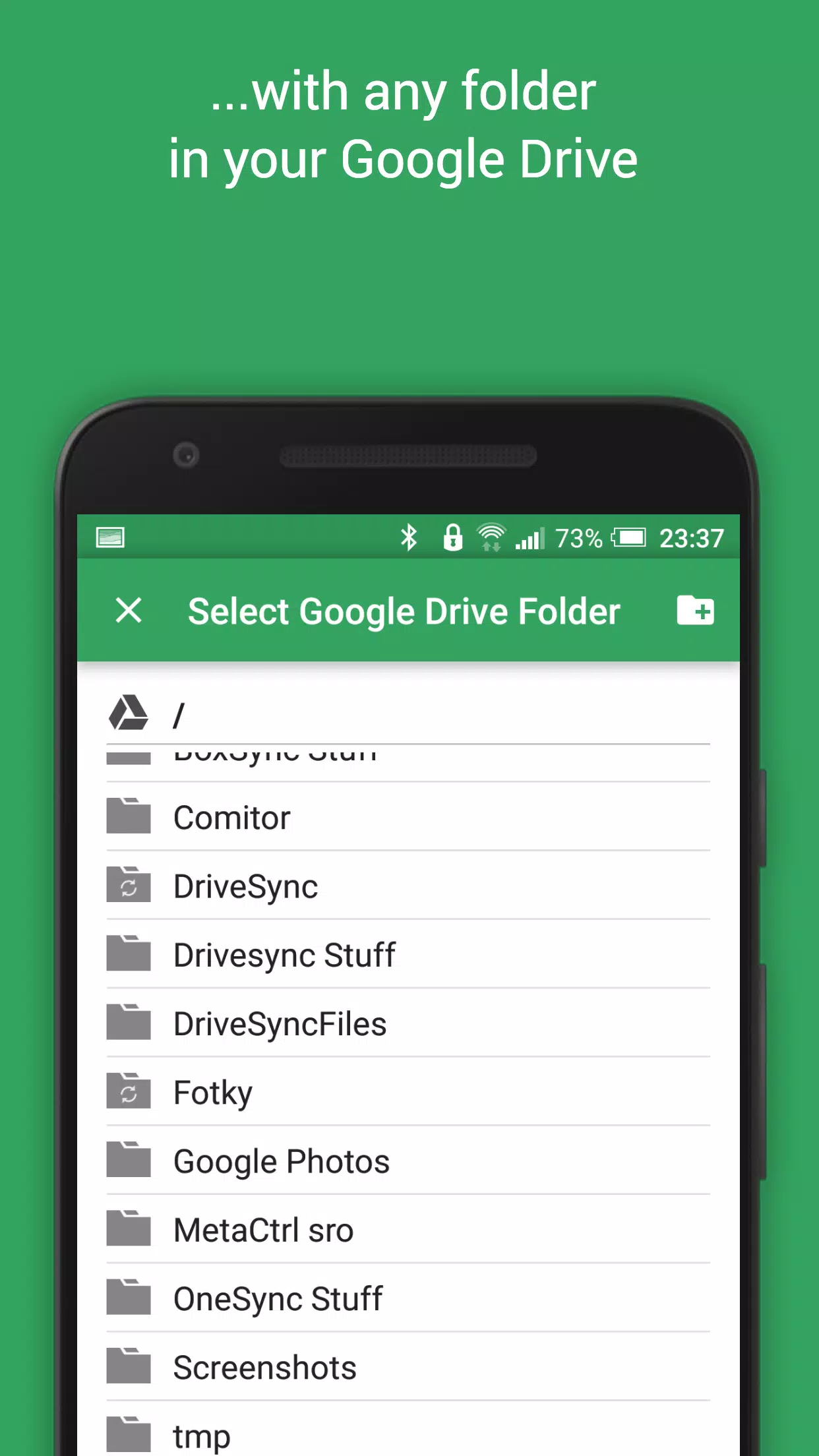
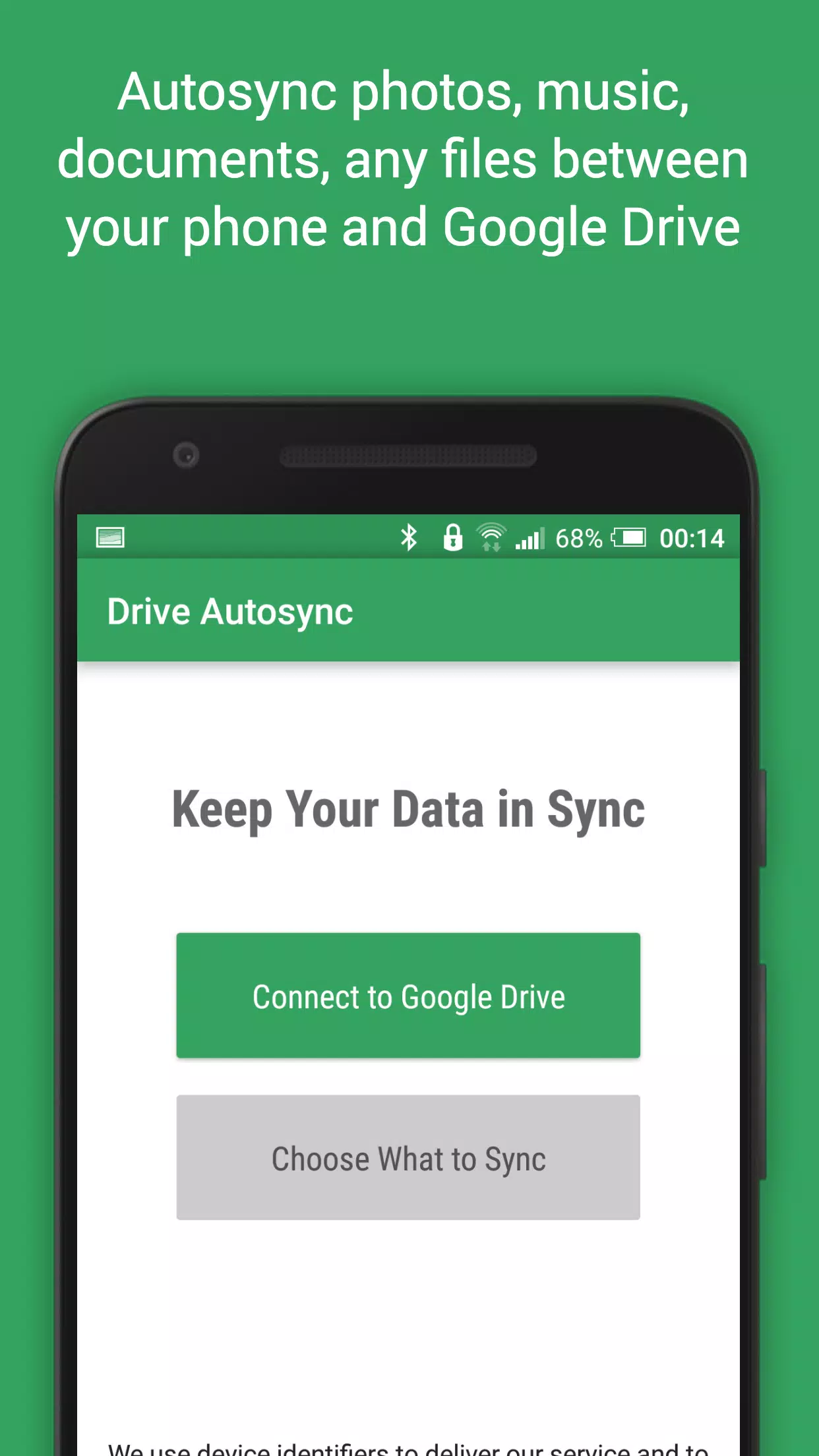
This app provides automatic file syncing and backup to Google Drive, seamlessly integrating your files across devices. It's perfect for photo syncing, document backup, and effortless file sharing.

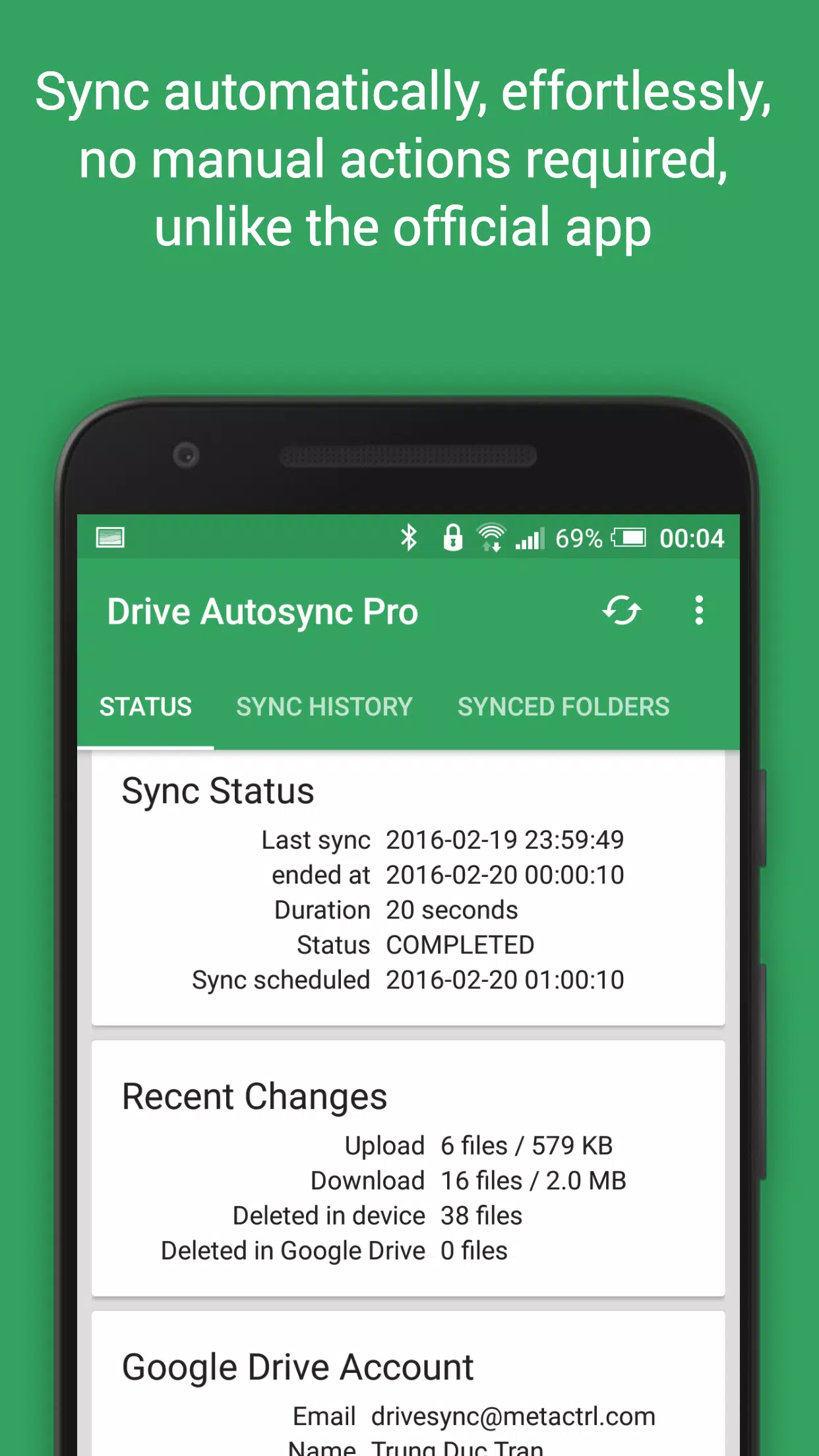
New files added to your cloud storage or device are automatically mirrored. Deleting a file in one location removes it from the other. This two-way sync works across multiple devices (phones, tablets, etc.) using the same Google Drive account. While this is standard for Google Drive on computers, it's notably absent from the official Android app – this app fills that gap.

Security is paramount. All data transfers are securely encrypted, and no data passes through the app's servers, ensuring your privacy.

Key Features:

  • Full Two-Way Sync: Automatic syncing of files and folders in both directions.
  • Efficient: Minimal battery consumption.
  • Easy Setup: Set it and forget it; files remain synchronized effortlessly.
  • Reliable: Maintains sync even with fluctuating network conditions.
  • Smart: Adapts syncing behavior based on battery level and network connectivity.
  • Customizable Sync Interval: Choose from various intervals (15 minutes, 30 minutes, hourly, etc.).

Consider upgrading to the premium version to support development and unlock advanced features. Upgrade via in-app purchase.

Premium Features:

  • Sync multiple folder pairs.
  • Upload files larger than 10 MB.
  • Sync your entire cloud account to a device folder.
  • Support for multiple accounts and shared drives.
  • App settings passcode protection.
  • Ad-free experience.
  • Direct email support from the developer.

Need Help?

Visit our website (http://metactrl.com/) for more information, including a user guide (http://metactrl.com/userguide/) and FAQ (http://metactrl.com/faq/). For issues or suggestions, email us at [email protected].
Screenshot
Autosync for Google Drive Screenshot 0
Autosync for Google Drive Screenshot 1
Autosync for Google Drive Screenshot 2
Autosync for Google Drive Screenshot 3
Latest Articles More
  • Top Palworld Mods You Need Now

    Palworld has emerged as a gaming phenomenon, selling over 8 million copies since launch. This creature-collecting survival title blends open-world exploration with base-building mechanics, keeping players engaged for hours. Alongside official updates

    Jan 10,2026
  • Hidden Memories: Dark Dome's New Mystery Game

    Dark Dome's ninth installment has arrived. Following a series of escape and mystery titles such as The Girl in the Window, Beyond the Room, and Escape from the Shadows, they present us with yet another enigma. Hidden Memories thrusts you directly int

    Jan 09,2026
  • Pokémon Go Adds Tinkatink for Horizons Season 2

    Tinkatink and its evolved forms debut in Pokémon Go for the first timeAdditional Paldea-region Pokémon will be appearing in the gamePlayers can earn numerous rewards during the eventThe Horizons Celebration returns to Pokémon Go, introducing Tinkatin

    Jan 09,2026
  • Covenant: The Last Flame Beginner Game Guide

    Covenant: The Last Flame is a captivating dark fantasy RPG where survival depends on navigating a realm overwhelmed by chaos, faith, and fire. New adventurers are plunged into a land where every choice counts—from character development and combat mas

    Jan 08,2026
  • Nintendo: Mario and Peach Are "Good Friends"

    Ever had one of those days that starts out perfectly normal, only to have everything you thought you knew completely turned upside down? That’s exactly how my day began this morning, when I sat down to work and stumbled upon a post claiming Mario and

    Jan 08,2026
  • Epic's Free Mobile Game: Hidden Folks

    Hidden Folks is this week's free game in the Epic Games Mobile Store. You can claim and play it at no cost until August 21, 2025. This worldwide giveaway is available for Android users.First launching in February 2017 on mobile, Linux, macOS, and Win

    Jan 08,2026