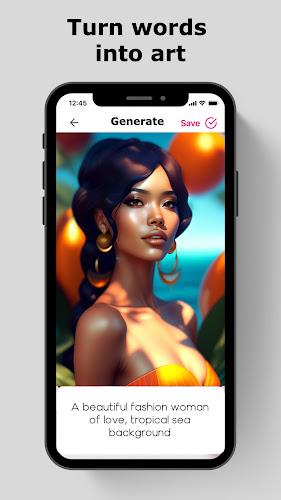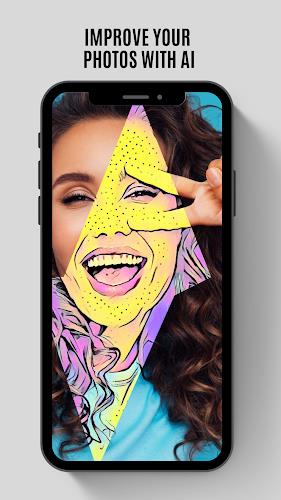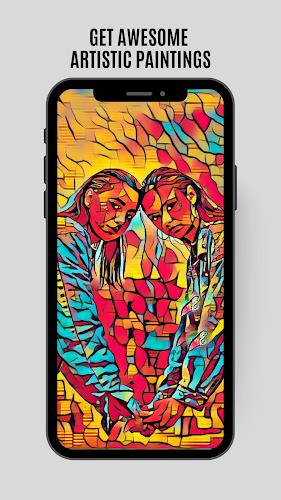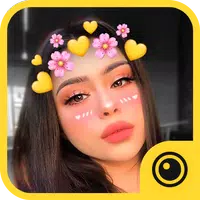
Art Filters: Photo to Painting is the ultimate app for transforming your ordinary photos into stunning works of art. With a wide variety of unique filters and effects, you can easily give your pictures an artistic touch. Whether you want to make your photo look like a pop-art masterpiece or a Van Gogh painting, this app has got you covered. It's incredibly user-friendly, allowing you to apply filters and effects with just one click. Turn your mobile phone gallery into an art gallery and make your photos stand out on social media. You can even use this app for house design and decoration. With over 400 amazing filters and features like automatic background removal and photo adjustments, the possibilities are endless. Express your creativity and share your masterpieces with the world with Art Filters: Photo to Painting.
Features of Art Filters: Photo to Painting:
- Variety of filters: The app offers over 400+ unique filters, including pop-art, oil painting, cartoon, pencil sketch, and watercolor effects. You can easily transform your photos into stunning pieces of art with just a click.
- User-friendly interface: The app is designed to be easy to use. Whether you want to select a photo from your gallery or snap a new one using your camera, creating artistic effects is as simple as pressing a button.
- Art gallery experience: Turn your mobile phone gallery into a virtual art gallery with filters inspired by famous artists. This lets you showcase your photos in a captivating way on social media platforms, attracting more engagements.
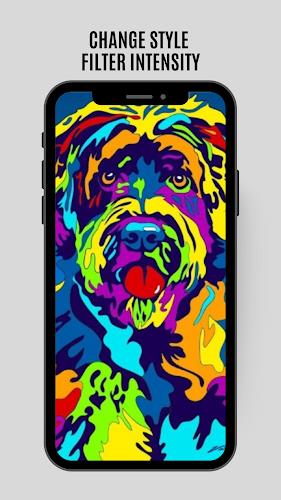
- High-quality adjustments: The app allows you to fine-tune the filters and effects to achieve the best outcome. You can balance contrast, saturation, brightness, shadows, temperature, and sharpness to make your pictures look like professionally crafted artwork.
- Versatile usage: Apart from enhancing photos, you can also use this app for house design creation, decoration, and changes. Each effect has its own style, atmosphere, mood, and unique features, providing versatility for various purposes.
- Additional tools: In addition to the wide range of filters, the app also provides photo adjustment tools like cropping and automatic image background removal. These features further enhance your photo editing experience.
Conclusion:
Art Filters: Photo to Painting allows you to transform your photos into amazing pieces of art. Turn your mobile phone gallery into an art gallery, capture attention on social media, and even use it for house design. Fine-tune your photos with high-quality adjustments and additional tools like cropping and background removal. Unleash your creativity and share your masterpieces effortlessly. Download now and express your artistic side with ease.