Use the DrawingAR app to trace images directly from your device's screen onto paper.
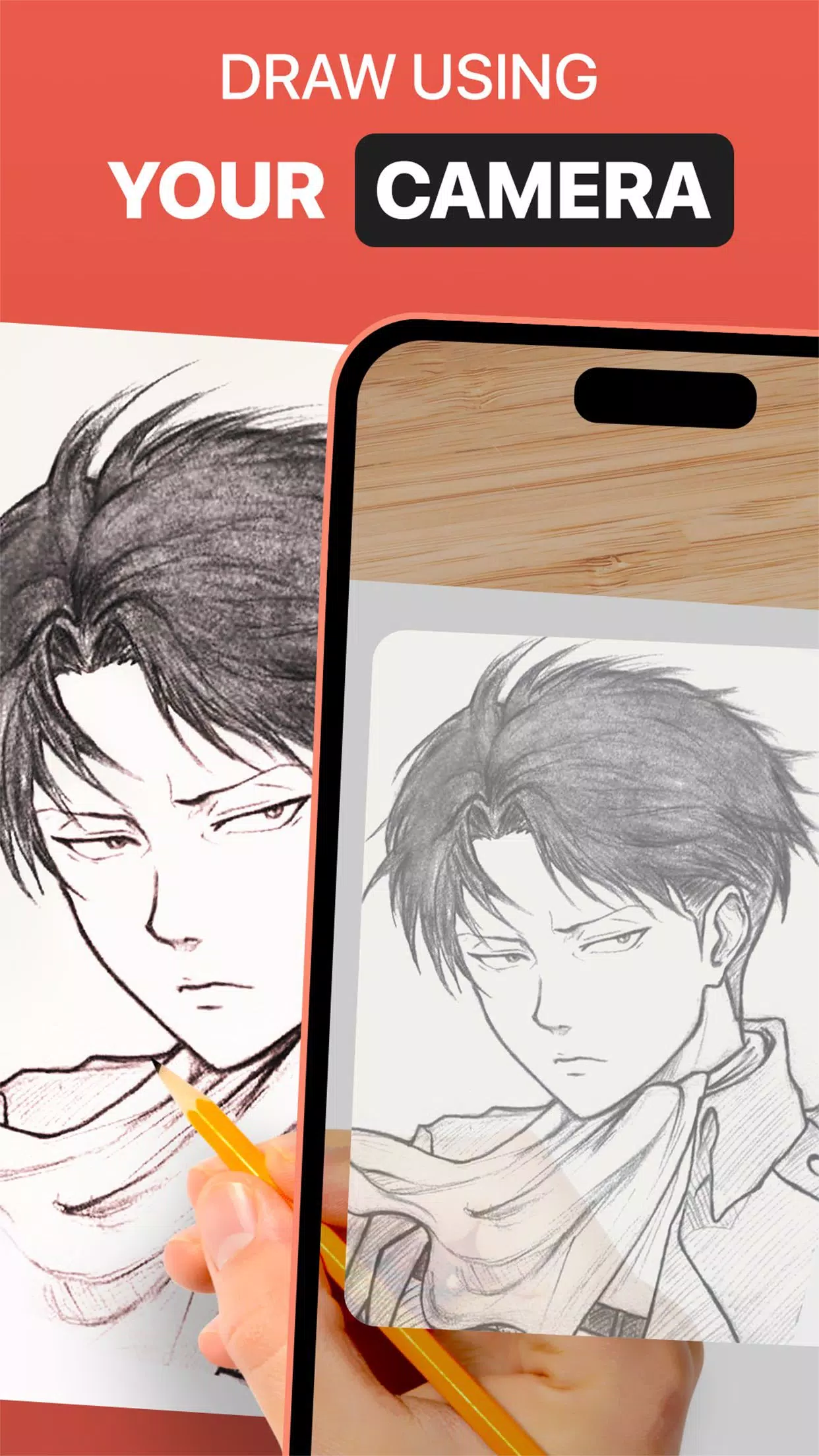
DrawingAR leverages augmented reality (AR) to project an image onto any surface, like paper. Simply follow the on-screen tracing lines as you draw, for a seamless guided experience.
The Easy Drawing feature allows you to import images from your gallery and overlay them with a transparent layer. Trace the sketch or image displayed on your screen to quickly reproduce it on paper.
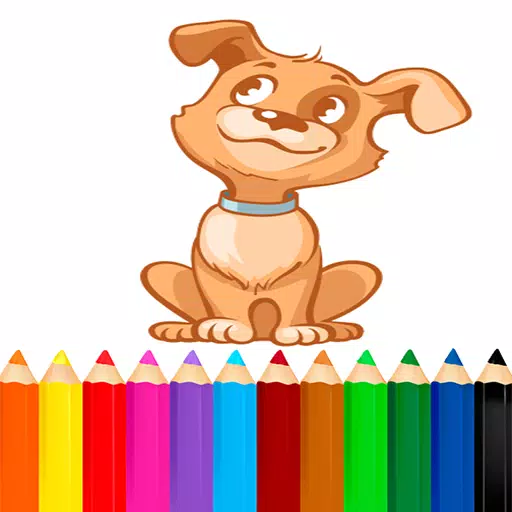
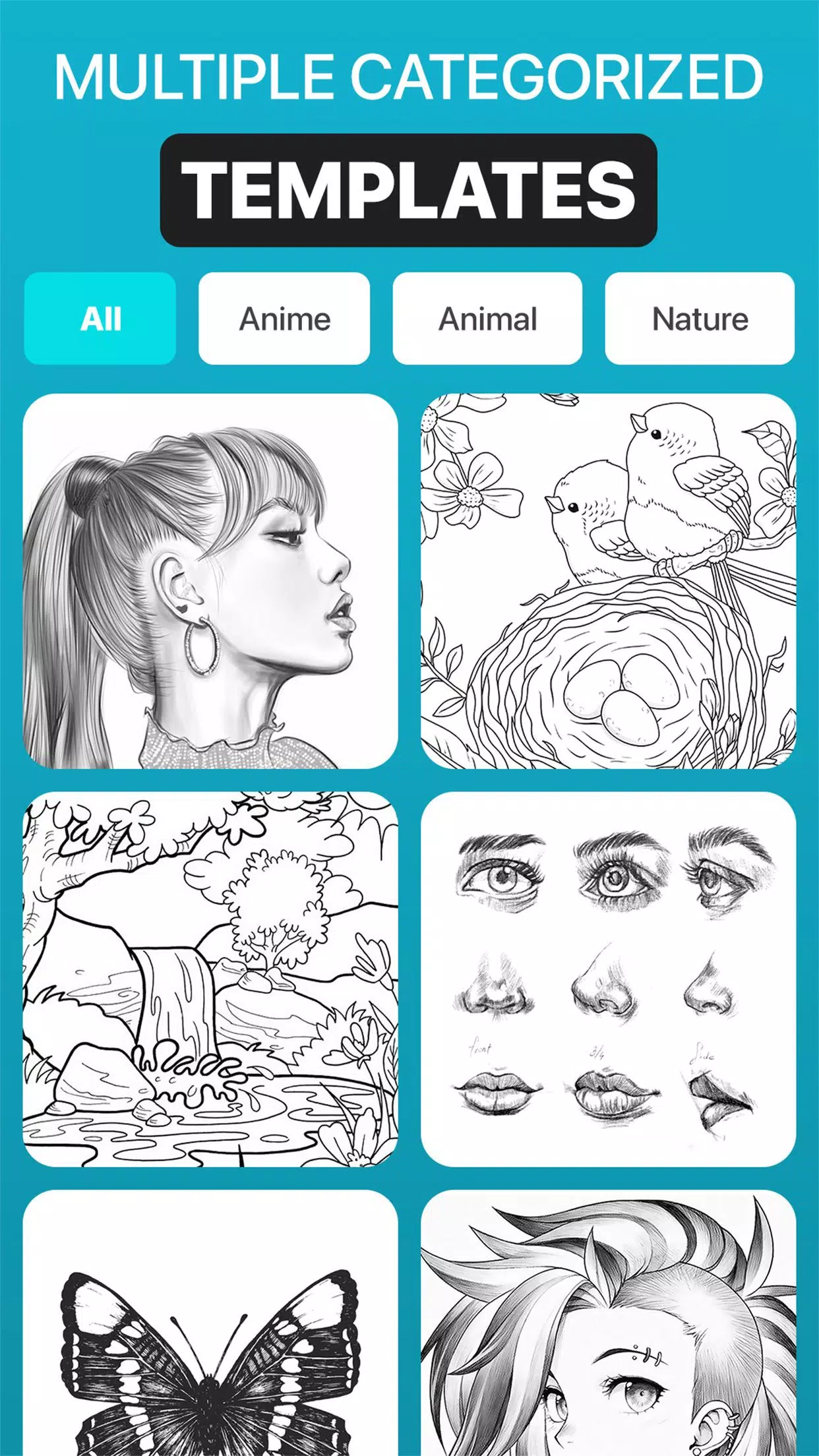
Our Sketch AR library includes hundreds of pre-defined images across multiple categories, including Animals, Cartoons, Foods, Birds, Trees, Rangolis, and many other sketches and drawings.
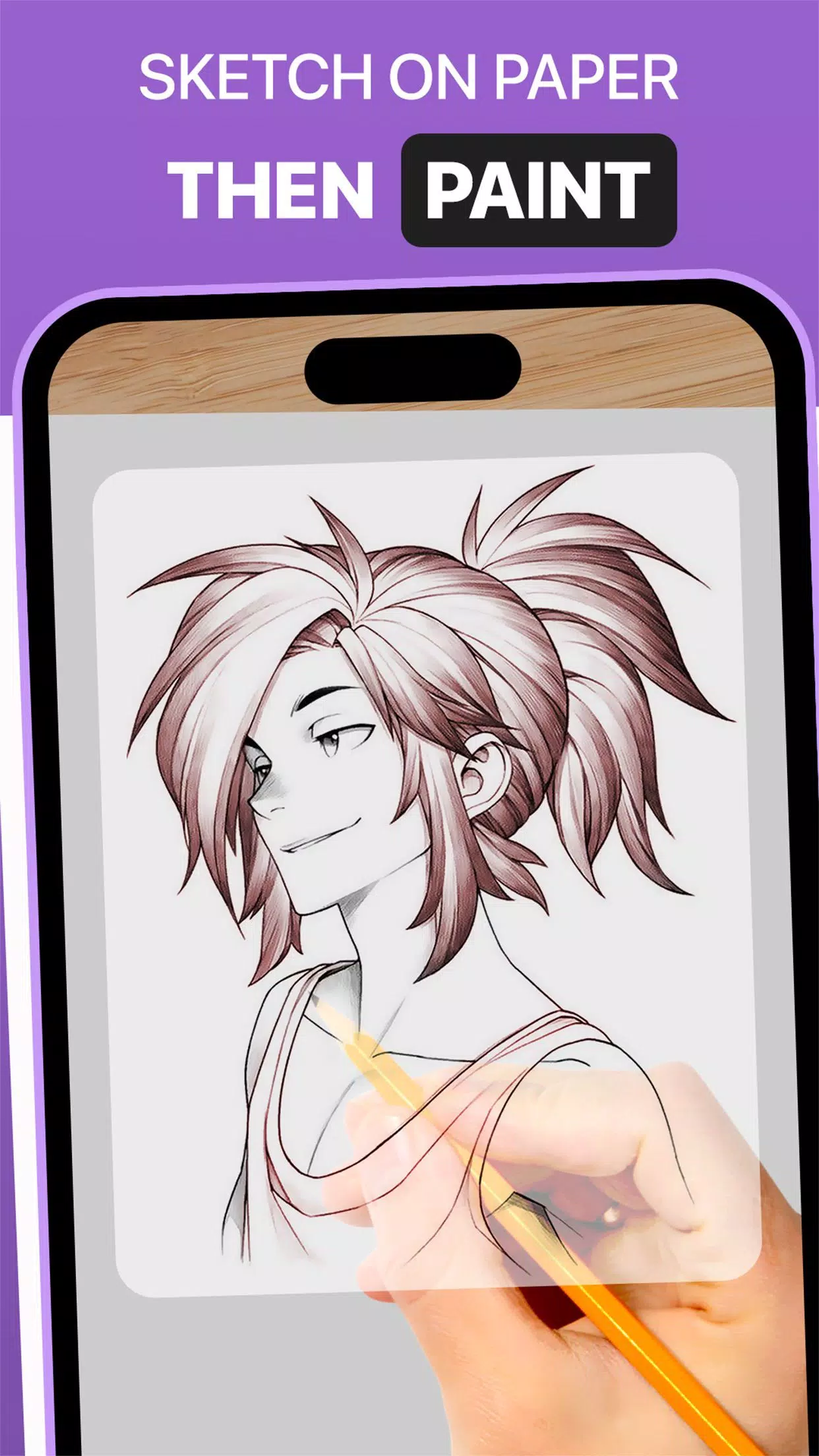
With Trace Anything, you can adjust image overlay opacity, zoom in and out, and select from various images to trace. Once your trace is complete, feel free to add color using tracing paper or a sketch pad.
➤ Key Features of the AR Drawing App:
1. Image Import: Import pictures or sketches from your photo library or capture them with the built-in camera, then use them as tracing references.
2. Image Overlay: Once an image is imported, it's overlaid on your screen with adjustable opacity, letting you see both the image and your paper at the same time. Fine-tune transparency for easy tracing.
3. Built-in Browser: Browse and import sketches or images directly within the app via the integrated browser—no need to download them separately.
4. Transparency Adjustment: Control the opacity of the overlaid image to match your tracing needs, making details more or less visible as you prefer.
5. Record Video: Use the in-app recording button to capture your tracing process in real time. A time-lapse feature is also available. Videos are saved to your device’s ‘Drawing AR’ folder.
6. Capture Images: Take snapshots of your traced drawing during or after the process. All images are stored in your gallery.
7. Simple Drawing UI: Enjoy an intuitive user interface designed with easy-to-use trace elements for effortless drawing.
➤ Steps to Use the AR Drawing App:
1. Download and launch the DrawingAR app on your mobile device.
2. Import or select the image you want to trace.
3. Place your paper or sketch pad in a well-lit area.
4. Adjust the image overlay and align it correctly on your screen.
5. Begin tracing the image onto paper, following its outlines and details.
This AR Drawing app is the perfect tool for artists, designers, and anyone looking to explore their creativity.


![Silv4Life Design [Blog & Shop]](https://img.al97.com/uploads/86/173464747667649eb4baf1c.webp)